Screenshots

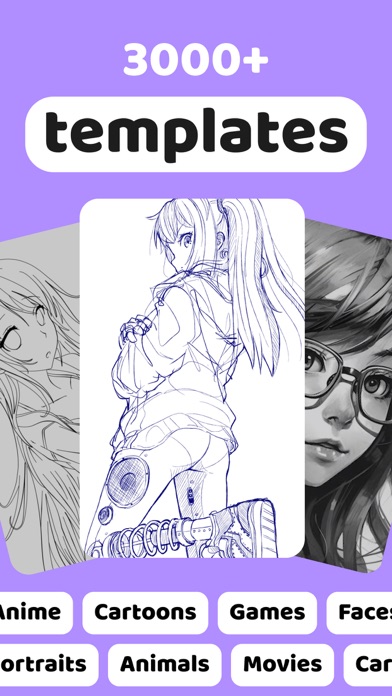

Icon palette
About this app
Meet AR Draw — the easiest way to start drawing with Video lessons and AR tracing. Open the app, pick a sketch, and follow step-by-step drawing guides that teach you how to draw from simple lines to confident artwork. AR Drawing: trace and sketch in real life Turn your phone into a smart drawing helper. Project a reference onto paper and trace it at your pace — perfect for learning sketch drawing, improving hand control, and building clean outlines. Whether you want quick sketches to draw or a longer drawing lesson, AR makes the first steps feel simple and fun. Video lessons: learn to draw step by step Want real progress, not random tutorials? Our structured drawing lessons help you learn to draw the right way: from basic shapes and lines to complete drawings you’ll be proud of. Every lesson is made to be easy to follow, clear, and practical — you draw along with the video, repeat th…
App details
What you can learn from AR Drawing How to Draw Sketch
Every shipping app on the App Store has gone through the same decisions you're working through right now: which screenshot goes first, what caption sits over it, which device frame to show, what color the background should be. The 3 screenshots above are AR Drawing How to Draw Sketch's answers to those questions — they're public, they're real, and they made it through Apple's review.
Notice the first screenshot in particular. It's the one users see in search results and on the product page, and it's where most apps spend their best caption and tightest design. Look at the proportion of background to phone, where the text sits, what one thing the image is trying to communicate.
Want to see how other Graphics & Design apps approach the same problem? Browse more Graphics & Design apps in the showcase.
Take what works into your own screenshots
Open LaunchShots and design your App Store & Google Play screenshots — pick a device frame, drop captions, ship in minutes. Free, in your browser.
Open the screenshot editor →