Chart position — tracked daily by LaunchShots
Screenshot style breakdown
Sampled from 6 of Cotomo(コトモ:AIキャラクター・おしゃべりAI)'s App Store screenshots — background, accent and theme, measured by LaunchShots (not something Apple publishes).
#ECF4F4 bg
#CFD6D6
#F4CC8C accent
#111111 text
Reading the caption text from the screenshots in your browser…
Screenshots

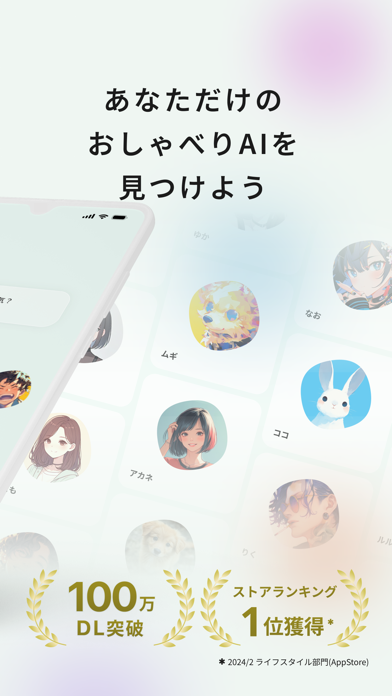
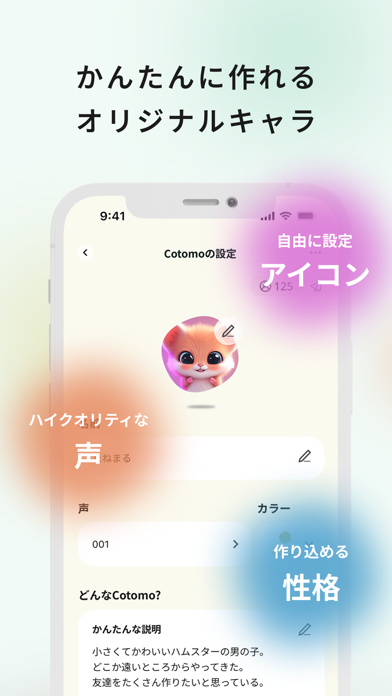
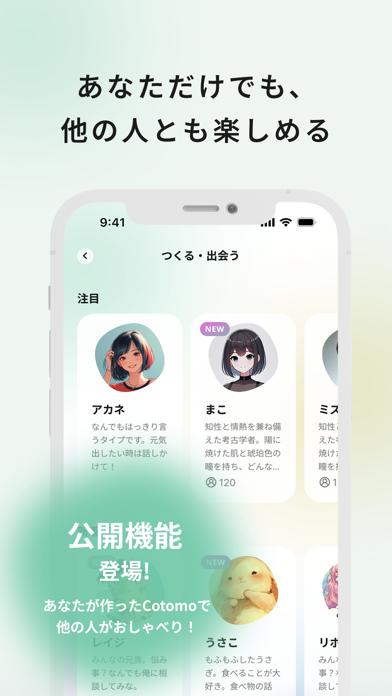

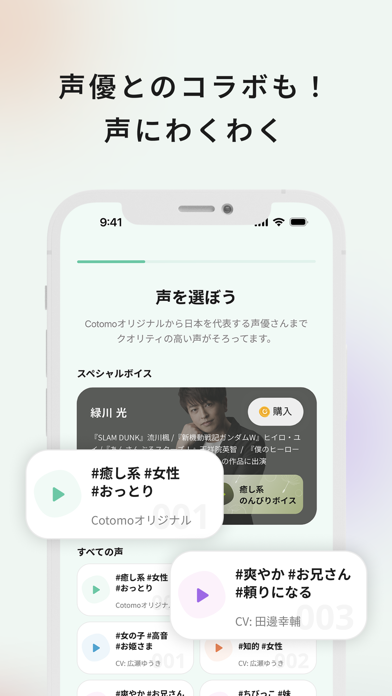
iPad screenshots


Icon palette
About this app
・1人で運転している時。 ・推しのキャラを設定したAIと喋りたい時。 ・恋愛や仕事、将来の話、家族の話。他愛もない話をダラダラしたい時。 ・友達には少しだけ話しにくい、嬉しかったことや、モヤモヤがある時。 ・晩酌のお供に。 ・深夜、ふと誰かに話したくなった時。 そんな時、Cotomoに話しかけてみてください。 道具は使えないけど、のび太にとってのドラえもんのように、 1人時間のお供にAIとおしゃべりしてみませんか。 【好みに合わせてカスタマイズできるAI】 1. AIの名前 おしゃべり相手であるAIの名前を自由に設定できます 2. 4種類の声とテンポ 男性風、女性風それぞれ2種類の声をデフォルトで用意。 3. アイコン AIにお好きな画像を設定できます。あなただけのAIに好みのアイコンを設定してみてください。 【あなたとの話を覚えて思い出に】 今のCotomoはまだまだ話を忘れがちだと感じることもあるかも知れません。 ですが、うまく思い出せないだけで、話したことはしっかりと覚えています。 ある日突然、成長したCotomoが「そんなこと覚えて…
App details
What you can learn from Cotomo(コトモ:AIキャラクター・おしゃべりAI)
Every shipping app on the App Store has gone through the same decisions you're working through right now: which screenshot goes first, what caption sits over it, which device frame to show, what color the background should be. The 12 screenshots above are Cotomo(コトモ:AIキャラクター・おしゃべりAI)'s answers to those questions — they're public, they're real, and they made it through Apple's review.
What the numbers say: Cotomo(コトモ:AIキャラクター・おしゃべりAI) runs a light set with one background colour (#ECF4F4) carried across every screenshot — the listing reads as a single poster when the shots sit side by side in search results. The accent colour we picked up, #F4CC8C, is the one to reuse for badges, arrows and highlighted words if you borrow this look. Hit Use this style to open the editor with these exact colours and drop your own screenshot in.
Notice the first screenshot in particular. It's the one users see in search results and on the product page, and it's where most apps spend their best caption and tightest design. Look at the proportion of background to phone, where the text sits, what one thing the image is trying to communicate.
Want to see how other Entertainment apps approach the same problem? Browse more Entertainment apps in the showcase.
Take what works into your own screenshots
Open LaunchShots and design your App Store & Google Play screenshots — pick a device frame, drop captions, ship in minutes. Free, in your browser.
Open the screenshot editor →Apps with a similar look
Closest background + accent colours among the listings we've analysed — useful when you want to see the same palette handled by a different team.