Screenshot style breakdown
Sampled from 6 of MOTTO GO バイクナビ-ツーリング・バイク-パイオニア's App Store screenshots — background, accent and theme, measured by LaunchShots (not something Apple publishes).
#BC1444 bg
#C5345E
#34C404 accent
#FFFFFF text
Reading the caption text from the screenshots in your browser…
Screenshots
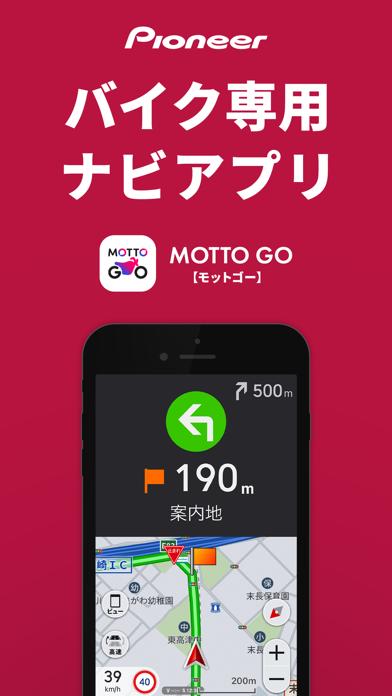
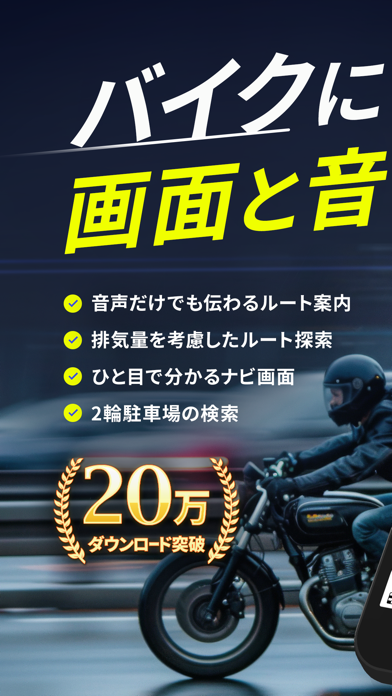
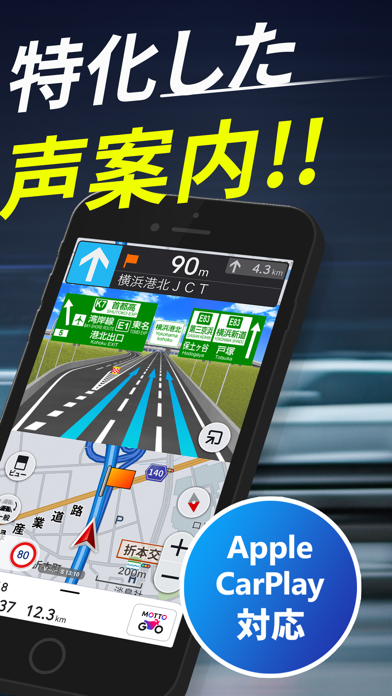
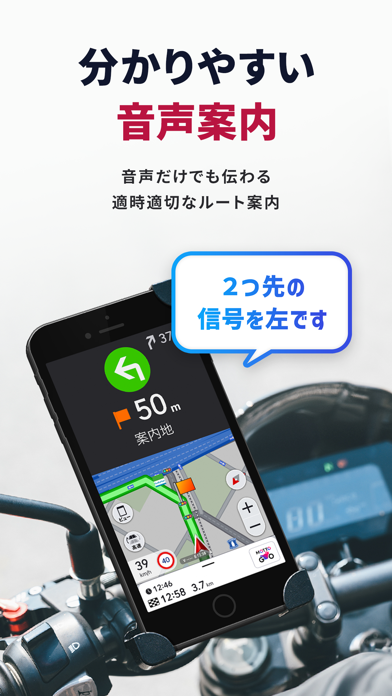
Icon palette
About this app
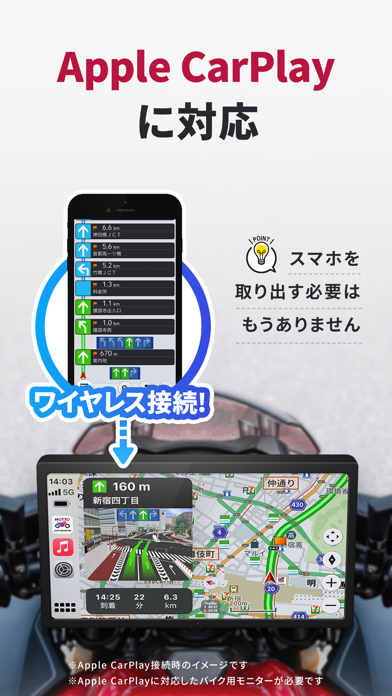
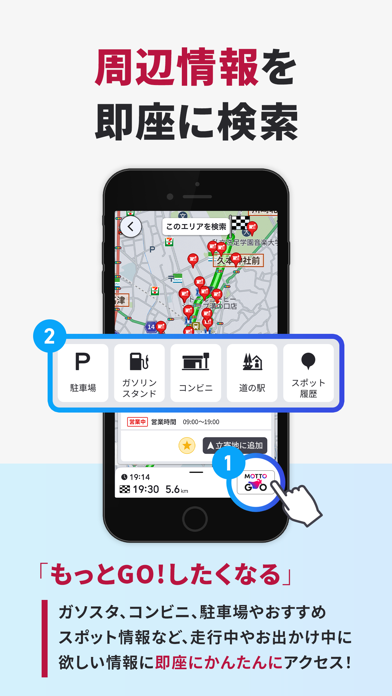
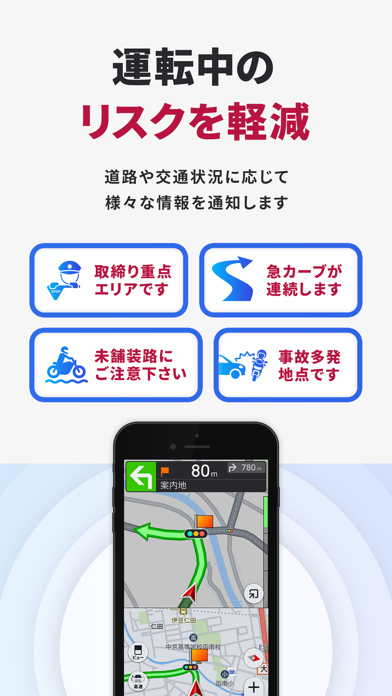
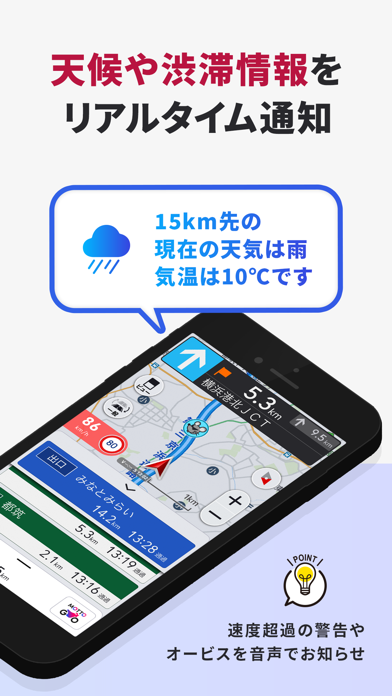
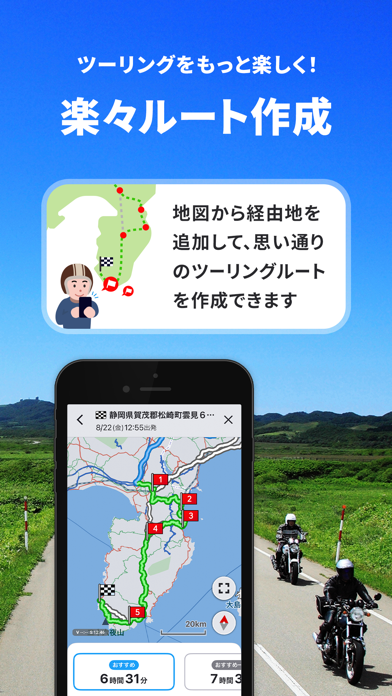
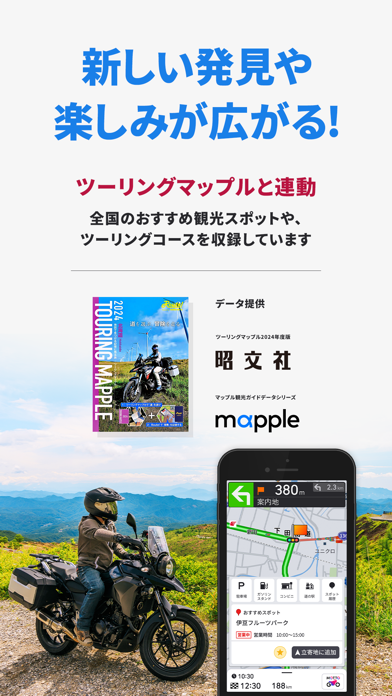
バイク専用ナビゲーションアプリ『MOTTO GO』 バイク向けに最適化された、わかりやすい音声案内とシンプルで見やすい画面表示を重視し設計。 渋滞、取り締まり、強風や急な雨などの必要な情報がいち早く分かり、さらに全国のツーリングスポット情報も収録、ライダーのニーズに応じた新しい体験を提供します。 <MOTTO GOの特徴と機能> 【ツーリングをより「安全快適」に!】 ・パイオニアのカロッツェリア技術を採用 ・バイク用にルートをチューニング ・細やかな音声案内と大きく見やすい画面表示でナビゲーション ・バイクの排気量区分に合わせたルート案内 ・バイク用駐車場の検索機能 ・事故多発地点、未舗装道路、急カーブなどのリスク情報を走行中にお知らせ ・周辺情報検索(駐車場/ガソリンスタンド/コンビニ/道の駅) ・CarPlay対応スマートモニター(ディスプレイ)と連携可能 ※排気量区分別のルート案内は、原付1種(50cc)対象外 ※地図データ提供:株式会社ゼンリン 駐車場データ提供:日本二輪車普及安全協会 【ツーリングをより「楽しく」】 …
App details
What you can learn from MOTTO GO バイクナビ-ツーリング・バイク-パイオニア
Every shipping app on the App Store has gone through the same decisions you're working through right now: which screenshot goes first, what caption sits over it, which device frame to show, what color the background should be. The 10 screenshots above are MOTTO GO バイクナビ-ツーリング・バイク-パイオニア's answers to those questions — they're public, they're real, and they made it through Apple's review.
What the numbers say: MOTTO GO バイクナビ-ツーリング・バイク-パイオニア runs a mixed light-and-dark set where the background shifts from screenshot to screenshot (first shot #BC1444) — each image has to stand on its own, so the captions carry more of the story. The accent colour we picked up, #34C404, is the one to reuse for badges, arrows and highlighted words if you borrow this look. Hit Use this style to open the editor with these exact colours and drop your own screenshot in.
Notice the first screenshot in particular. It's the one users see in search results and on the product page, and it's where most apps spend their best caption and tightest design. Look at the proportion of background to phone, where the text sits, what one thing the image is trying to communicate.
Want to see how other Navigation apps approach the same problem? Browse more Navigation apps in the showcase.
Take what works into your own screenshots
Open LaunchShots and design your App Store & Google Play screenshots — pick a device frame, drop captions, ship in minutes. Free, in your browser.
Open the screenshot editor →Apps with a similar look
Closest background + accent colours among the listings we've analysed — useful when you want to see the same palette handled by a different team.