Screenshots



iPad screenshots


Icon palette
About this app
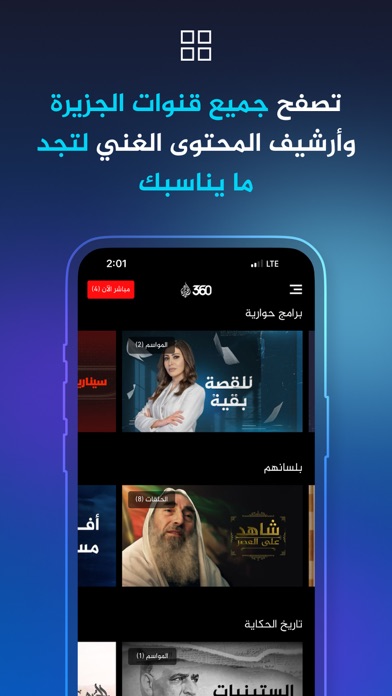
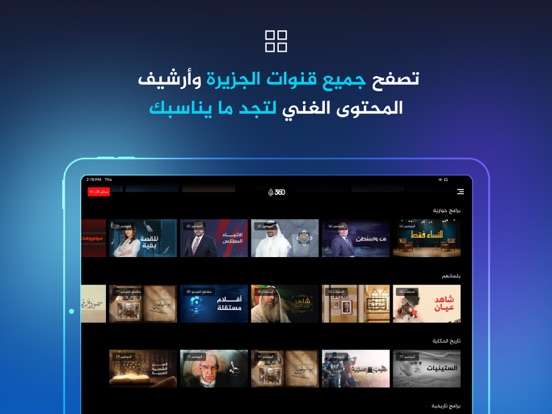
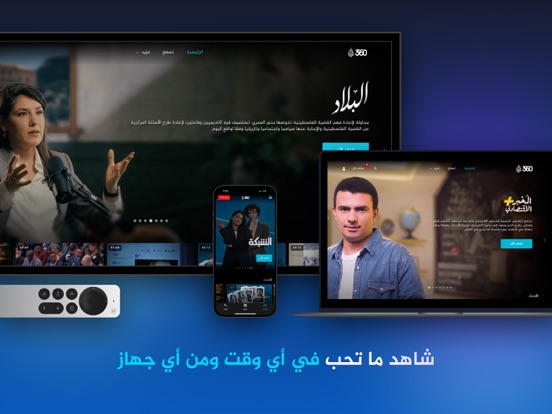
ابق على اطلاع مع تطبيق الجزيرة 360، مصدرك المفضل للأفلام ومجموعة متنوعة من البرامج السياسية والترفيهية والوثائقية والدرامية، بالإضافة إلى الأخبار العاجلة والتغطيات المتعمقة. انطلق في رحلة استثنائية مع تطبيق الجزيرة 360! اكتشف أسبابا لا تُقاوم لتنزيل التطبيق الآن! برامج جديدة حصرية: تمتع بالوصول إلى أفلام وبرامج حصرية لن تجدها في أي مكان آخر. أخبار مباشرة: شاهد البث الحي من شبكة الجزيرة بقنواتها المختلفة (الإنجليزية والعربية ومباشر والبلقان والوثائقية) واحصل على تحديثات في الوقت الفعلي للأخبار والأحداث العاجلة. تصفح الأرشيف: اكتشف الأرشيف التاريخي الغني لشبكة الجزيرة منذ تأسيسها كله في مكان واحد. توصيات المشاهدة: لن تتعب في البحث عن محتواك المفضل، اشترك في المنصة واحصل على اقتراحات محتوى مخصصة بناءً على اهتماماتك. مشاهدة دون اتصال بالإنترنت: حمّل المحتوى المفضل لديك لمشاهدته في أي وقت وفي أي مكان دون الحاجة إلى اتصال بالإنترنت. شاهد على جهازك المفضل: شاهد في أثناء التنقل باستخدام تطبيق ا…
App details
What you can learn from Al Jazeera 360 - الجزيرة 360
Every shipping app on the App Store has gone through the same decisions you're working through right now: which screenshot goes first, what caption sits over it, which device frame to show, what color the background should be. The 12 screenshots above are Al Jazeera 360 - الجزيرة 360's answers to those questions — they're public, they're real, and they made it through Apple's review.
Notice the first screenshot in particular. It's the one users see in search results and on the product page, and it's where most apps spend their best caption and tightest design. Look at the proportion of background to phone, where the text sits, what one thing the image is trying to communicate.
Want to see how other Entertainment apps approach the same problem? Browse more Entertainment apps in the showcase.
Take what works into your own screenshots
Open LaunchShots and design your App Store & Google Play screenshots — pick a device frame, drop captions, ship in minutes. Free, in your browser.
Open the screenshot editor →