Screenshots


Icon palette
About this app
Transform your English learning with Glite, your advanced English tutor designed to help you learn, speak and understand English like a native. Master English faster with Glite the language learning app built for intermediate and advanced learners who want to go beyond basic English lessons. Whether you’re improving your English grammar, building your vocabulary or training your speaking and writing skills, Glite helps you make measurable progress through every intermediate and advanced CEFR level: B1, B2, C1, and C2. Unlike other English learning apps that repeat simple drills, Glite focuses on real English how it’s spoken, written and understood in real life. Every lesson adapts to your goals and skill level so you can learn English free from outdated exercises and start thinking, speaking and understanding English naturally. --- GLITE KEY FEATURES ► Built for Advanced English Le…
App details
What you can learn from Speak & Learn English – Glite
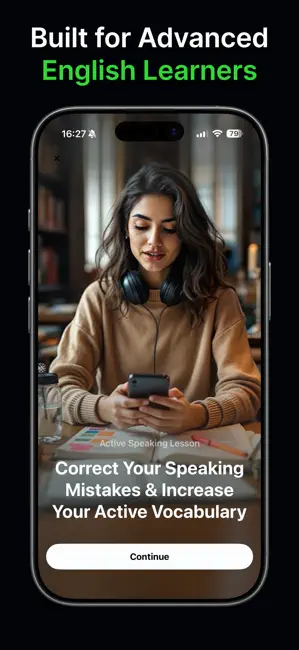
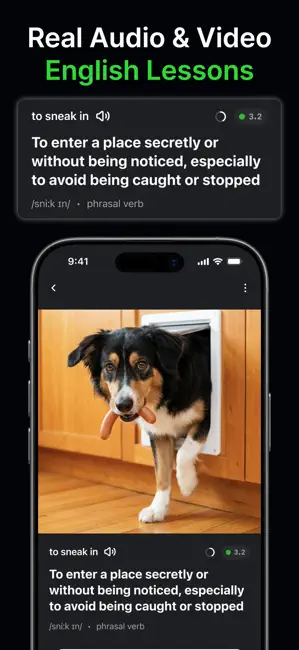
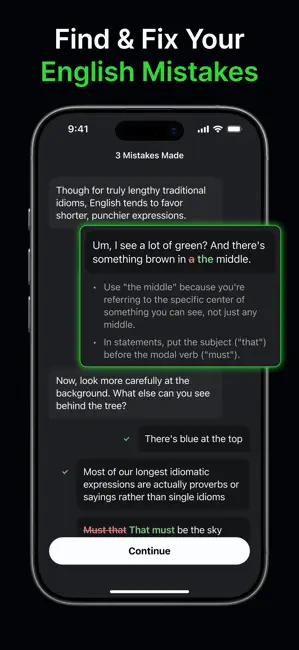
Every shipping app on the App Store has gone through the same decisions you're working through right now: which screenshot goes first, what caption sits over it, which device frame to show, what color the background should be. The 6 screenshots above are Speak & Learn English – Glite's answers to those questions — they're public, they're real, and they made it through Apple's review.
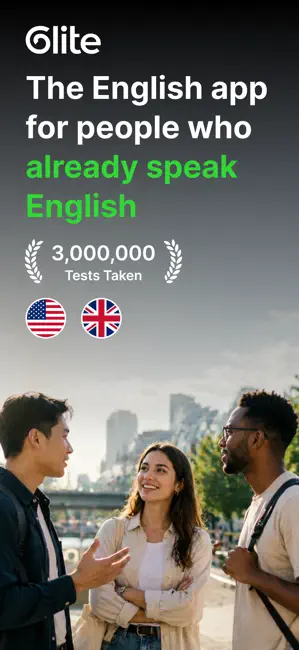
Notice the first screenshot in particular. It's the one users see in search results and on the product page, and it's where most apps spend their best caption and tightest design. Look at the proportion of background to phone, where the text sits, what one thing the image is trying to communicate.
Want to see how other Education apps approach the same problem? Browse more Education apps in the showcase.
Take what works into your own screenshots
Open LaunchShots and design your App Store & Google Play screenshots — pick a device frame, drop captions, ship in minutes. Free, in your browser.
Open the screenshot editor →