Screenshots



Icon palette
About this app
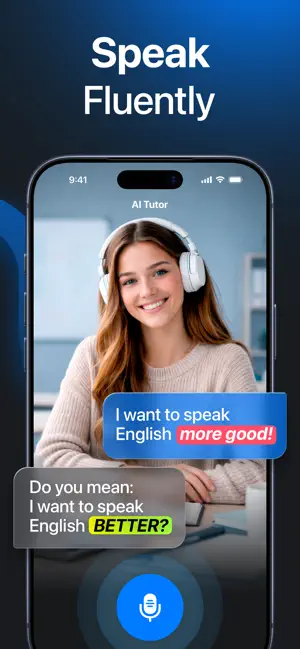
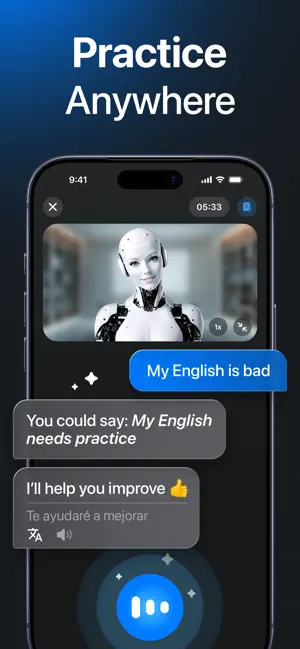
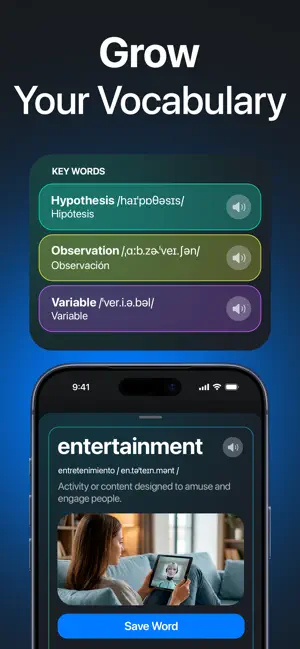
Need a proven guide to lead you to English fluency? Say hi to Fluentika, your personal AI coach that comes with interactive lessons and real-time feedback. Your language learning adventure starts for free. Fluentika is an app designed to improve your English speaking skills through communication with an AI bot. It’s like having a personal teacher by your side, making it simple to learn English at any level. You can practice your conversation skills on the go, wherever you are. Fluentika – speak freely, learn easily! You’ll enjoy what Fluentika has to offer, because you can: • Select your AI tutor Fluentika offers a range of AI coaches, each one tailored to make your language learning experience enjoyable and productive. Choose the tutor that best suits your style, and let them guide you through your English learning journey. • Get a customized study plan No matter your level, …
App details
What you can learn from English Learning - Fluentika
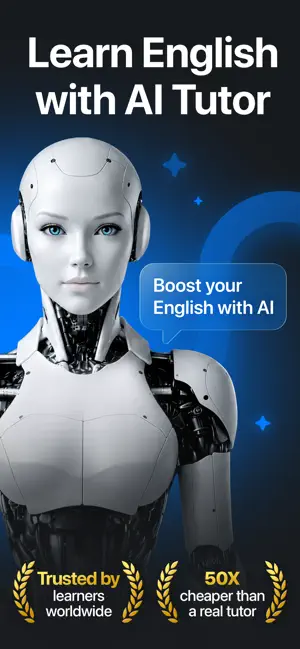
Every shipping app on the App Store has gone through the same decisions you're working through right now: which screenshot goes first, what caption sits over it, which device frame to show, what color the background should be. The 7 screenshots above are English Learning - Fluentika's answers to those questions — they're public, they're real, and they made it through Apple's review.
Notice the first screenshot in particular. It's the one users see in search results and on the product page, and it's where most apps spend their best caption and tightest design. Look at the proportion of background to phone, where the text sits, what one thing the image is trying to communicate.
Want to see how other Education apps approach the same problem? Browse more Education apps in the showcase.
Take what works into your own screenshots
Open LaunchShots and design your App Store & Google Play screenshots — pick a device frame, drop captions, ship in minutes. Free, in your browser.
Open the screenshot editor →