Screenshots

Icon palette
About this app
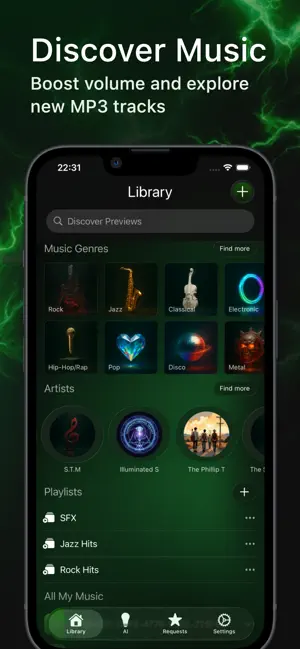
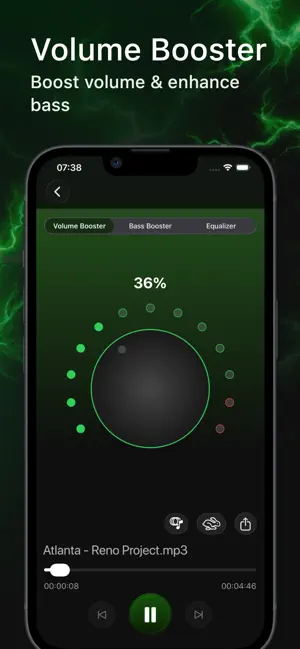
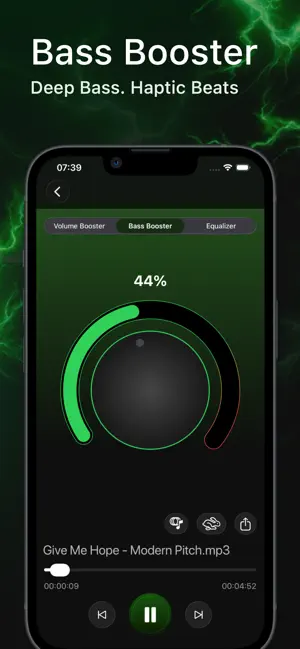
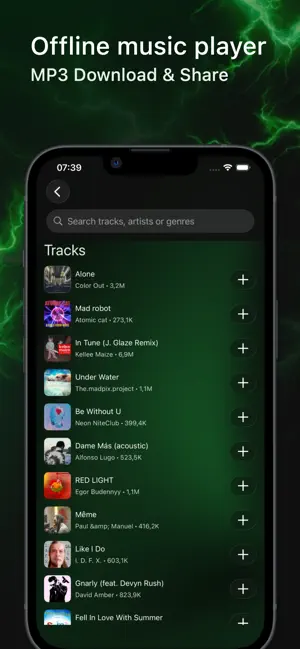
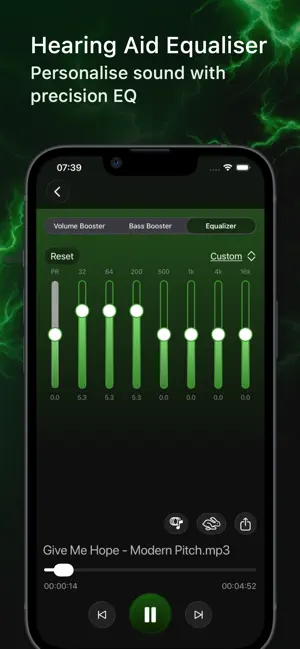
Volume Booster is your all-in-one sound booster and audio enhancer with a studio-grade bass booster and music equalizer. Fine-tune every track, add punchy low-end, download and share your audio, and use the haptic player to feel the beat in real time—online or offline. 1. Volume Booster & Amplifier Instantly increase volume with smart limiting to help reduce clipping. 2. Bass Booster & Pro Equalizer Add depth with dedicated bass boost controls and a fully customizable equalizer (presets + advanced sliders) for precise tone shaping. 3. AI-Powered Audio Enhancement Intelligent processing cleans, clarifies, and lifts your sound for a crisp, dynamic mix—perfect for music and podcasts. 4. Haptic Player (Feel the Beat) Subtle, rhythm-aware haptics sync to your playback so you don’t just hear the groove—you feel it. 5. Discover Music Explore curated selections and trending tracks to find …
App details
What you can learn from Equalizer Volume - Bass Boost
Every shipping app on the App Store has gone through the same decisions you're working through right now: which screenshot goes first, what caption sits over it, which device frame to show, what color the background should be. The 6 screenshots above are Equalizer Volume - Bass Boost's answers to those questions — they're public, they're real, and they made it through Apple's review.
Notice the first screenshot in particular. It's the one users see in search results and on the product page, and it's where most apps spend their best caption and tightest design. Look at the proportion of background to phone, where the text sits, what one thing the image is trying to communicate.
Want to see how other Music apps approach the same problem? Browse more Music apps in the showcase.
Take what works into your own screenshots
Open LaunchShots and design your App Store & Google Play screenshots — pick a device frame, drop captions, ship in minutes. Free, in your browser.
Open the screenshot editor →