Screenshots
Icon palette
About this app
Step into the exciting realm of Supanova Comic Con & Gaming with our ultimate all-in-one app, crafted to supa-charge your experience both at the event and beyond! Whether you’re a die-hard Supa-Fan or a curious newcomer to the vibrant world of pop culture, gaming, cosplay, and fandom, our app is your ticket to an unforgettable adventure! From seamless ticket purchases to guest info and scheduling, plus show exclusives, gaming, cosplay, and so much more – it’s all just a tap away! Key Features: 1. Ticketing: Forget the queues! Grab your tickets, photo ops, and signature tokens through the app with a few simple taps. Hit the links in our Supa-Star bios and be directed straight to our ticketing platform. 2. Supa-Star and Guest Information: Dive into the world of our Supa-Stars! Our app lets you effortlessly explore detailed bios, schedules for panels, and photo opportunities. Stay in th…
App details
What you can learn from Supanova Comic Con & Gaming
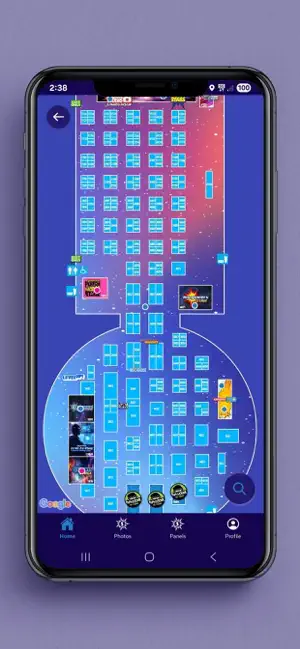
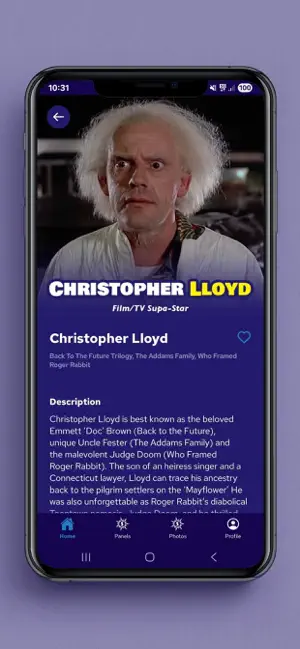
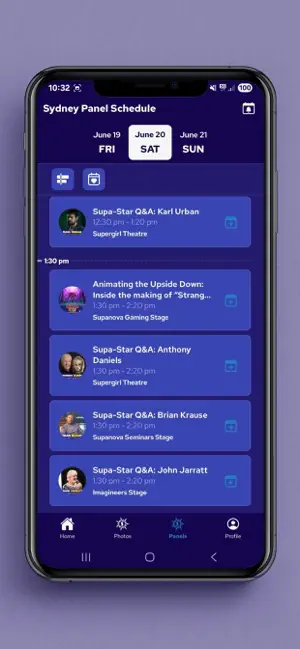
Every shipping app on the App Store has gone through the same decisions you're working through right now: which screenshot goes first, what caption sits over it, which device frame to show, what color the background should be. The 3 screenshots above are Supanova Comic Con & Gaming's answers to those questions — they're public, they're real, and they made it through Apple's review.
Notice the first screenshot in particular. It's the one users see in search results and on the product page, and it's where most apps spend their best caption and tightest design. Look at the proportion of background to phone, where the text sits, what one thing the image is trying to communicate.
Want to see how other Entertainment apps approach the same problem? Browse more Entertainment apps in the showcase.
Take what works into your own screenshots
Open LaunchShots and design your App Store & Google Play screenshots — pick a device frame, drop captions, ship in minutes. Free, in your browser.
Open the screenshot editor →