Screenshots



Icon palette
About this app
Grok is an AI-powered assistant, developed by xAI, designed to be maximally truthful, useful, and curious. Get answers to any question, generate striking images and videos, and let Grok search the web and X for you to gain a deeper understanding of the world. With Grok, the universe is in your hands! AI assistant - Ask anything and get fast replies, have Grok do deep research on the web for you, or solve the hardest problems in math, science, and coding with Grok 4. - Upload documents and photos, or paste links in the chat to have Grok analyze or help you understand the content. Grok Imagine - Imagine is a new, super fast, groundbreaking AI image and video generation experience. - Generate 6-second videos with sound from text prompts, and turn static photos into videos. - Generate AI images using only your voice. Grok Voice Mode - Talk to Grok using your voice and get natural soundi…
App details
What you can learn from Grok - AI Chat & Video
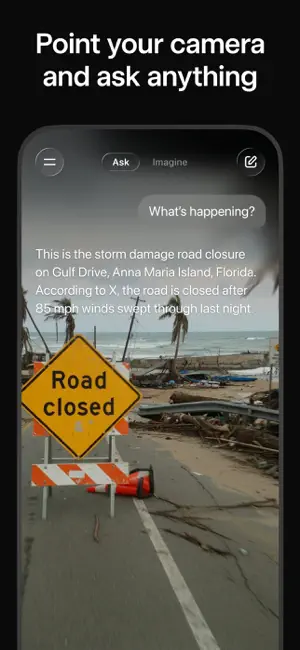
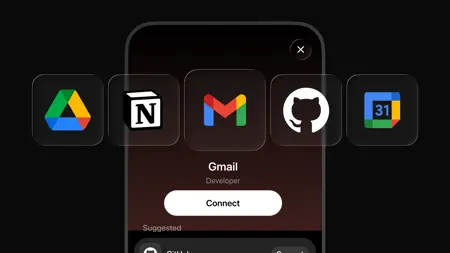
Every shipping app on the App Store has gone through the same decisions you're working through right now: which screenshot goes first, what caption sits over it, which device frame to show, what color the background should be. The 7 screenshots above are Grok - AI Chat & Video's answers to those questions — they're public, they're real, and they made it through Apple's review.
Notice the first screenshot in particular. It's the one users see in search results and on the product page, and it's where most apps spend their best caption and tightest design. Look at the proportion of background to phone, where the text sits, what one thing the image is trying to communicate.
Want to see how other Productivity apps approach the same problem? Browse more Productivity apps in the showcase.
Take what works into your own screenshots
Open LaunchShots and design your App Store & Google Play screenshots — pick a device frame, drop captions, ship in minutes. Free, in your browser.
Open the screenshot editor →