Chart position — tracked daily by LaunchShots
Screenshot changes — detected by LaunchShots
Screenshot style breakdown
Sampled from 6 of 微店店长版's App Store screenshots — background, accent and theme, measured by LaunchShots (not something Apple publishes).
#FC7CAC bg
#DD6D97
#FC2454 accent
#111111 text
Screenshots


iPad screenshots


Icon palette
About this app
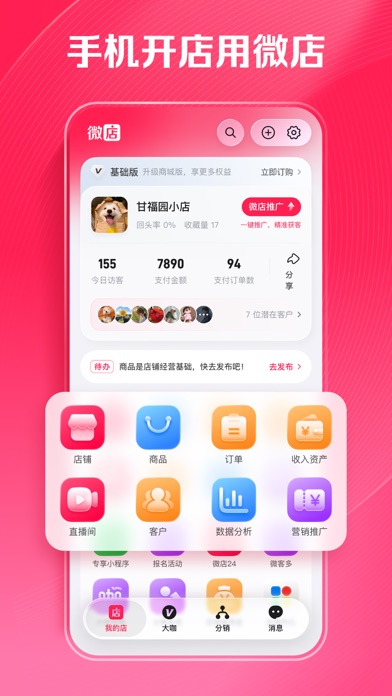
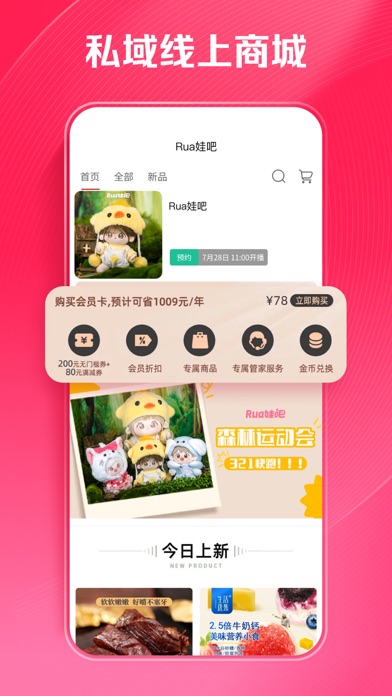
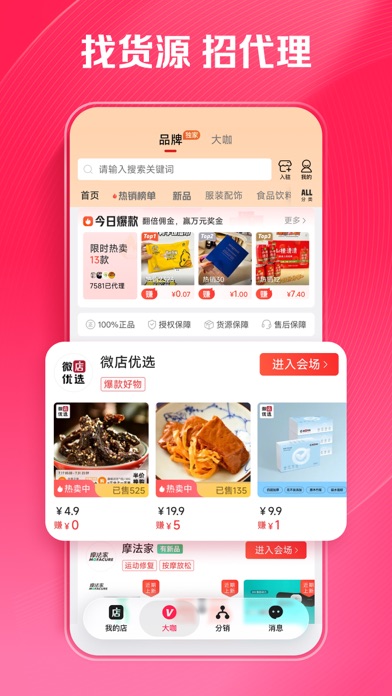
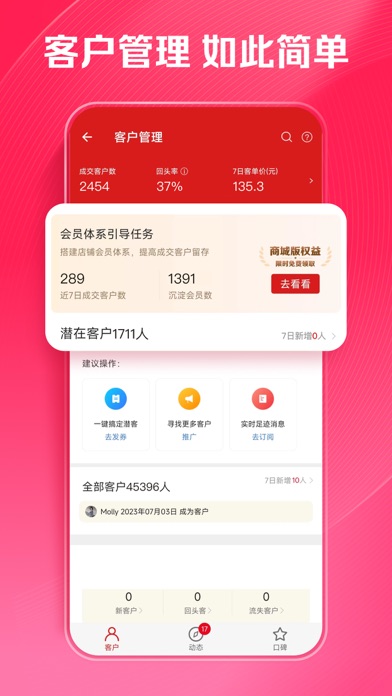
【微店店长版】9000万微店店主的共同选择! 帮助商家在微信生态一键搭建微商城,手机轻松开店,多渠道引流卖货。 微信开店就用微店,满足您在小程序、朋友圈、公众号、视频号、支付宝、企业微信等多平台多场景开店经营,统一管理,多渠道引流卖货,9000万微店店主的共同选择! 提供直播卖货、社交营销、分销卖货、供应链货源、全域营销、会员管理等全方位私域电商解决方案.帮助全行业商家玩转社交流量,搭建销售网络,一站式解决社交网络开店所有问题。 【1分钟 0元极速开店】 1分钟一键生成店铺,开启属于你的微店微商城 【多场景行业商城解决方案】 多种线上商城轻松搭建: : H5商城、小程序微商城、微店APP、分销商城,1w+行业模版、50+装修模块、品牌期间商城、节日营销模版、朋友圈宣传素材; 多种裂变及营销工具扩大生意经营,微店新零售线上线下一体化解决方案;微店连锁版支持多门店连锁商家拓展线上销售渠道; 多行业解决方案:直播电商、知识付费,外卖点单、同城配送、到店自提、生鲜称重、跨境电商、上车团等助力母婴、美妆饰品、食品饮料、数码家电、…
App details
What you can learn from 微店店长版
Every shipping app on the App Store has gone through the same decisions you're working through right now: which screenshot goes first, what caption sits over it, which device frame to show, what color the background should be. The 10 screenshots above are 微店店长版's answers to those questions — they're public, they're real, and they made it through Apple's review.
What the numbers say: 微店店长版 runs a light set with one background colour (#FC7CAC) carried across every screenshot — the listing reads as a single poster when the shots sit side by side in search results. The accent colour we picked up, #FC2454, is the one to reuse for badges, arrows and highlighted words if you borrow this look. Hit Use this style to open the editor with these exact colours and drop your own screenshot in.
Notice the first screenshot in particular. It's the one users see in search results and on the product page, and it's where most apps spend their best caption and tightest design. Look at the proportion of background to phone, where the text sits, what one thing the image is trying to communicate.
Want to see how other Business apps approach the same problem? Browse more Business apps in the showcase.
Take what works into your own screenshots
Open LaunchShots and design your App Store & Google Play screenshots — pick a device frame, drop captions, ship in minutes. Free, in your browser.
Open the screenshot editor →Apps with a similar look
Closest background + accent colours among the listings we've analysed — useful when you want to see the same palette handled by a different team.