Screenshots
Icon palette
About this app
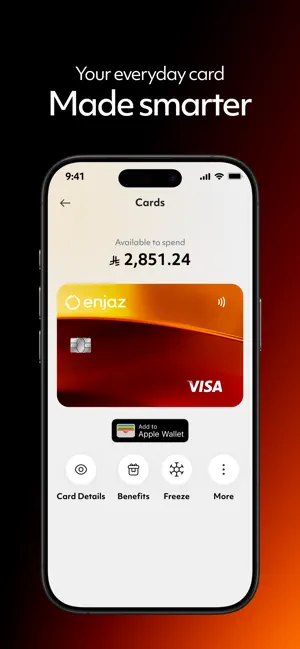
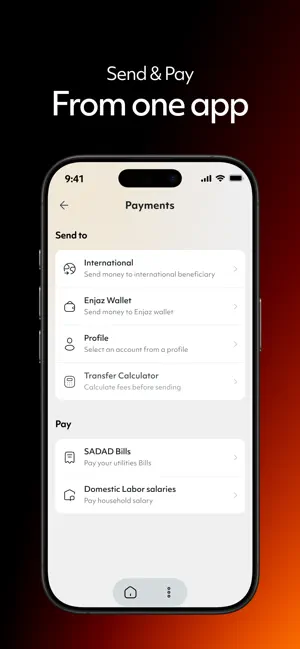
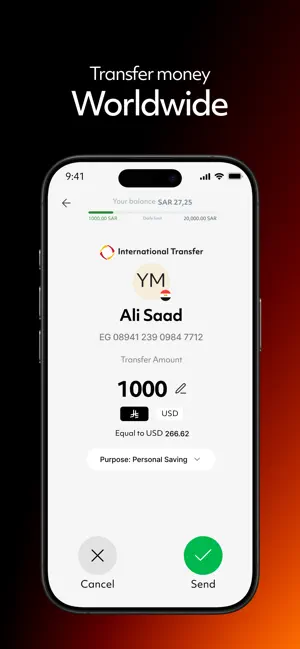
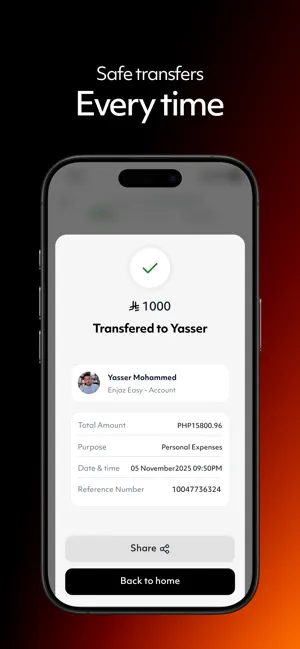
Send money anywhere, pay for everything, manage it all - Join millions of users who trust Enjaz to move their money smarter, faster and more securely. Send money worldwide instantly - Transfer internationally in seconds. Choose from trusted providers including Enjaz Easy, Western Union, Transfast, and SWIFT — with competitive rates and fast delivery to over 200 countries. Instant local transfers - Transfer instantly to any bank in Saudi Arabia with just a few taps. Wallet to wallet transfers - Send money to friends and family who use Enjaz — instantly and without fees. Pay and spend your way with Enjaz Card - Use your Enjaz card across Saudi Arabia and abroad. Add it to Apple Pay for fast and secure payments, online and in store. SADAD bill payments - Pay all your bills in one place, from utilities to telecom and other services, through the national SADAD system. Labor salaries - Pay do…
App details
What you can learn from Enjaz Pay
Every shipping app on the App Store has gone through the same decisions you're working through right now: which screenshot goes first, what caption sits over it, which device frame to show, what color the background should be. The 4 screenshots above are Enjaz Pay's answers to those questions — they're public, they're real, and they made it through Apple's review.
Notice the first screenshot in particular. It's the one users see in search results and on the product page, and it's where most apps spend their best caption and tightest design. Look at the proportion of background to phone, where the text sits, what one thing the image is trying to communicate.
Want to see how other Finance apps approach the same problem? Browse more Finance apps in the showcase.
Take what works into your own screenshots
Open LaunchShots and design your App Store & Google Play screenshots — pick a device frame, drop captions, ship in minutes. Free, in your browser.
Open the screenshot editor →