Screenshots
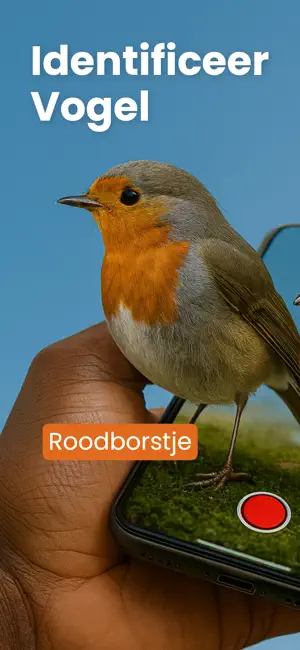
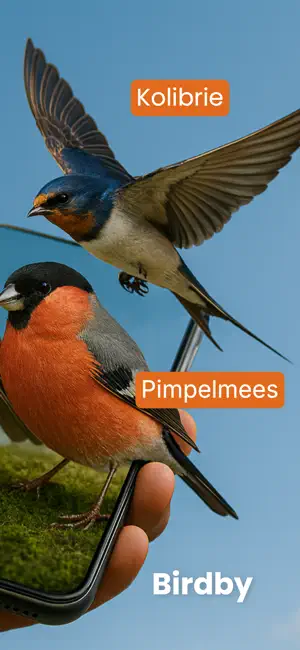
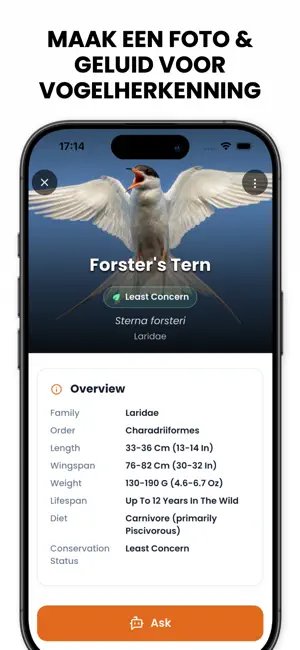
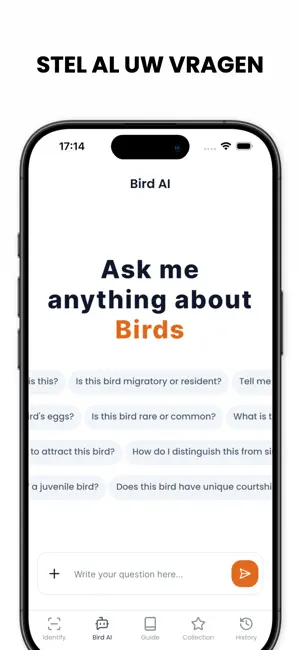
Icon palette
About this app
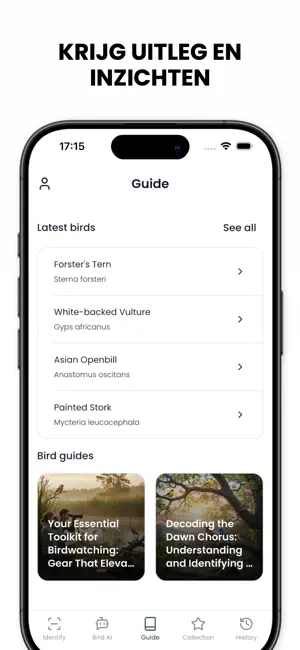
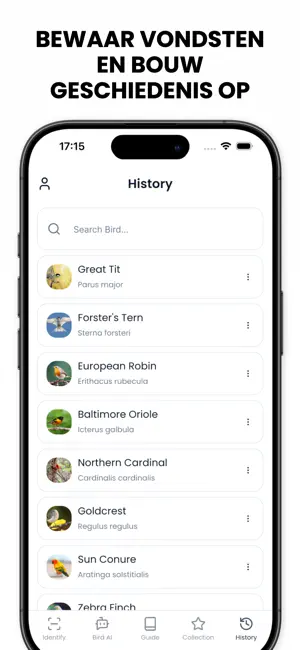
IDENTIFICEER ELKE VOGEL IN SECONDEN MET AI Vraag je je af welke vogel daar net overvloog of welk geluid je hoort in de bomen? Richt je camera en Birdby's geavanceerde kunstmatige intelligentie vertelt je precies welke soort je bekijkt. Van veelvoorkomende tuinvogels tot zeldzame trekvogels — krijg direct nauwkeurige resultaten. HERKEN VOGELS MET EEN FOTO Maak een foto of upload er een uit je galerij — Birdby analyseert het verenkleed, de lichaamsvorm, de snavelstructuur en de kleuring om een nauwkeurige soortmatch te leveren. Ons AI-model is getraind op miljoenen geverifieerde vogelafbeeldingen en dekt meer dan 10.000 soorten wereldwijd. Of je nu een buizerd boven een weiland ziet zweven of een koolmees aan je voederhuisje — je hebt binnen seconden een antwoord. HERKEN VOGELS AAN HUN GELUID Hoor je iets moois maar kun je de vogel niet zien? Tik op de audioknop en laat Birdby luistere…
App details
What you can learn from Vogels Herkennen AI - Birdby
Every shipping app on the App Store has gone through the same decisions you're working through right now: which screenshot goes first, what caption sits over it, which device frame to show, what color the background should be. The 6 screenshots above are Vogels Herkennen AI - Birdby's answers to those questions — they're public, they're real, and they made it through Apple's review.
Notice the first screenshot in particular. It's the one users see in search results and on the product page, and it's where most apps spend their best caption and tightest design. Look at the proportion of background to phone, where the text sits, what one thing the image is trying to communicate.
Want to see how other Reference apps approach the same problem? Browse more Reference apps in the showcase.
Take what works into your own screenshots
Open LaunchShots and design your App Store & Google Play screenshots — pick a device frame, drop captions, ship in minutes. Free, in your browser.
Open the screenshot editor →