Screenshots

Icon palette
About this app
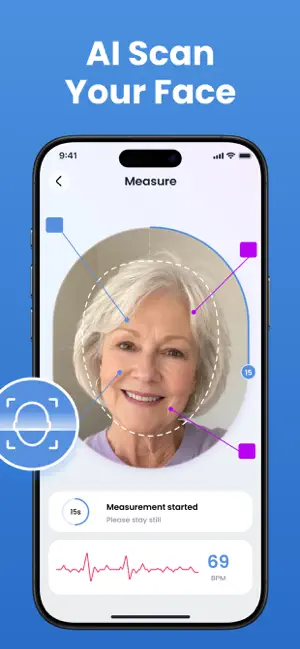
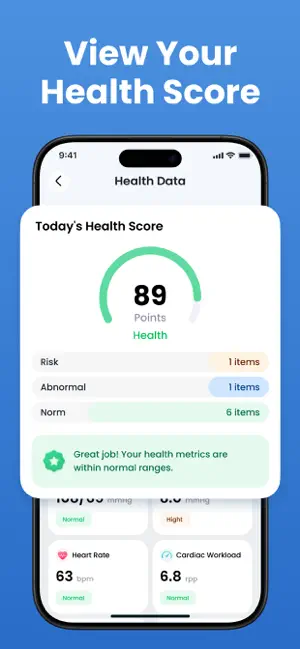
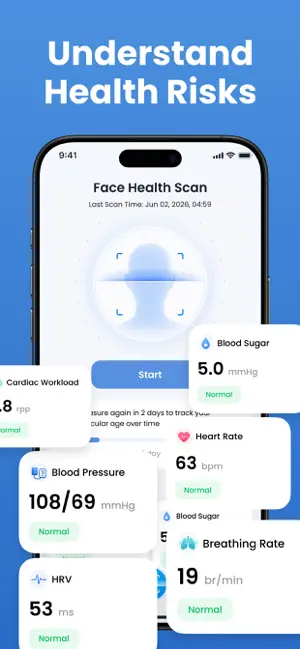
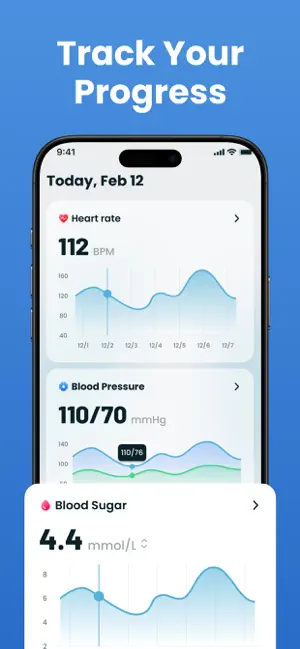
Stay on top of your daily wellness routine with Daily Health Scanner. Quickly log your blood pressure records, track trends, and keep your health data organized in one simple place. Features • Easy blood pressure logging • Track systolic, diastolic & pulse values • View clear charts and history • Fast and simple daily tracking • Lightweight and user-friendly design Build better daily habits with an easy-to-use tracker designed for convenience and clarity. Whether you're keeping personal records or reviewing your daily trends, Daily Health Scanner helps you stay organized anytime. Important Disclaimer Daily Health Scanner does not measure blood pressure and is not a medical device. This app is intended for personal record-keeping and informational purposes only. It is not intended for diagnosis, treatment, prevention, or medical use. Always seek advice from a qualified healthcare profess…
App details
What you can learn from Daily Health Scanner
Every shipping app on the App Store has gone through the same decisions you're working through right now: which screenshot goes first, what caption sits over it, which device frame to show, what color the background should be. The 5 screenshots above are Daily Health Scanner's answers to those questions — they're public, they're real, and they made it through Apple's review.
Notice the first screenshot in particular. It's the one users see in search results and on the product page, and it's where most apps spend their best caption and tightest design. Look at the proportion of background to phone, where the text sits, what one thing the image is trying to communicate.
Want to see how other Utilities apps approach the same problem? Browse more Utilities apps in the showcase.
Take what works into your own screenshots
Open LaunchShots and design your App Store & Google Play screenshots — pick a device frame, drop captions, ship in minutes. Free, in your browser.
Open the screenshot editor →