Screenshots
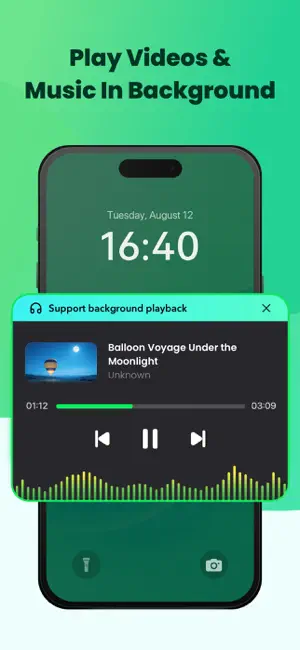
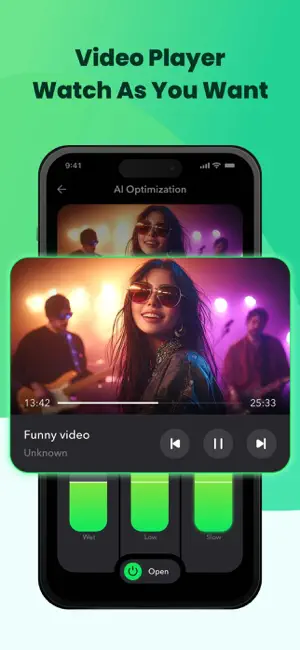
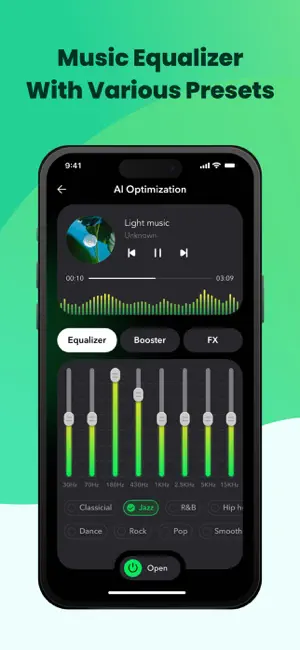


Icon palette
About this app
Pureflow Player is the AI-powered music equalizer and music player that puts you in control. This innovative app enhances your music's depth and clarity, so you can feel every beat and hear every nuance. Whether you're relaxing at home, powering through a workout, or hosting friends, Pureflow Player instantly adapts the sound to match your vibe – all at the tap of a button. Let AI Match the Music to Your Mood Ever wish your favorite song sounded just a little more upbeat or mellow? With Pureflow Player's AI-powered music optimization, you don't need to touch a single slider. Just tell the app how you'd like your music to feel — "Make it brighter," "Add a chill vibe," or "Give it more energy." The smart AI listens, understands, and transforms the sound in real time. It's like having a personal sound designer who gets your vibe instantly. Whether you're winding down or getting hyped up, …
App details
What you can learn from Pureflow Player: Music Player
Every shipping app on the App Store has gone through the same decisions you're working through right now: which screenshot goes first, what caption sits over it, which device frame to show, what color the background should be. The 5 screenshots above are Pureflow Player: Music Player's answers to those questions — they're public, they're real, and they made it through Apple's review.
Notice the first screenshot in particular. It's the one users see in search results and on the product page, and it's where most apps spend their best caption and tightest design. Look at the proportion of background to phone, where the text sits, what one thing the image is trying to communicate.
Want to see how other Entertainment apps approach the same problem? Browse more Entertainment apps in the showcase.
Take what works into your own screenshots
Open LaunchShots and design your App Store & Google Play screenshots — pick a device frame, drop captions, ship in minutes. Free, in your browser.
Open the screenshot editor →