Screenshots

Icon palette
About this app
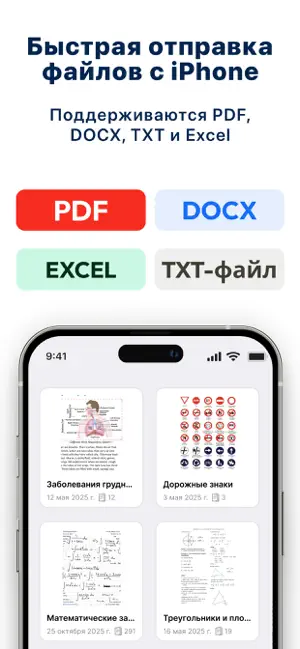
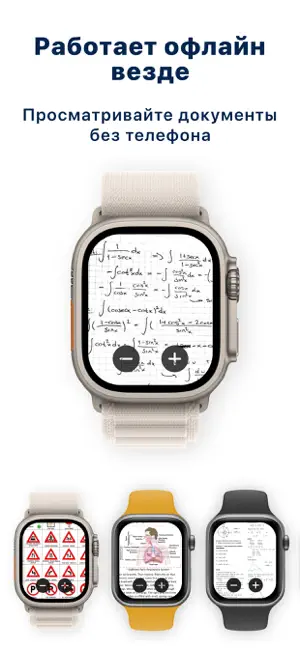
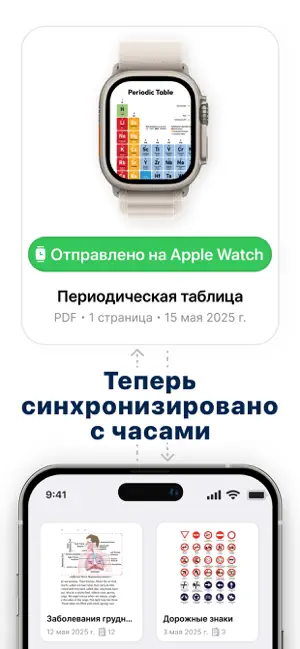
Ваши документы — прямо на запястье. WristDocs — это самый простой способ просматривать PDF-файлы, фотографии и заметки прямо на Apple Watch. Просмотрите презентацию, откройте документы для путешествий или следуйте инструкциям на ходу — всё всегда под рукой. С интуитивно понятным и элегантным интерфейсом вы можете листать страницы, увеличивать, переходить к нужной странице и организовывать свои файлы — прямо с часов. Идеально подходит для: • Просмотра учебных материалов и слайдов на занятиях • Проверки билетов и бронирований без телефона • Чтения рецептов, инструкций или напоминаний на месте Основные функции: • Поддержка PDF, фото и заметок Импортируйте и просматривайте несколько PDF-документов, изображений или коротких заметок — прямо на Apple Watch. • Масштаб и навигация Увеличивайте масштаб и быстро переходите между страницами с помощью удобных элементов управления. • Избранное …
App details
What you can learn from PDF Читалка для Watch
Every shipping app on the App Store has gone through the same decisions you're working through right now: which screenshot goes first, what caption sits over it, which device frame to show, what color the background should be. The 4 screenshots above are PDF Читалка для Watch's answers to those questions — they're public, they're real, and they made it through Apple's review.
Notice the first screenshot in particular. It's the one users see in search results and on the product page, and it's where most apps spend their best caption and tightest design. Look at the proportion of background to phone, where the text sits, what one thing the image is trying to communicate.
Want to see how other Education apps approach the same problem? Browse more Education apps in the showcase.
Take what works into your own screenshots
Open LaunchShots and design your App Store & Google Play screenshots — pick a device frame, drop captions, ship in minutes. Free, in your browser.
Open the screenshot editor →