Screenshots


Icon palette
About this app
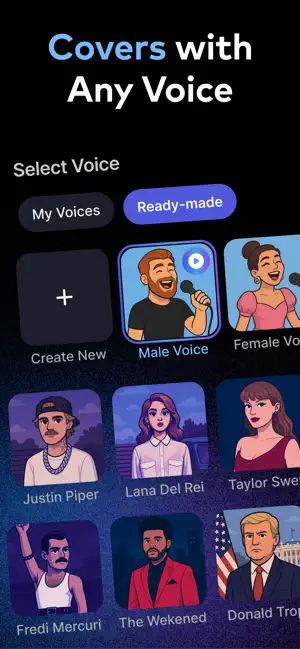
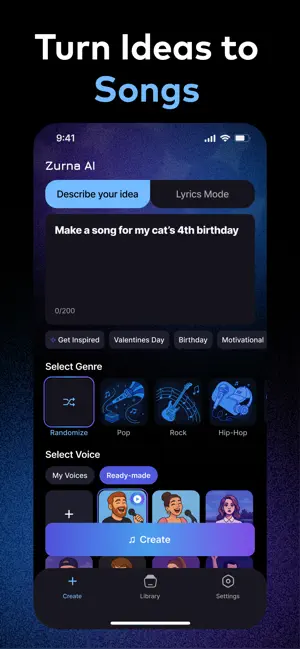
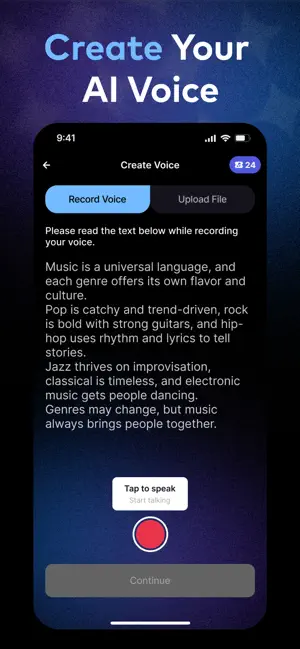
Make music with any voice including yours! You can write your own lyrics, or just tell us what you want to say and we’ll turn it into a song with music. Use your voice, your friend’s voice, or let the app sing it for you. Don’t want to write? Just explain your idea and we’ll write the lyrics for you. No musical skills needed, just imagination! Create anything you want: - Wish your friend a happy birthday – as a pop anthem - Make a love song for your pet - Turn a Valentine’s Day message into a romantic ballad - Drop a diss track or freestyle rap with your bestie's voice - Paste your own lyrics or just say something – AI will do the rest - Pick a genre: Pop, Hip-Hop, EDM, Rock, K-Pop, and more - Auto-tuned, beat-matched, and instantly shareable. Subscription & Payment Terms for Zurna When you subscribe to Zurna, payment will be charged to your iTunes Account upon confirmation…
App details
What you can learn from Zurna: AI Song & Music Maker
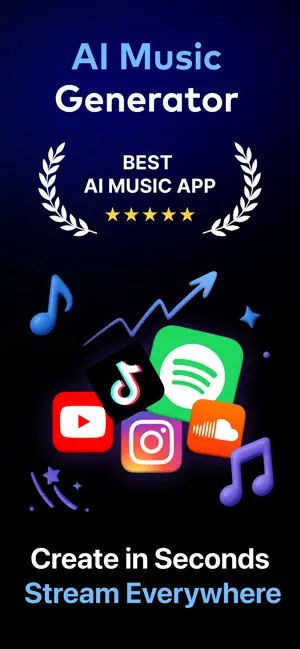
Every shipping app on the App Store has gone through the same decisions you're working through right now: which screenshot goes first, what caption sits over it, which device frame to show, what color the background should be. The 6 screenshots above are Zurna: AI Song & Music Maker's answers to those questions — they're public, they're real, and they made it through Apple's review.
Notice the first screenshot in particular. It's the one users see in search results and on the product page, and it's where most apps spend their best caption and tightest design. Look at the proportion of background to phone, where the text sits, what one thing the image is trying to communicate.
Want to see how other Music apps approach the same problem? Browse more Music apps in the showcase.
Take what works into your own screenshots
Open LaunchShots and design your App Store & Google Play screenshots — pick a device frame, drop captions, ship in minutes. Free, in your browser.
Open the screenshot editor →