Screenshots
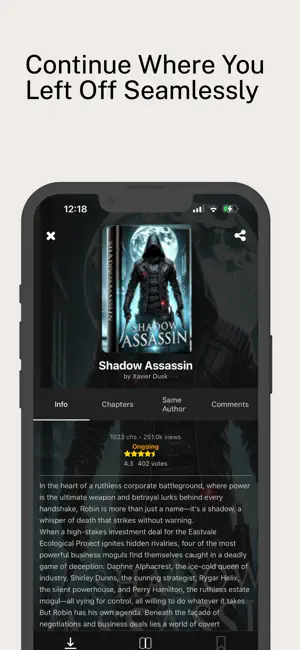
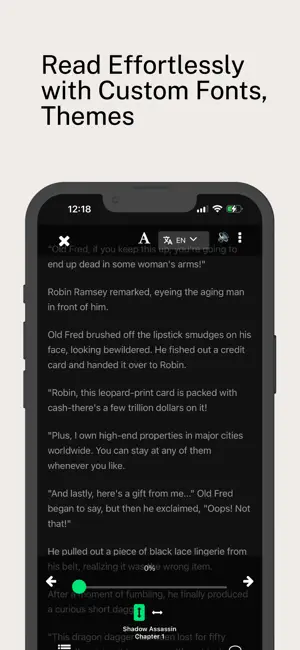
Icon palette
About this app
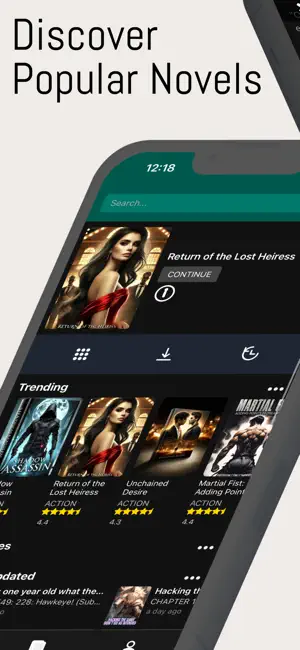
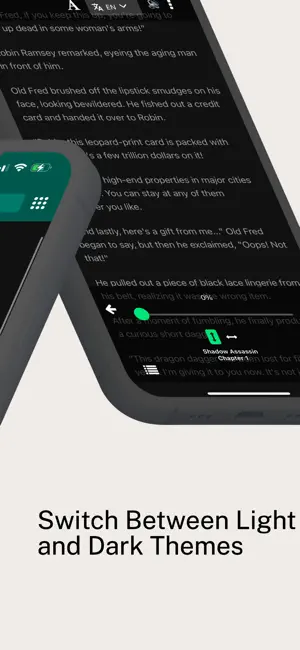
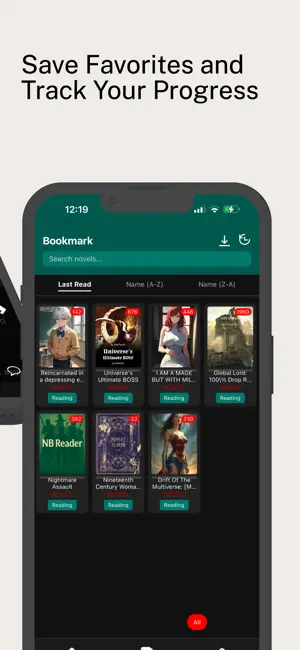
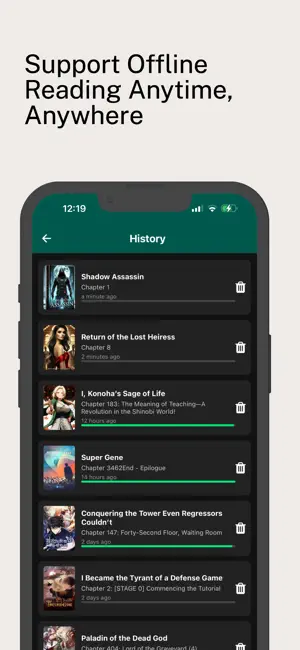
Experience the ultimate novel-reading app with NB Reader. Dive into thousands of titles across genres, customize your reading environment, and enjoy advanced features designed for book lovers. Key Features: Immersive Reading Modes: Choose from vertical or horizontal scrolling, adjust font size, line spacing, and margins to suit your preferences. Night & Sepia Modes: Reduce eye strain with easy-to-switch themes for low-light or daytime reading. Automatic Text-to-Speech (TTS): Listen to your favorite novels whenever you’re on the go. Voice playback continues even when the screen is locked. Instant Translation: Translate any paragraph or phrase into English (or your chosen language) with a single tap—no need to leave the app. Offline Library: Download chapters in advance to read without Wi-Fi or cellular data. Perfect for travel, commutes, or areas with limited connectivity. Bookmar…
App details
What you can learn from NBReader
Every shipping app on the App Store has gone through the same decisions you're working through right now: which screenshot goes first, what caption sits over it, which device frame to show, what color the background should be. The 6 screenshots above are NBReader's answers to those questions — they're public, they're real, and they made it through Apple's review.
Notice the first screenshot in particular. It's the one users see in search results and on the product page, and it's where most apps spend their best caption and tightest design. Look at the proportion of background to phone, where the text sits, what one thing the image is trying to communicate.
Want to see how other Book apps approach the same problem? Browse more Book apps in the showcase.
Take what works into your own screenshots
Open LaunchShots and design your App Store & Google Play screenshots — pick a device frame, drop captions, ship in minutes. Free, in your browser.
Open the screenshot editor →