Screenshot style breakdown
Sampled from 6 of Bestell.bar: Produkt-Alarme's App Store screenshots — background, accent and theme, measured by LaunchShots (not something Apple publishes).
#DCA414 bg
#C19011
#745C1C accent
#111111 text
Screenshots


Icon palette
About this app
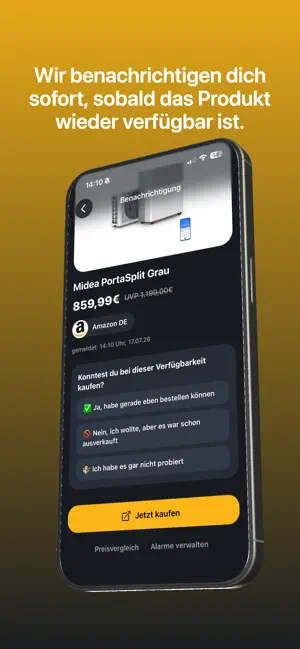
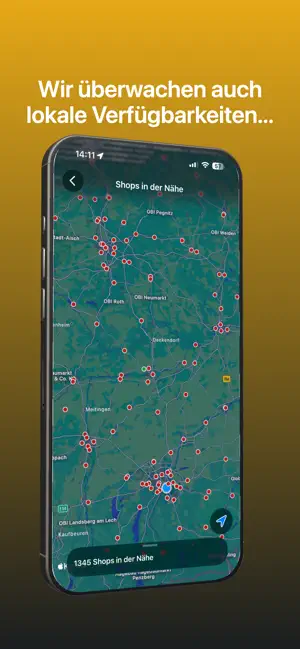
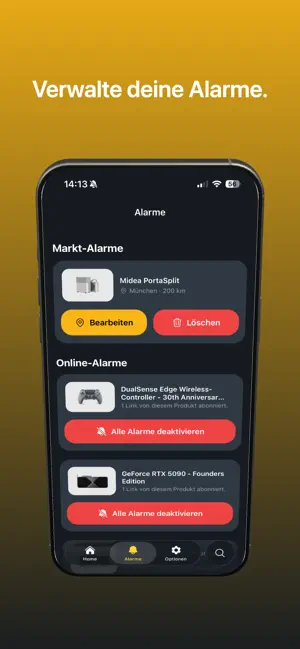
Du kannst ein Produkt nicht kaufen, weil es überall ausverkauft ist? Die Bestell.bar App eilt dir zur Hilfe: Wir überwachen Produkt-Verfügbarkeiten nahezu in Echtzeit und benachrichtigen dich sofort, sobald dein gewünschtes Produkt wieder bestellbar ist. Eine Karte zeigt dir auf einen Blick, welche lokale Märkte dein Wunschprodukt noch auf Lager haben. Du kannst einen Markt-Alarm anlegen und dich benachrichtigen lassen, sobald bei einem Händler in deiner Nähe neues Kontingent eintrifft. Mit der Bestell.bar App bist du anderen Interessenten immer einen Schritt voraus – egal ob online oder offline. Aktuelles Beispielprodukt, das wir überwachen: Midea PortaSplit. Die Nachfrage nach Klimaanlagen übersteigt derzeit das Angebot deutlich. Besonders betroffen ist die Midea PortaSplit, die Mitte Juni noch für 799 Euro erhältlich war. Seit der jüngsten Hitzewelle Ende Juni wechseln die Geräte be…
App details
What you can learn from Bestell.bar: Produkt-Alarme
Every shipping app on the App Store has gone through the same decisions you're working through right now: which screenshot goes first, what caption sits over it, which device frame to show, what color the background should be. The 6 screenshots above are Bestell.bar: Produkt-Alarme's answers to those questions — they're public, they're real, and they made it through Apple's review.
What the numbers say: Bestell.bar: Produkt-Alarme runs a mixed light-and-dark set where the background shifts from screenshot to screenshot (first shot #DCA414) — each image has to stand on its own, so the captions carry more of the story. The accent colour we picked up, #745C1C, is the one to reuse for badges, arrows and highlighted words if you borrow this look. Hit Use this style to open the editor with these exact colours and drop your own screenshot in.
Notice the first screenshot in particular. It's the one users see in search results and on the product page, and it's where most apps spend their best caption and tightest design. Look at the proportion of background to phone, where the text sits, what one thing the image is trying to communicate.
Want to see how other Shopping apps approach the same problem? Browse more Shopping apps in the showcase.
Take what works into your own screenshots
Open LaunchShots and design your App Store & Google Play screenshots — pick a device frame, drop captions, ship in minutes. Free, in your browser.
Open the screenshot editor →Apps with a similar look
Closest background + accent colours among the listings we've analysed — useful when you want to see the same palette handled by a different team.