Screenshot style breakdown
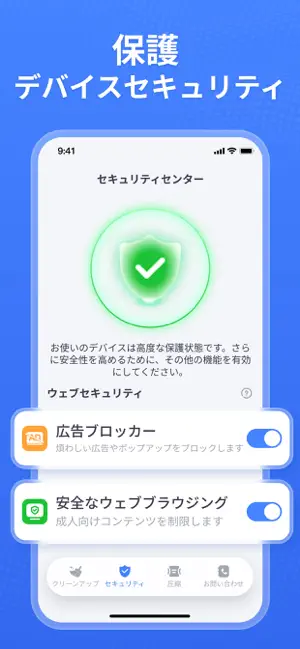
Sampled from 6 of CleanNow - 空き容量解放's App Store screenshots — background, accent and theme, measured by LaunchShots (not something Apple publishes).
#4484FC bg
#5E95FC
#9CC4FC accent
#FFFFFF text
Reading the caption text from the screenshots in your browser…
Screenshots

Icon palette
About this app
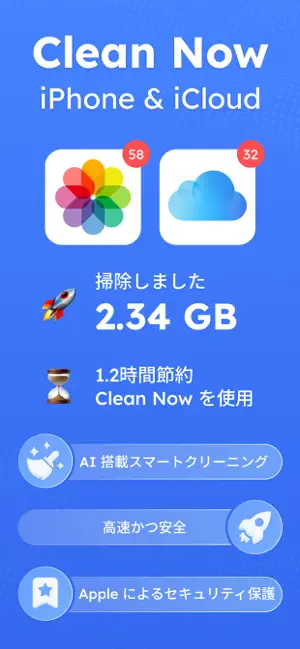
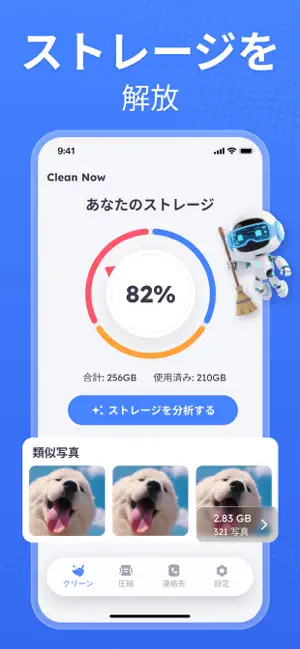
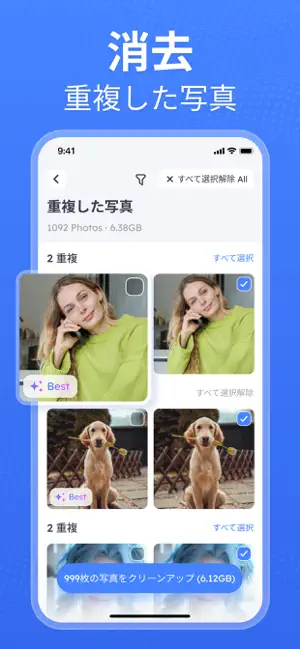
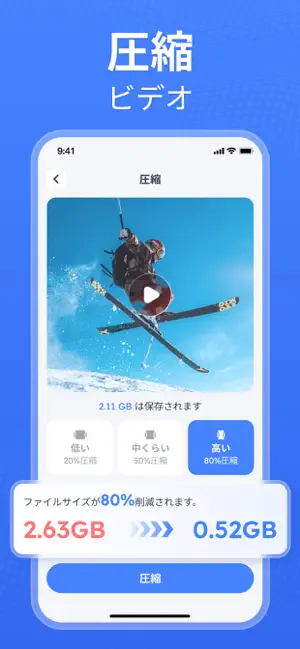
今すぐクリーンアップ - 写真を整理して空き容量を増やし、楽しい時間を共有しましょう - スマートな写真のクリーンアップと整理 ワンタップでスキャン&クリーンアップ:重複した写真、類似写真、Live Photos、スクリーンショット、古い動画などを自動的に検出し、スマートフォンを整理します。 貴重なストレージ容量を確保:インテリジェントなクリーンアップアルゴリズムで、数GBもの容量を確保します。 思い出を簡単整理:保存した写真は年月ごとに整理され、タイムラインベースで整理された閲覧が可能です。 - スワイプクリーンアップ 不要な写真を素早くスワイプして削除したり、ストレージを最適化したりできます。 左スワイプで削除:不要になった写真を瞬時に削除できます。 右スワイプで最適化:大切な思い出はそのままに、空き容量を増やしましょう。 - 強力なボーナスツール メールクリーナー:数回タップするだけでスパムメールや不要なメールを削除し、受信トレイを素早く整理できます。 動画圧縮:画質を目立たなくしながら動画ファイルのサイズ…
App details
What you can learn from CleanNow - 空き容量解放
Every shipping app on the App Store has gone through the same decisions you're working through right now: which screenshot goes first, what caption sits over it, which device frame to show, what color the background should be. The 6 screenshots above are CleanNow - 空き容量解放's answers to those questions — they're public, they're real, and they made it through Apple's review.
What the numbers say: CleanNow - 空き容量解放 runs a dark set with one background colour (#4484FC) carried across every screenshot — the listing reads as a single poster when the shots sit side by side in search results. The accent colour we picked up, #9CC4FC, is the one to reuse for badges, arrows and highlighted words if you borrow this look. Hit Use this style to open the editor with these exact colours and drop your own screenshot in.
Notice the first screenshot in particular. It's the one users see in search results and on the product page, and it's where most apps spend their best caption and tightest design. Look at the proportion of background to phone, where the text sits, what one thing the image is trying to communicate.
Want to see how other Utilities apps approach the same problem? Browse more Utilities apps in the showcase.
Take what works into your own screenshots
Open LaunchShots and design your App Store & Google Play screenshots — pick a device frame, drop captions, ship in minutes. Free, in your browser.
Open the screenshot editor →Apps with a similar look
Closest background + accent colours among the listings we've analysed — useful when you want to see the same palette handled by a different team.