Screenshots


Icon palette
About this app
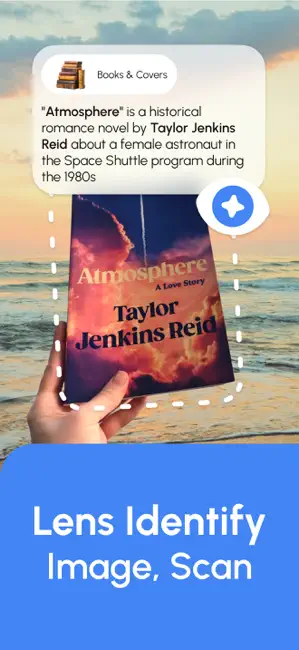
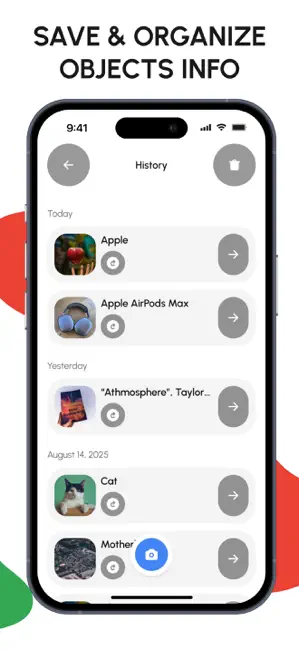
Lens Identify Image, Scan – Explore and Learn About Everything Unlock the power of AI to instantly recognize objects in your surroundings with just your smartphone camera. Whether it’s a plant, animal, product, food, or document, AI Lens Identify Image gives you accurate results in seconds. App Highlights: • Quick Recognition: Point your camera or select an image from your gallery to instantly identify objects. • Categories for Easy Search: Recognize Animals, Plants, Food, Products, Art & Logos, Books, Places, Colors & Materials, Pills & Medicine, Barcodes/QR codes, Text (OCR), and Receipts & Docs. • Detailed AI Insights: Tap “Learn More” to get expanded information, related items, and answers to category-specific questions. • History & Favorites: Keep track of all your recognitions and save your favorites for quick access later. • Smart Camera Mode: Floating aiming frame, flash …
App details
What you can learn from Lens Identify Image, Scan
Every shipping app on the App Store has gone through the same decisions you're working through right now: which screenshot goes first, what caption sits over it, which device frame to show, what color the background should be. The 4 screenshots above are Lens Identify Image, Scan's answers to those questions — they're public, they're real, and they made it through Apple's review.
Notice the first screenshot in particular. It's the one users see in search results and on the product page, and it's where most apps spend their best caption and tightest design. Look at the proportion of background to phone, where the text sits, what one thing the image is trying to communicate.
Want to see how other Utilities apps approach the same problem? Browse more Utilities apps in the showcase.
Take what works into your own screenshots
Open LaunchShots and design your App Store & Google Play screenshots — pick a device frame, drop captions, ship in minutes. Free, in your browser.
Open the screenshot editor →