Screenshots
Icon palette
About this app
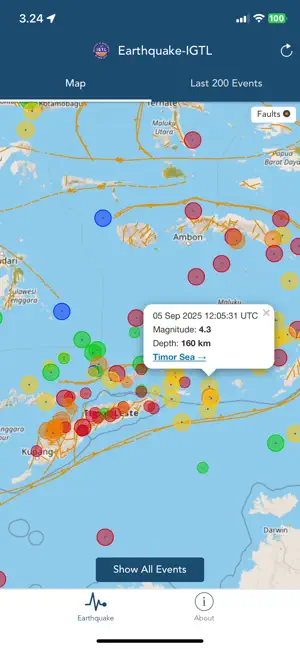
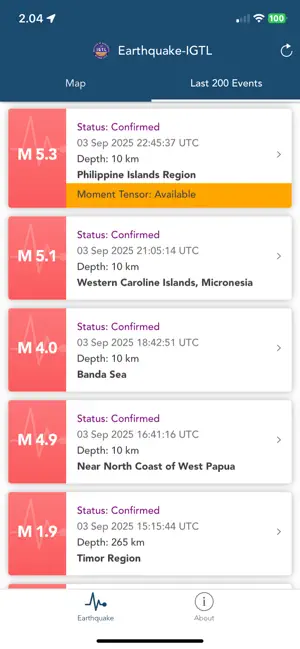
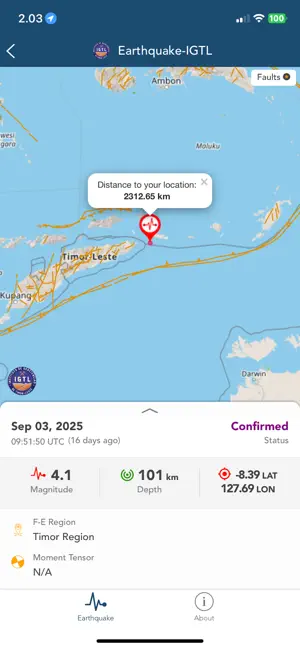
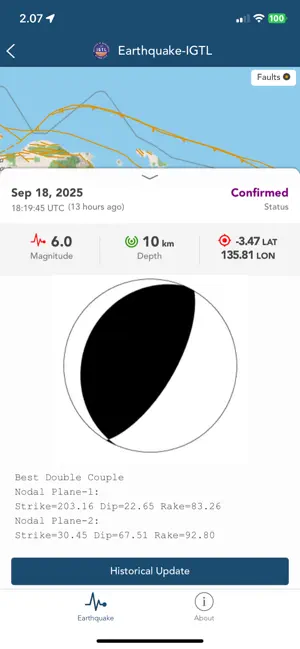
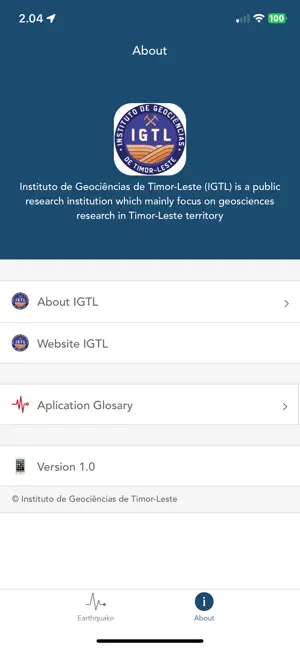
Earthquake IGTL mobile application is aimed to disseminate information in real-time of all earthquakes occurred particularly in the Timor-Leste. This application is provided to public, who interest to the earthquake, they will receive earthquake information directly from IGTL. Features of application: 1. Map of epicenter for all event 2. Map of epicenter for each event 3. Earthquake parameters including OT, latitude, longitude, depth, and magnitude 4. List of past 200 events 5. Fault plot 6. Status of earthquake event analysis 7. Moment Tensor information if available 8. Historical update of earthquake parameter since first location 9. Epicenter distance from user location 10. Event age 11. App Glossary 12. About application 13. Sound notification and popup alert with magnitude, epicenter, origin time, and Flinn-Engdahl region © Instituto de Geociências de Timor-Leste - Instituto Públ…
App details
What you can learn from Earthquake-IGTL
Every shipping app on the App Store has gone through the same decisions you're working through right now: which screenshot goes first, what caption sits over it, which device frame to show, what color the background should be. The 5 screenshots above are Earthquake-IGTL's answers to those questions — they're public, they're real, and they made it through Apple's review.
Notice the first screenshot in particular. It's the one users see in search results and on the product page, and it's where most apps spend their best caption and tightest design. Look at the proportion of background to phone, where the text sits, what one thing the image is trying to communicate.
Want to see how other Weather apps approach the same problem? Browse more Weather apps in the showcase.
Take what works into your own screenshots
Open LaunchShots and design your App Store & Google Play screenshots — pick a device frame, drop captions, ship in minutes. Free, in your browser.
Open the screenshot editor →