Screenshots

Icon palette
About this app
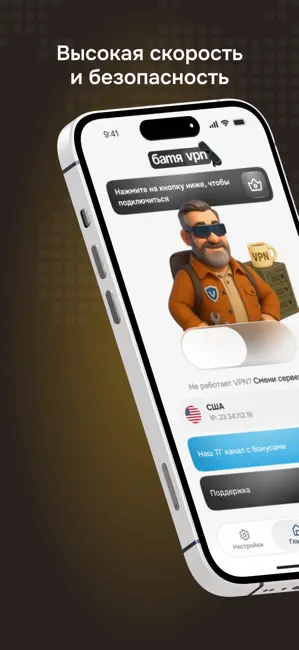
Батя VPN - VLESS клиент, который помогает защитить интернет-соединение и сохранить личные данные в безопасности. Подходит для использования дома, на работе и в общедоступных сетях Wi-Fi. Скорость и стабильность Батя VPN обеспечивает стабильное соединение и высокую скорость передачи данных. Вы можете комфортно смотреть видео, работать с файлами и пользоваться онлайн-сервисами — без перебоев и задержек. Надёжная защита Приложение использует современное шифрование, которое помогает защитить передаваемую информацию. Мы не собираем личные данные и не ведём журналы активности пользователей. Просто и удобно Интерфейс Батя VPN интуитивно понятен: для подключения достаточно вставить ключ формата vless:// и нажать одну кнопку. Современные технологии Батя VPN работает на основе протоколов нового поколения (в том числе VLESS), что обеспечивает стабильность и высокую производительност…
App details
What you can learn from Батя VPN
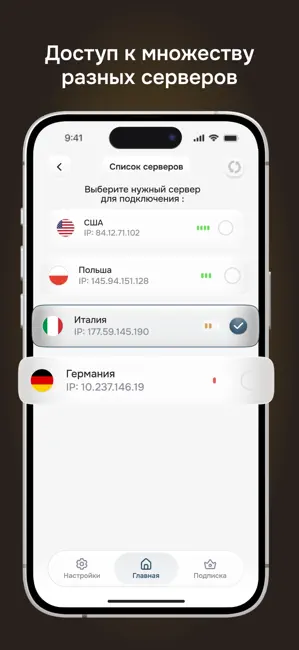
Every shipping app on the App Store has gone through the same decisions you're working through right now: which screenshot goes first, what caption sits over it, which device frame to show, what color the background should be. The 4 screenshots above are Батя VPN's answers to those questions — they're public, they're real, and they made it through Apple's review.
Notice the first screenshot in particular. It's the one users see in search results and on the product page, and it's where most apps spend their best caption and tightest design. Look at the proportion of background to phone, where the text sits, what one thing the image is trying to communicate.
Want to see how other Utilities apps approach the same problem? Browse more Utilities apps in the showcase.
Take what works into your own screenshots
Open LaunchShots and design your App Store & Google Play screenshots — pick a device frame, drop captions, ship in minutes. Free, in your browser.
Open the screenshot editor →