Screenshots

Icon palette
About this app
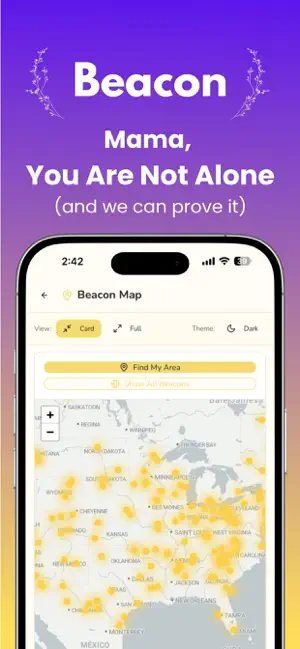
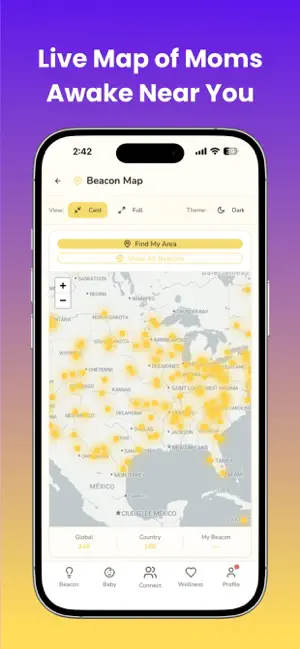
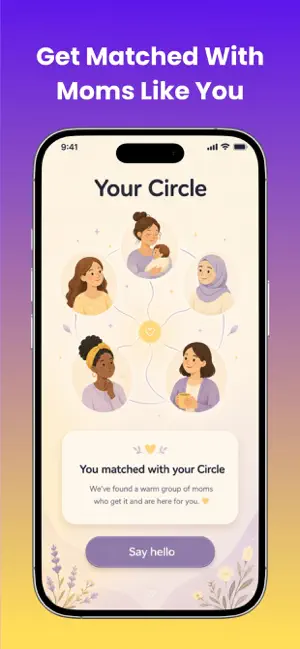
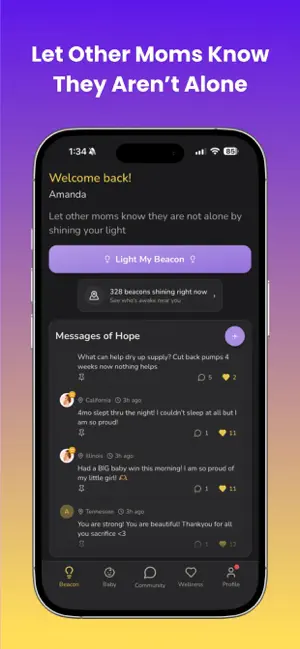
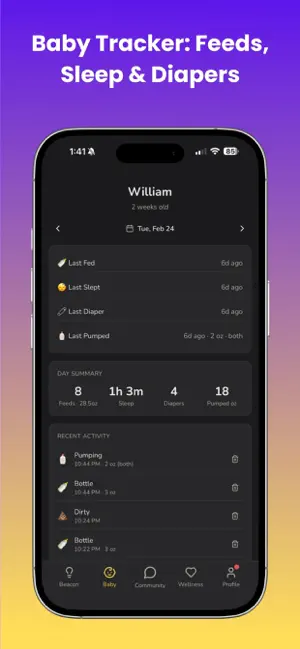
Motherhood is beautiful, but at 2AM when you're the only one awake, it can feel impossibly lonely. Beacon shows you that you're not alone and lets you connect with other moms in your neighborhood or across the globe. Open the app and see a live map of mothers who are awake right now, near you. Light your own beacon so another mom knows she's not the only one up. Track your mood, log your baby's feeds, sleep, and diaper changes and connect with a community of women who truly get it. LIGHT YOUR BEACON Share your light anonymously and see thousands of other moms' beacons glowing across the map. Locations are randomized within 10 miles of your true location to keep you safe while helping you feel connected. Knowing other mothers are awake and showing up is a powerful reminder: you are not alone in this. CIRCLES: YOUR SMALL GROUP OF MOMS Get matched into a private Circle of a few moms lik…
App details
What you can learn from Beacon: Postpartum Support
Every shipping app on the App Store has gone through the same decisions you're working through right now: which screenshot goes first, what caption sits over it, which device frame to show, what color the background should be. The 6 screenshots above are Beacon: Postpartum Support's answers to those questions — they're public, they're real, and they made it through Apple's review.
Notice the first screenshot in particular. It's the one users see in search results and on the product page, and it's where most apps spend their best caption and tightest design. Look at the proportion of background to phone, where the text sits, what one thing the image is trying to communicate.
Want to see how other Lifestyle apps approach the same problem? Browse more Lifestyle apps in the showcase.
Take what works into your own screenshots
Open LaunchShots and design your App Store & Google Play screenshots — pick a device frame, drop captions, ship in minutes. Free, in your browser.
Open the screenshot editor →