Screenshots



Icon palette
About this app
Hamchee combina mascotas adorables con el aprendizaje de inglés. ¡Memoriza palabras mientras alimentas a tus hámsters! ¡Interacciones divertidas y métodos científicos aumentan tu vocabulario sin esfuerzo, para todas tus necesidades de aprender inglés! 【Elementos Divertidos de la App】 ● Completa registros diarios, memoriza palabras y más para ganar recompensas y desbloquear compañeros hámster poco comunes ● Gana queso, objetos aleatorios dentro del juego, etc., a través del aprendizaje diario, y construye tu acogedor hogar exclusivo mientras estudias ● Los muebles y suministros básicos están disponibles para comprar con queso en la tienda. Decora la casa de tu hámster con los muebles que compres para desbloquear más estilos de escenario ● Completa tareas de eventos especiales para coleccionar más piezas de muebles sorpresa de edición limitada 【Características de la App】 ● Amplio Ba…
App details
What you can learn from Hamchee
Every shipping app on the App Store has gone through the same decisions you're working through right now: which screenshot goes first, what caption sits over it, which device frame to show, what color the background should be. The 12 screenshots above are Hamchee's answers to those questions — they're public, they're real, and they made it through Apple's review.
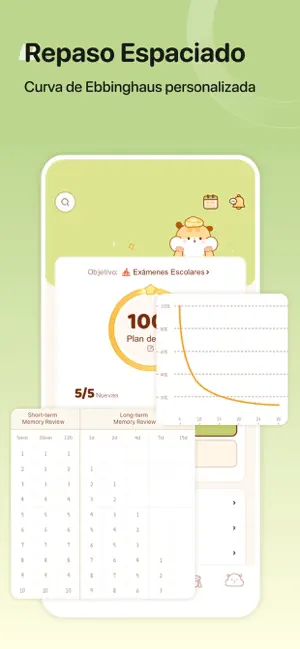
Notice the first screenshot in particular. It's the one users see in search results and on the product page, and it's where most apps spend their best caption and tightest design. Look at the proportion of background to phone, where the text sits, what one thing the image is trying to communicate.
Want to see how other Education apps approach the same problem? Browse more Education apps in the showcase.
Take what works into your own screenshots
Open LaunchShots and design your App Store & Google Play screenshots — pick a device frame, drop captions, ship in minutes. Free, in your browser.
Open the screenshot editor →