Screenshots
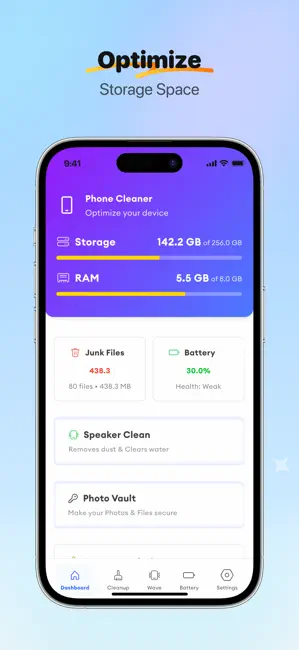
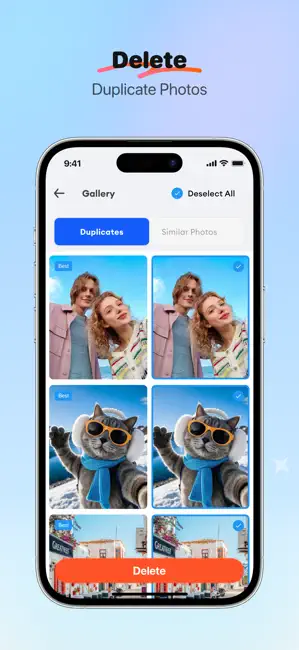
Icon palette
About this app
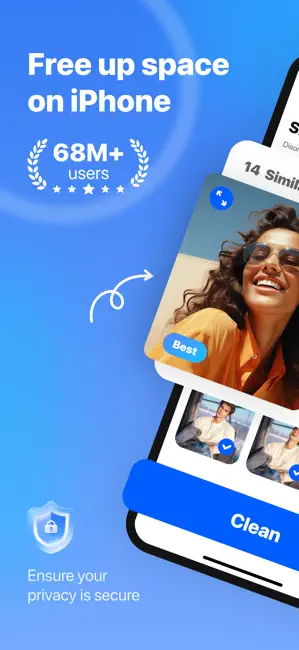
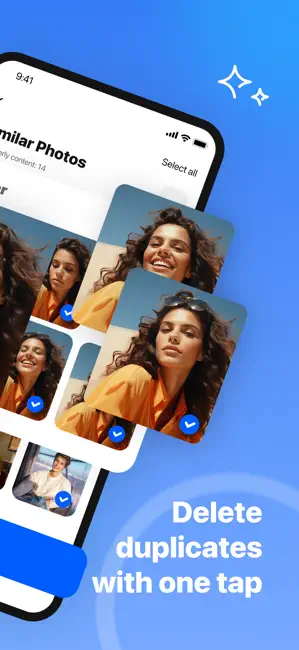
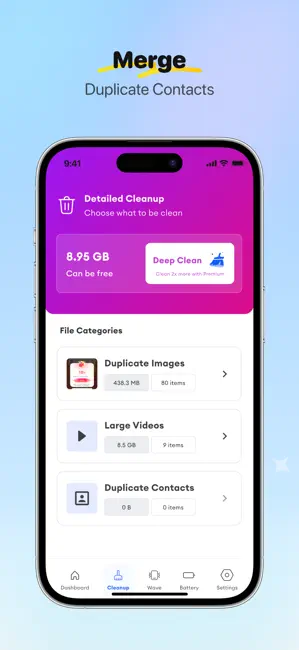
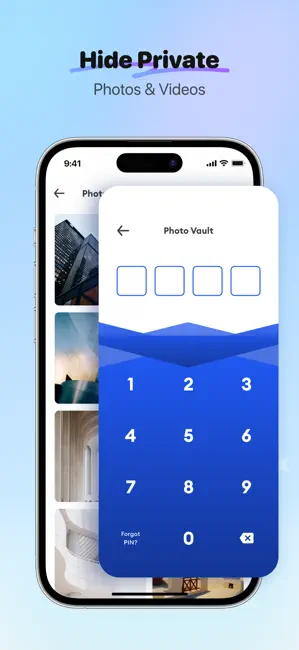
Running out of iPhone storage? Battery draining fast? iCleaner is the ultimate phone cleaner and battery optimizer that helps you clean up your iPhone, free up phone storage, and extend battery life in just a few taps. PHONE STORAGE CLEANER – FREE UP IPHONE STORAGE INSTANTLY Stop letting duplicate photos, large videos, and junk files clog your iPhone. iCleaner gives you powerful phone storage cleanup tools: - Delete duplicate photos and similar images automatically - Compress large videos without losing quality – save up to 80% space - Clean spam emails and declutter your inbox instantly - Merge duplicate contacts and remove unused entries - Sort files by size to find the biggest storage hogs - Free up storage with one tap – no manual work needed SMART PHOTO MANAGER & GALLERY CLEANER – DELETE DUPLICATES FAST Your gallery is packed with duplicates and screenshots you never use. iClean…
App details
What you can learn from Clean Up Phone: iCleaner Guru
Every shipping app on the App Store has gone through the same decisions you're working through right now: which screenshot goes first, what caption sits over it, which device frame to show, what color the background should be. The 6 screenshots above are Clean Up Phone: iCleaner Guru's answers to those questions — they're public, they're real, and they made it through Apple's review.
Notice the first screenshot in particular. It's the one users see in search results and on the product page, and it's where most apps spend their best caption and tightest design. Look at the proportion of background to phone, where the text sits, what one thing the image is trying to communicate.
Want to see how other Utilities apps approach the same problem? Browse more Utilities apps in the showcase.
Take what works into your own screenshots
Open LaunchShots and design your App Store & Google Play screenshots — pick a device frame, drop captions, ship in minutes. Free, in your browser.
Open the screenshot editor →