Screenshots

Icon palette
About this app
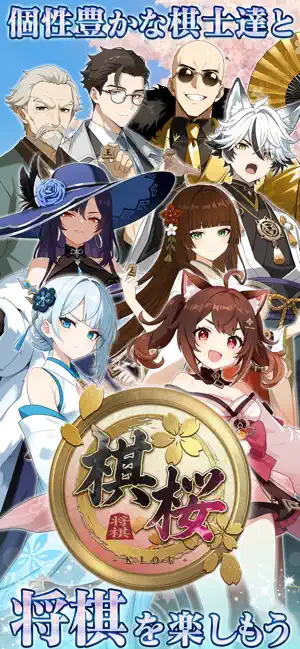
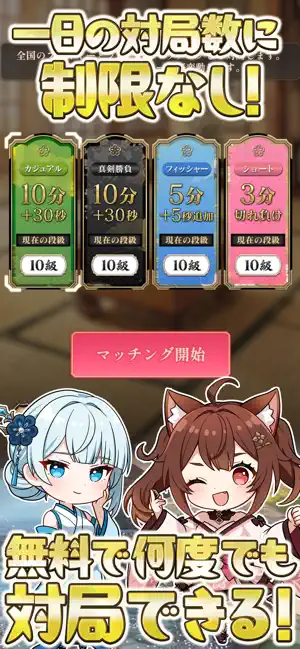
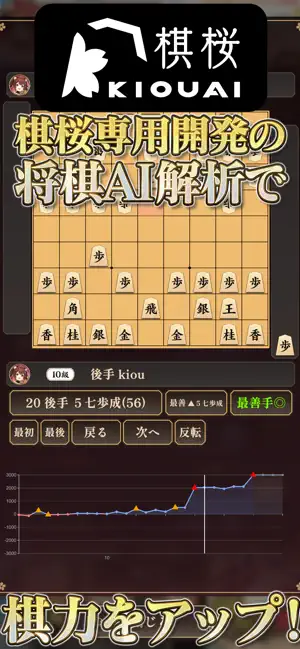
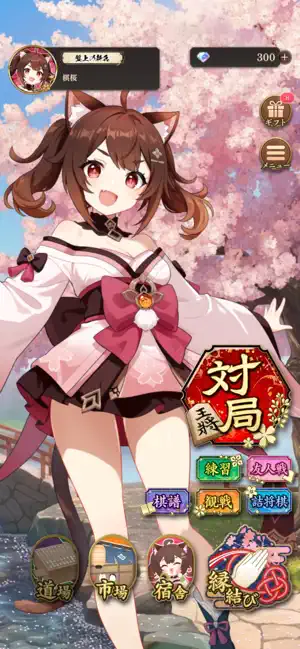
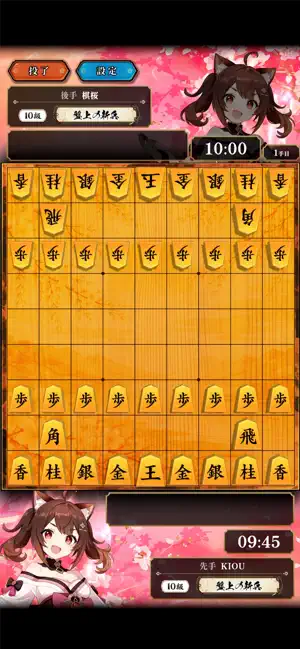
将棋をもっと楽しく、カジュアルに。 棋桜は、キャラクターと一緒に気軽に遊べるオンライン将棋ゲームです。 全国対戦、CPU対局、友達との対局を、自分のペースで楽しめます。 戦法や囲いが決まると専用演出が発動し、一手ごとの勝負が華やかに盛り上がります。 ■ 全国のプレイヤーとリアルタイム対戦 ランク対局では、全国のプレイヤーと自動マッチングで対戦できます。 カジュアル、真剣勝負、フィッシャー、ショートなど、複数のルールに対応。 自分の実力や気分に合わせて将棋を楽しめます。 ■ ひとりでも、友達とも遊べる CPU対局では、初級・中級・上級から強さを選べます。 初心者アシストのオン/オフも切り替え可能。 友人対局では、カスタムルールで仲間と対局できます。 ■ 戦法・囲いが決まると専用演出が発動 戦法や囲いが成立すると、名前と専用演出が表示されます。 王手のカットイン、大駒打ちの演出、手筋エフェクトなど、勝負どころを華やかに演出。 演出は設定から簡易表示に変更できます。 ■ AIアシストで、次の一手を考えやすく 「棋…
App details
What you can learn from 棋桜
Every shipping app on the App Store has gone through the same decisions you're working through right now: which screenshot goes first, what caption sits over it, which device frame to show, what color the background should be. The 6 screenshots above are 棋桜's answers to those questions — they're public, they're real, and they made it through Apple's review.
Notice the first screenshot in particular. It's the one users see in search results and on the product page, and it's where most apps spend their best caption and tightest design. Look at the proportion of background to phone, where the text sits, what one thing the image is trying to communicate.
Want to see how other Games apps approach the same problem? Browse more Games apps in the showcase.
Take what works into your own screenshots
Open LaunchShots and design your App Store & Google Play screenshots — pick a device frame, drop captions, ship in minutes. Free, in your browser.
Open the screenshot editor →