Chart position — tracked daily by LaunchShots
Screenshot changes — detected by LaunchShots
Screenshot style breakdown
Sampled from 6 of ArtCoach:Learn to Draw & Paint's App Store screenshots — background, accent and theme, measured by LaunchShots (not something Apple publishes).
#4C34FC bg
#6550FC
#8C84F4 accent
#FFFFFF text
Screenshots
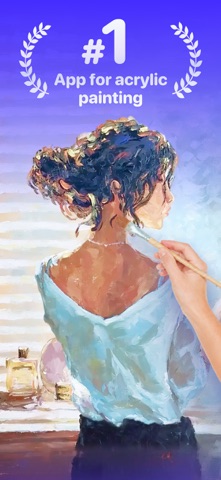
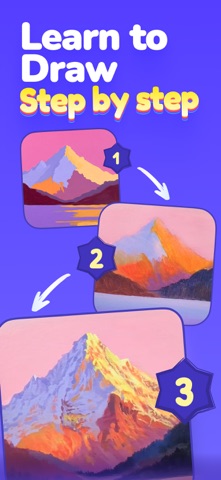
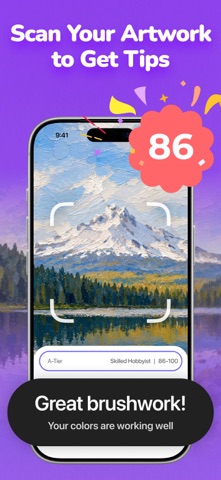

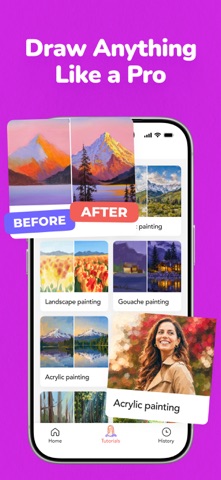
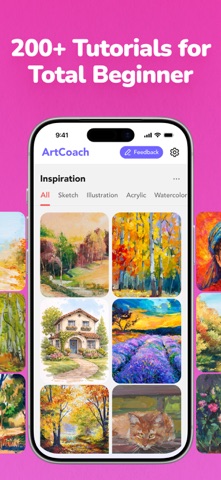
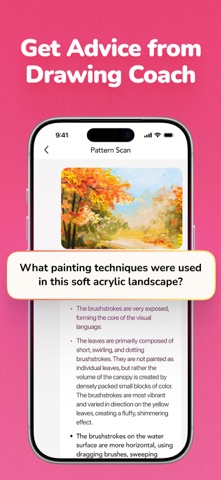
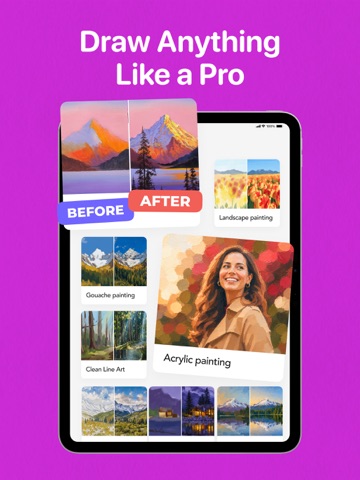
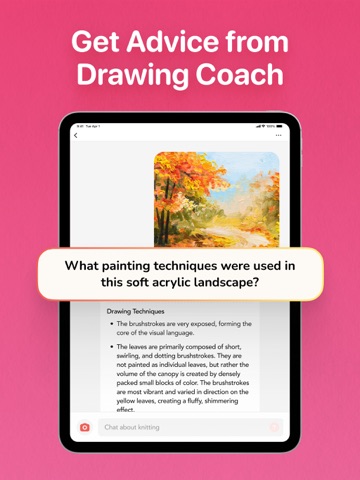
iPad screenshots



Icon palette
About this app
Start your creative journey with confidence. Whether you're picking up a brush for the first time, returning to art after years away, or simply looking for a relaxing way to unwind, ArtCoach helps you build real skills through simple lessons, encouraging practice, and AI guidance that makes every step feel easy. Learn Faster, Create Better in Just 10 Minutes a Day ArtCoach helps you turn art into a simple, rewarding daily habit. Whether you want to fill a sketchbook, paint a canvas, or just unwind with a brush in hand — use it to make art you're proud of, relax after a long day, or guide your child as they create their first masterpiece. Each lesson is fun, approachable, and designed to give you a real sense of progress without pressure. You only need a few minutes a day to feel improvement. Your Personal AI Art Coach Upload your work and get warm, beginner-friendly feedback—fast. T…
App details
What you can learn from ArtCoach:Learn to Draw & Paint
Every shipping app on the App Store has gone through the same decisions you're working through right now: which screenshot goes first, what caption sits over it, which device frame to show, what color the background should be. The 14 screenshots above are ArtCoach:Learn to Draw & Paint's answers to those questions — they're public, they're real, and they made it through Apple's review.
What the numbers say: ArtCoach:Learn to Draw & Paint runs a dark set where the background shifts from screenshot to screenshot (first shot #4C34FC) — each image has to stand on its own, so the captions carry more of the story. The accent colour we picked up, #8C84F4, is the one to reuse for badges, arrows and highlighted words if you borrow this look. Hit Use this style to open the editor with these exact colours and drop your own screenshot in.
Notice the first screenshot in particular. It's the one users see in search results and on the product page, and it's where most apps spend their best caption and tightest design. Look at the proportion of background to phone, where the text sits, what one thing the image is trying to communicate.
Want to see how other Graphics & Design apps approach the same problem? Browse more Graphics & Design apps in the showcase.
Take what works into your own screenshots
Open LaunchShots and design your App Store & Google Play screenshots — pick a device frame, drop captions, ship in minutes. Free, in your browser.
Open the screenshot editor →Apps with a similar look
Closest background + accent colours among the listings we've analysed — useful when you want to see the same palette handled by a different team.