Chart position — tracked daily by LaunchShots
Screenshot changes — detected by LaunchShots
Screenshot style breakdown
Sampled from 6 of Runable - AI For Work's App Store screenshots — background, accent and theme, measured by LaunchShots (not something Apple publishes).
#FCFCFC bg
#DDDDDD
#DC2C1C accent
#111111 text
Screenshots


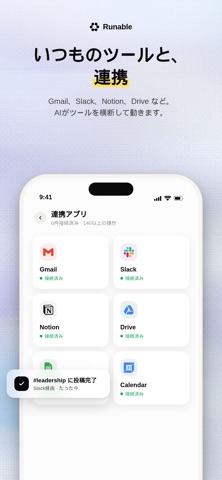
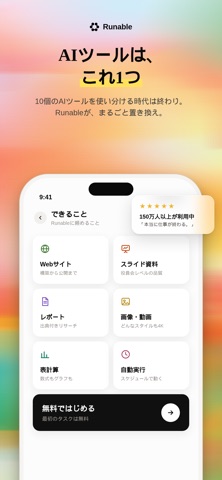
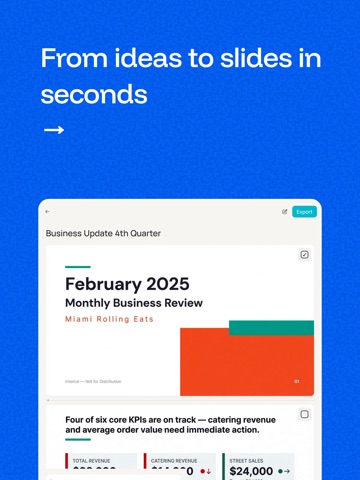
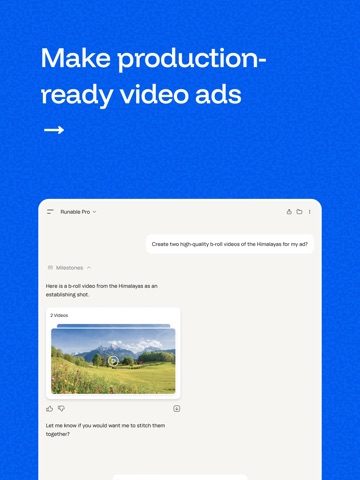
iPad screenshots


Icon palette
About this app
Runableは、4つの業界標準ベンチマークにおいて独立した検証を受け、世界最高ランクの評価を獲得しているAI汎用エージェントです。日常的な言葉でタスクを説明するだけで、Runableが調査・計画・構築を行い、完成した成果物を一貫して提供します。 一つのアプリ、一つのプロンプトで、すべてが完了します。 実証された性能 — 独立したベンチマークによる検証 Runableは、現実世界でのAIエージェントの能力を評価するベンチマークにおいて、最先端のスコアを記録しています。 GAIA (汎用AIアシスタント): 92.1% — Genspark (87.8%) や Manus (86.5%) を上回る成績 DRACO (詳細リサーチ): 68.3% — Perplexity Deep Research (67.15%) を上回る成績 BrowseComp (OpenAI Webナビゲーション): 76% SlidesBench (プレゼンテーション生成): 最先端の性能 作成可能なもの ウェブサイト データベース、決済機能、認証、カスタムドメイン、分析機能を備えたフルスタックのウェブサイトを、数分で公開可能。コーディングは一切不要です。 プレゼンテーション 一つのプロンプ…
App details
What you can learn from Runable - AI For Work
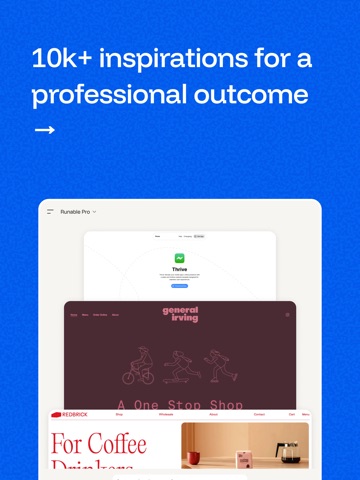
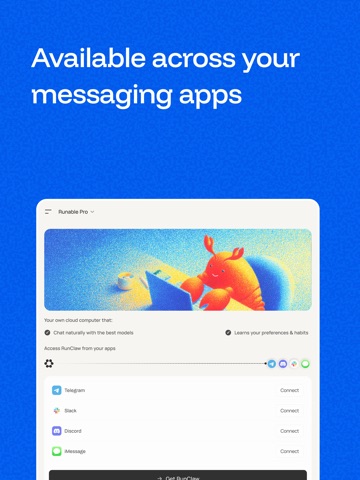
Every shipping app on the App Store has gone through the same decisions you're working through right now: which screenshot goes first, what caption sits over it, which device frame to show, what color the background should be. The 16 screenshots above are Runable - AI For Work's answers to those questions — they're public, they're real, and they made it through Apple's review.
What the numbers say: Runable - AI For Work runs a light set with one background colour (#FCFCFC) carried across every screenshot — the listing reads as a single poster when the shots sit side by side in search results. The accent colour we picked up, #DC2C1C, is the one to reuse for badges, arrows and highlighted words if you borrow this look. Hit Use this style to open the editor with these exact colours and drop your own screenshot in.
Notice the first screenshot in particular. It's the one users see in search results and on the product page, and it's where most apps spend their best caption and tightest design. Look at the proportion of background to phone, where the text sits, what one thing the image is trying to communicate.
Want to see how other Productivity apps approach the same problem? Browse more Productivity apps in the showcase.
Take what works into your own screenshots
Open LaunchShots and design your App Store & Google Play screenshots — pick a device frame, drop captions, ship in minutes. Free, in your browser.
Open the screenshot editor →Apps with a similar look
Closest background + accent colours among the listings we've analysed — useful when you want to see the same palette handled by a different team.