Screenshots
iPad screenshots


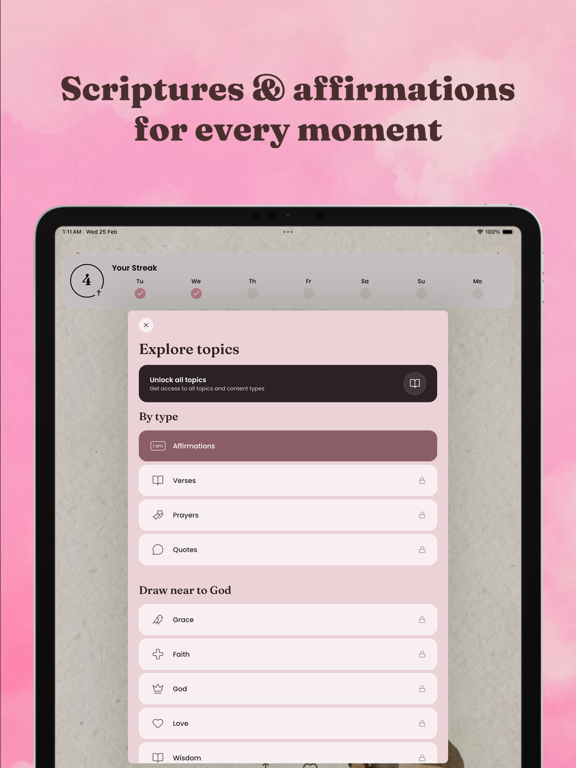

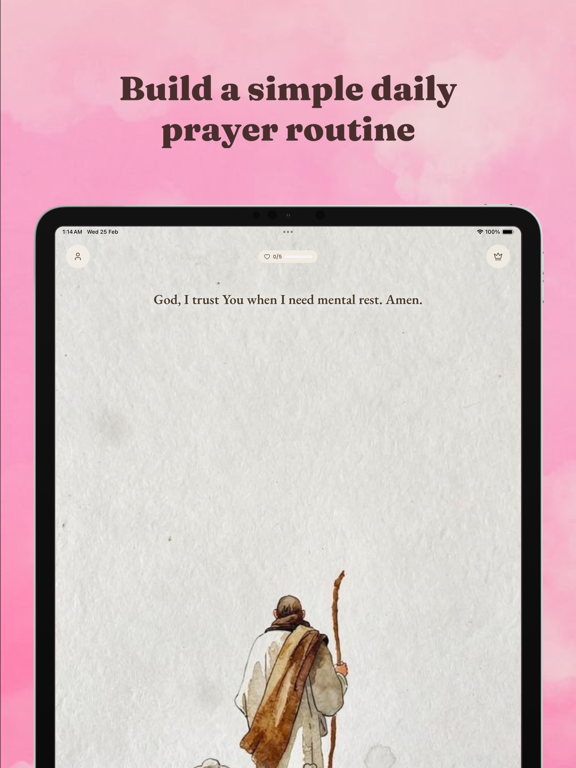
Icon palette
About this app
Divine delivers the power of Scripture directly to your Home and Lock screens — turning every glance at your phone into a moment with God. Made for women. With beautiful, fully customizable widgets, you can wake up to a new Bible verse each morning, receive Christian affirmations throughout your day, and get timely reminders to pause and pray. Set notifications that fit your schedule so Scripture meets you right where you are — no matter how busy life gets. Swipe through a curated feed of Bible verses, prayers, affirmations, and quotes from voices like Beth Moore, Priscilla Shirer, and C.S. Lewis. Like what speaks to your heart and your feed learns what to show you next. What you can expect from Divine: Beautiful Widgets for your Home & Lock Screens - Place Bible verses, prayers, and affirmations right on your screen - Choose your topic, font, and theme to match your phone's aesthe…
App details
What you can learn from Divine: Women's Bible Widgets
Every shipping app on the App Store has gone through the same decisions you're working through right now: which screenshot goes first, what caption sits over it, which device frame to show, what color the background should be. The 6 screenshots above are Divine: Women's Bible Widgets's answers to those questions — they're public, they're real, and they made it through Apple's review.
Notice the first screenshot in particular. It's the one users see in search results and on the product page, and it's where most apps spend their best caption and tightest design. Look at the proportion of background to phone, where the text sits, what one thing the image is trying to communicate.
Want to see how other Reference apps approach the same problem? Browse more Reference apps in the showcase.
Take what works into your own screenshots
Open LaunchShots and design your App Store & Google Play screenshots — pick a device frame, drop captions, ship in minutes. Free, in your browser.
Open the screenshot editor →