Screenshots


Icon palette
About this app
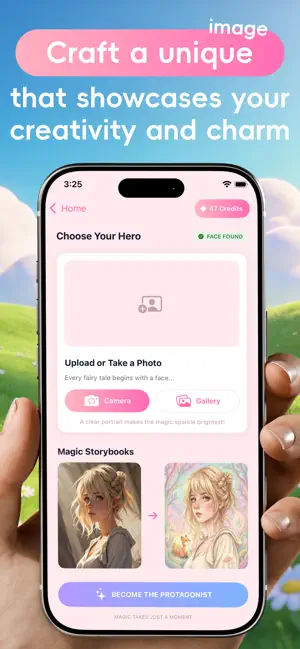
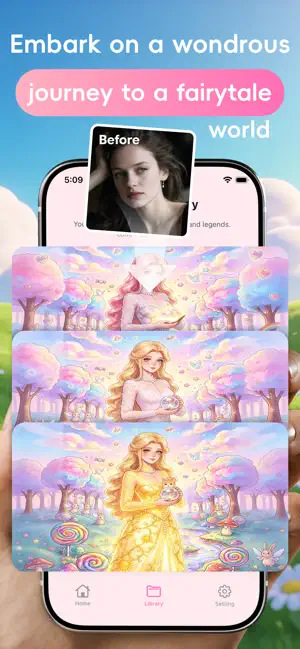
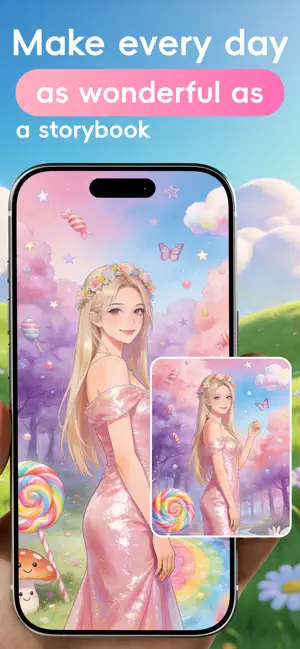
HeroNara AI: Your Storybook Adventure Awaits! Ever dreamed of being the most adorable character in a fairy tale? HeroNara AI is your magical camera! Simply upload a photo, and our AI will instantly work its "Cute Magic," transforming you, your friends, or family into a unique, dreamy storybook protagonist. Key Features: • AI-Powered Transformation: Our advanced image generation technology intelligently recognizes facial features, preserving your essence while dressing you in a magical storybook style. • Unique Storybook-Style Art: It's more than a filter! We meticulously craft one-of-a-kind, "cute-style" storybook illustrations, making each look like it jumped right off the page. • Effortless to Use: No expertise needed. Upload, wait a few seconds, and your fairytale persona is born. • Unlimited Creativity: Whether you imagine yourself as a forest sprite, castle royalty, a…
App details
What you can learn from HeroNara AI
Every shipping app on the App Store has gone through the same decisions you're working through right now: which screenshot goes first, what caption sits over it, which device frame to show, what color the background should be. The 5 screenshots above are HeroNara AI's answers to those questions — they're public, they're real, and they made it through Apple's review.
Notice the first screenshot in particular. It's the one users see in search results and on the product page, and it's where most apps spend their best caption and tightest design. Look at the proportion of background to phone, where the text sits, what one thing the image is trying to communicate.
Want to see how other Graphics & Design apps approach the same problem? Browse more Graphics & Design apps in the showcase.
Take what works into your own screenshots
Open LaunchShots and design your App Store & Google Play screenshots — pick a device frame, drop captions, ship in minutes. Free, in your browser.
Open the screenshot editor →