Screenshots
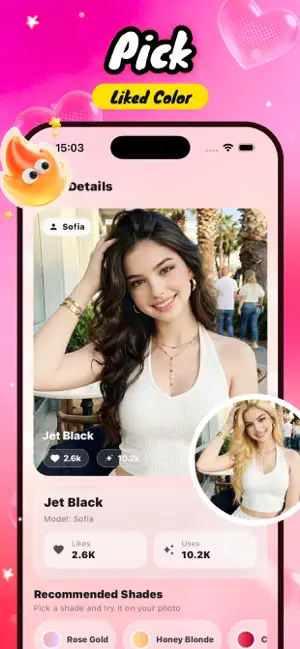

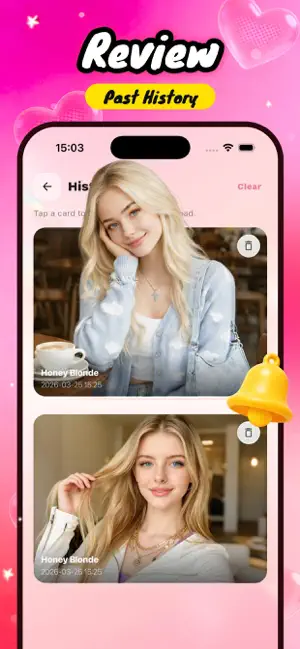
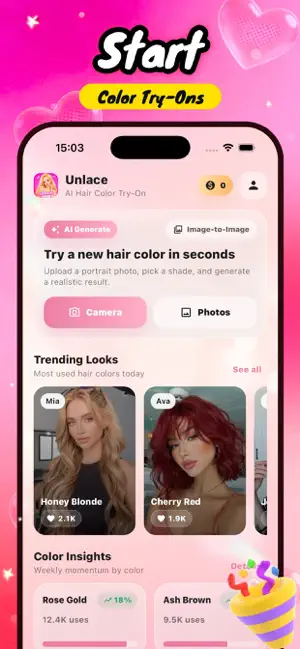
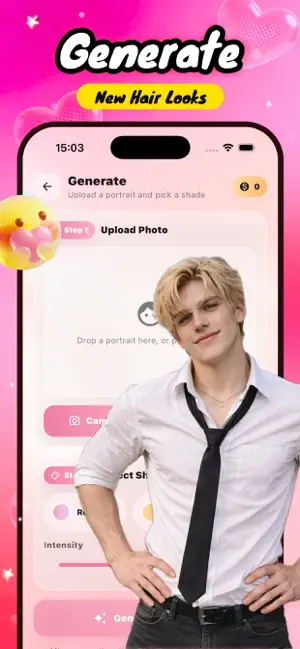
Icon palette
About this app
Unlace is your personal AI hair transformation studio, designed to help you explore new looks in seconds. Simply upload a photo and instantly see yourself with different hair colors—no dye, no risk, just effortless experimentation. Whether you're curious about bold statement shades, subtle natural tones, or trending color styles, Unlace lets you preview realistic results tailored to your image. From everyday refreshes to dramatic makeovers, discover what truly suits you before making a real change. The experience is simple and visual—choose a photo, pick a color direction, and let AI reimagine your hairstyle with smooth, natural-looking results ready to share or save. Each AI generation uses in-app coins, giving you flexible control over how often you explore new styles.
App details
What you can learn from Unlace
Every shipping app on the App Store has gone through the same decisions you're working through right now: which screenshot goes first, what caption sits over it, which device frame to show, what color the background should be. The 5 screenshots above are Unlace's answers to those questions — they're public, they're real, and they made it through Apple's review.
Notice the first screenshot in particular. It's the one users see in search results and on the product page, and it's where most apps spend their best caption and tightest design. Look at the proportion of background to phone, where the text sits, what one thing the image is trying to communicate.
Want to see how other Developer Tools apps approach the same problem? Browse more Developer Tools apps in the showcase.
Take what works into your own screenshots
Open LaunchShots and design your App Store & Google Play screenshots — pick a device frame, drop captions, ship in minutes. Free, in your browser.
Open the screenshot editor →