Screenshots
Icon palette
About this app
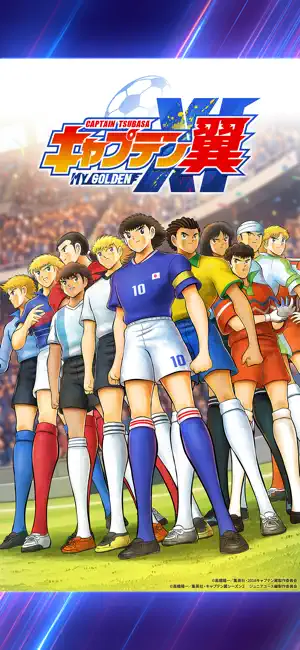
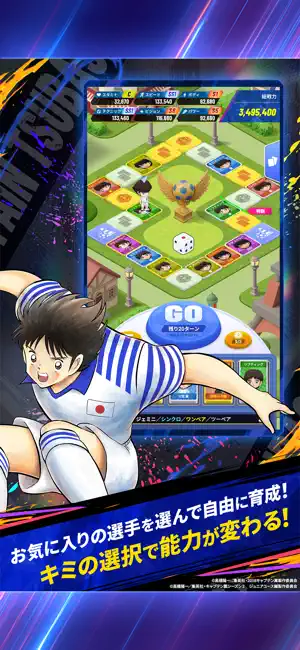
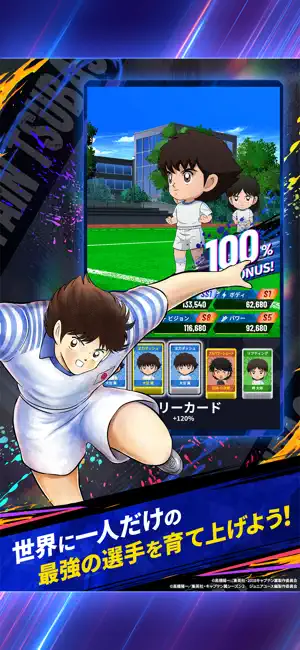
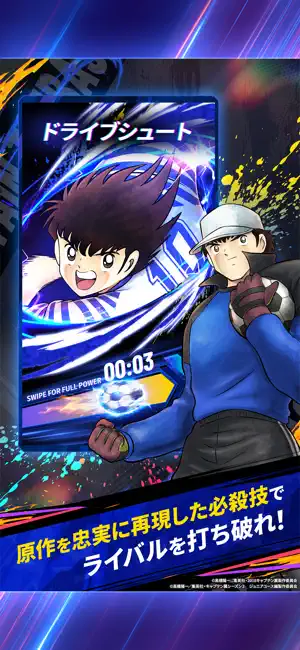
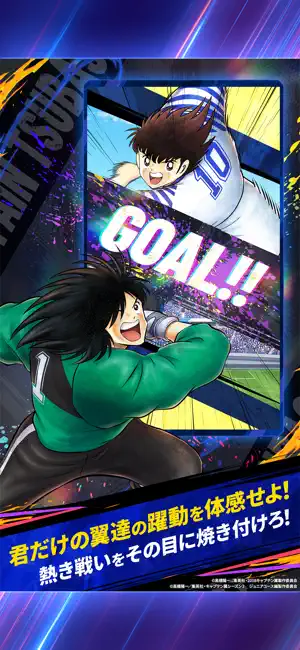
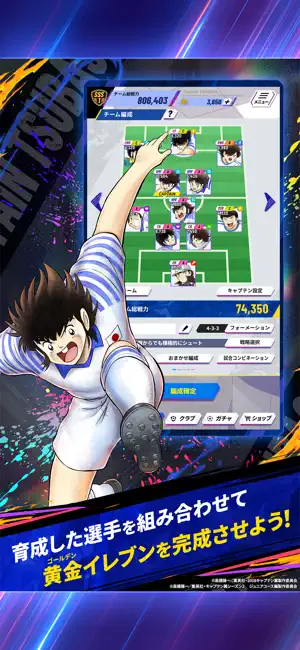
世界中の「サッカー小僧」たちを熱狂させた、伝説のタイトル『キャプテン翼』。 そのスマートフォンアプリ最新作が、満を持して登場! 好きな選手を特訓して最強の「黄金(ゴールデン)イレブン」を結成、 キミだけの全力サッカーで、ライバルたちと激闘を繰り広げよう! ■キミだけの最強選手を育てよう! お気に入りの選手を選び、「特訓」で育成だ! 特訓中の選択次第で、最終的なステータスや獲得スキルが大きく変わるぞ! すべては、キミの育成手腕にかかっている! ■最強イレブンを作り上げろ! 特訓で育成した選手を自由に組み合わせ、 キミだけの黄金(ゴールデン)イレブンを編成しよう! 育成選手に応じたポジションやフォーメーションの選択も、 最強イレブンへの鍵だ! ■熱い必殺技の数々がここに集結! 翼の「ドライブシュート」や日向の「タイガーショット」をはじめ、 誰もが知る"あの"必殺技の数々を忠実に再現! 必殺技を駆使して、並み居る強敵を打ち破れ! ■手に汗握る熱い試合に刮目せよ! 育て上げた最強イレブンで、ライバルたちと競い合お…
App details
What you can learn from キャプテン翼:My Golden XI【マイイレ】
Every shipping app on the App Store has gone through the same decisions you're working through right now: which screenshot goes first, what caption sits over it, which device frame to show, what color the background should be. The 6 screenshots above are キャプテン翼:My Golden XI【マイイレ】's answers to those questions — they're public, they're real, and they made it through Apple's review.
Notice the first screenshot in particular. It's the one users see in search results and on the product page, and it's where most apps spend their best caption and tightest design. Look at the proportion of background to phone, where the text sits, what one thing the image is trying to communicate.
Want to see how other Games apps approach the same problem? Browse more Games apps in the showcase.
Take what works into your own screenshots
Open LaunchShots and design your App Store & Google Play screenshots — pick a device frame, drop captions, ship in minutes. Free, in your browser.
Open the screenshot editor →