Screenshots

Icon palette
About this app
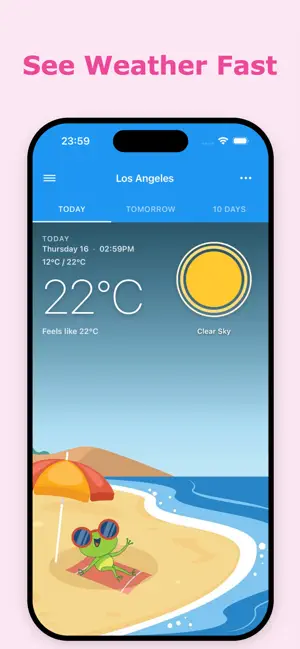
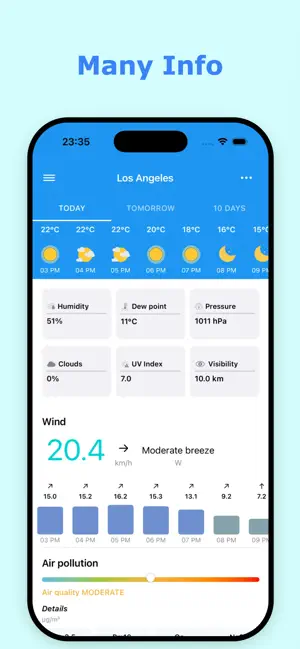
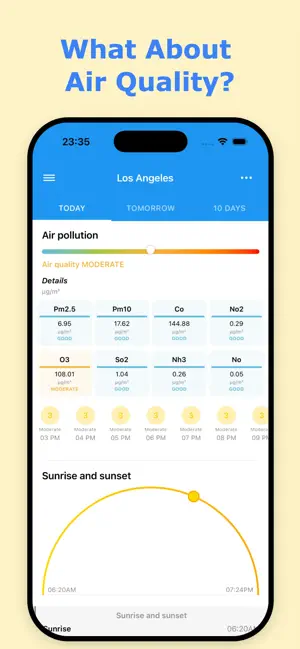
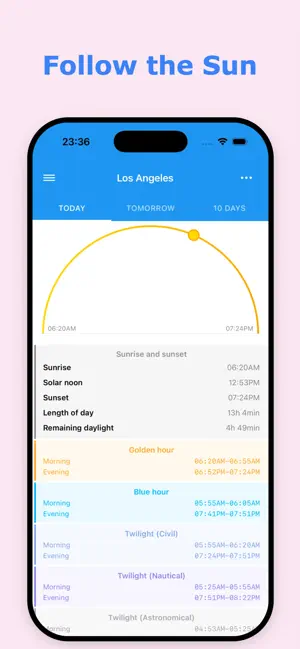
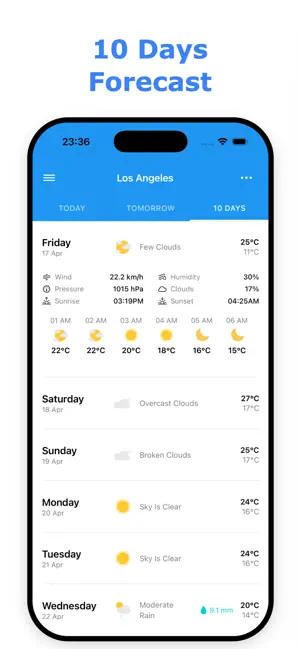
Meet The Frog weather app: Your Daily Dose of Sunshine, Rain or Shine Tired of boring, clinical weather apps? Meet The Frog, the simple and hilarious weather companion designed to deliver accurate forecasts and an instant mood boost, even on the gloomiest days. We combine precision meteorology with a cheerful personality, proving that checking the weather doesn't have to be a chore. Whether you are planning your week or just need a smile, The Frog has you covered. Everything You Need to Plan Your Day - Complete Forecast Control: Get detailed insights for today and tomorrow, alongside precise hourly breakdowns to plan your schedule perfectly. - 10-Day Outlook: Stay steps ahead of the elements with reliable, long-range daily forecasts. - Real-Time Accuracy: Never get caught in the rain with instant, live weather updates. - Visual Weather Maps: Track changing conditions globally or local…
App details
What you can learn from The Frog: Weather app
Every shipping app on the App Store has gone through the same decisions you're working through right now: which screenshot goes first, what caption sits over it, which device frame to show, what color the background should be. The 6 screenshots above are The Frog: Weather app's answers to those questions — they're public, they're real, and they made it through Apple's review.
Notice the first screenshot in particular. It's the one users see in search results and on the product page, and it's where most apps spend their best caption and tightest design. Look at the proportion of background to phone, where the text sits, what one thing the image is trying to communicate.
Want to see how other Weather apps approach the same problem? Browse more Weather apps in the showcase.
Take what works into your own screenshots
Open LaunchShots and design your App Store & Google Play screenshots — pick a device frame, drop captions, ship in minutes. Free, in your browser.
Open the screenshot editor →