Screenshots
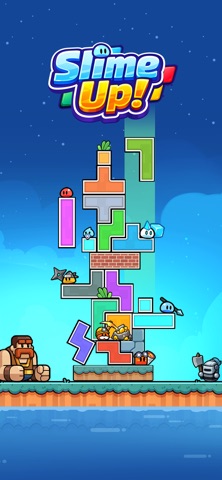


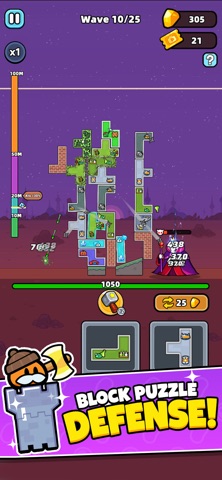
iPad screenshots

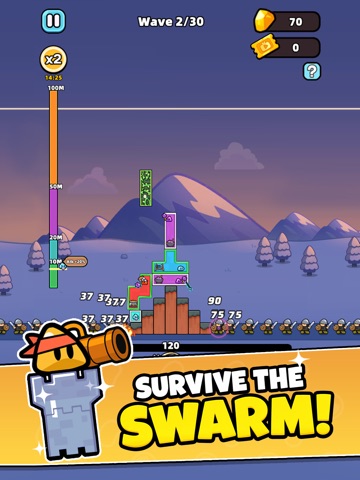


Icon palette
About this app
Slime Up! —A unique blend of block puzzles and tactical tower defense. Forget static towers. In this game, your defense is a structural masterpiece built block by block. Every classic shape must be placed with precision, as real-time physics and gravity will test the integrity of your fortress. Game Features: Build with Physics: Use classic block shapes to build your base. Watch your center of mass! Real gravity means your tower can tilt and collapse under enemy fire. Merge & Upgrade: Drag and drop identical hero blocks to merge them. Unlock higher-tier turrets and turn your puzzle into a massive wall of firepower. Creative Strategy: You have total freedom. Use awkward shapes to wedge gaps or reinforce your foundation. Your engineering skills are your best defense. Defend the Core: Survive relentless waves of enemies and giant Bosses. Stack, repair, and fortify in real-time to keep your…
App details
What you can learn from Slime Up!
Every shipping app on the App Store has gone through the same decisions you're working through right now: which screenshot goes first, what caption sits over it, which device frame to show, what color the background should be. The 10 screenshots above are Slime Up!'s answers to those questions — they're public, they're real, and they made it through Apple's review.
Notice the first screenshot in particular. It's the one users see in search results and on the product page, and it's where most apps spend their best caption and tightest design. Look at the proportion of background to phone, where the text sits, what one thing the image is trying to communicate.
Want to see how other Games apps approach the same problem? Browse more Games apps in the showcase.
Take what works into your own screenshots
Open LaunchShots and design your App Store & Google Play screenshots — pick a device frame, drop captions, ship in minutes. Free, in your browser.
Open the screenshot editor →