Screenshots



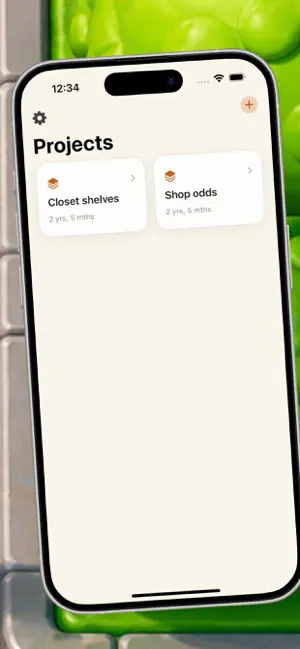
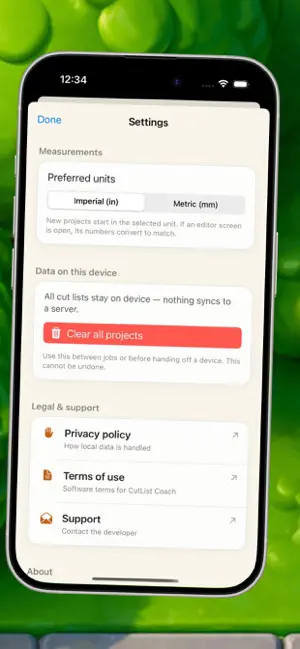
Icon palette
About this app
CL:CutList Coach helps woodworkers, DIY remodelers, and small shop builders turn dimensional lumber on hand plus a parts list into a clear cutting plan that reduces waste. If you have ever bought extra boards just to be safe or ended the day with awkward offcuts you cannot reuse, this app is for quick use on site. You name a project, enter the stock lengths you actually have available, add the parts you need with quantity and labels, set your blade kerf once, and tap Optimize. The app applies a one-dimensional cutting stock approach and shows an ordered list of cuts against each board, plus a waste summary split between kerf loss and leftover scrap so tradeoffs stay visible. First scenario: you are building closet shelving. You enter two ten-foot two-by-fours and a list of shelf and cleat lengths. After optimization, you see which board each cut comes from and a sensible cut order so t…
App details
What you can learn from CHK2:CutList Coach
Every shipping app on the App Store has gone through the same decisions you're working through right now: which screenshot goes first, what caption sits over it, which device frame to show, what color the background should be. The 5 screenshots above are CHK2:CutList Coach's answers to those questions — they're public, they're real, and they made it through Apple's review.
Notice the first screenshot in particular. It's the one users see in search results and on the product page, and it's where most apps spend their best caption and tightest design. Look at the proportion of background to phone, where the text sits, what one thing the image is trying to communicate.
Want to see how other Productivity apps approach the same problem? Browse more Productivity apps in the showcase.
Take what works into your own screenshots
Open LaunchShots and design your App Store & Google Play screenshots — pick a device frame, drop captions, ship in minutes. Free, in your browser.
Open the screenshot editor →