Screenshots
Icon palette
About this app
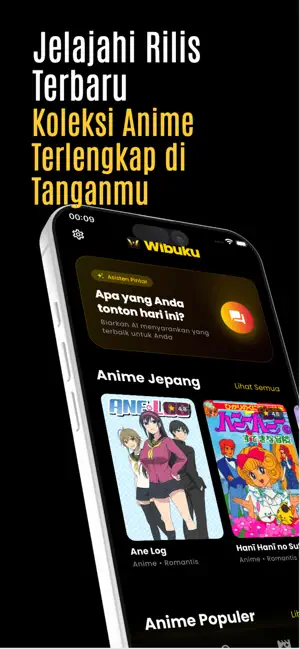
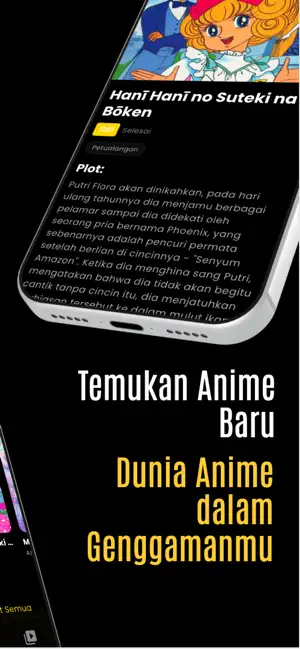
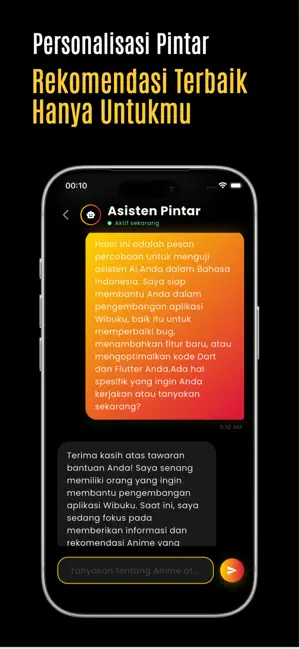
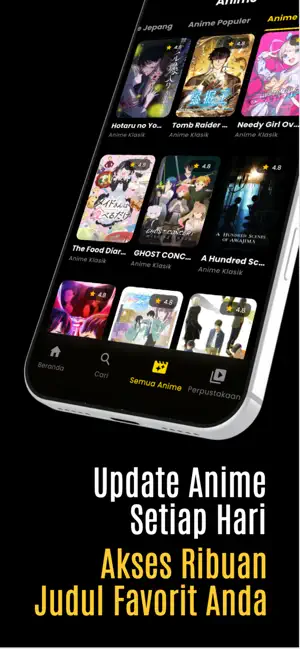
Mencari judul anime seru selanjutnya? Selamat datang di Wibuku, panduan cerdas dan premium khusus untuk para anime lovers. Di sini, kecintaan Anda pada anime bertemu dengan teknologi Artificial Intelligence (AI) canggih untuk memberikan pengalaman eksplorasi yang luar biasa dan rekomendasi yang sangat akurat sebelum Anda mulai nonton anime. Mengapa Wibuku adalah teman sejati Anda? - Asisten Anime Pintar Nikmati pengalaman interaktif yang unik dengan asisten AI kami. Cukup beri tahu suasana hati atau genre favorit Anda hari ini, dan asisten kami akan langsung memberikan rekomendasi anime yang paling pas dengan selera Anda. Menentukan pilihan untuk animeplay akhir pekan ini menjadi jauh lebih mudah! - Ensiklopedia Anime Terlengkap Jelajahi dunia informasi anime yang sangat mendetail. Dari sinopsis cerita yang mendalam, daftar pengisi suara (seiyuu), hingga jadwal rilis. Wibuku adalah p…
App details
What you can learn from Wibuku - Rekomendasi Anime
Every shipping app on the App Store has gone through the same decisions you're working through right now: which screenshot goes first, what caption sits over it, which device frame to show, what color the background should be. The 4 screenshots above are Wibuku - Rekomendasi Anime's answers to those questions — they're public, they're real, and they made it through Apple's review.
Notice the first screenshot in particular. It's the one users see in search results and on the product page, and it's where most apps spend their best caption and tightest design. Look at the proportion of background to phone, where the text sits, what one thing the image is trying to communicate.
Want to see how other Entertainment apps approach the same problem? Browse more Entertainment apps in the showcase.
Take what works into your own screenshots
Open LaunchShots and design your App Store & Google Play screenshots — pick a device frame, drop captions, ship in minutes. Free, in your browser.
Open the screenshot editor →