Screenshots
Icon palette
About this app
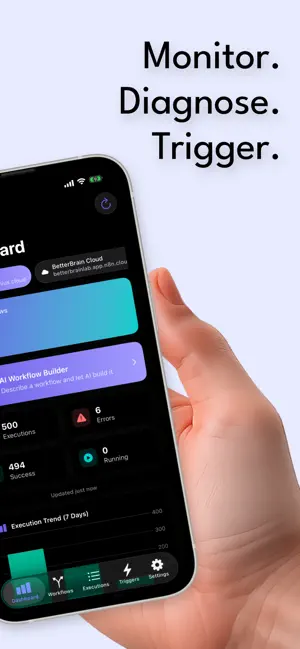
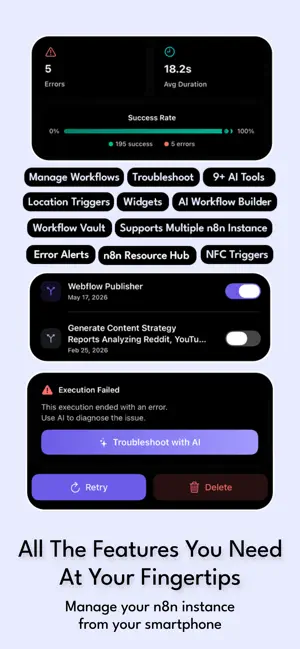
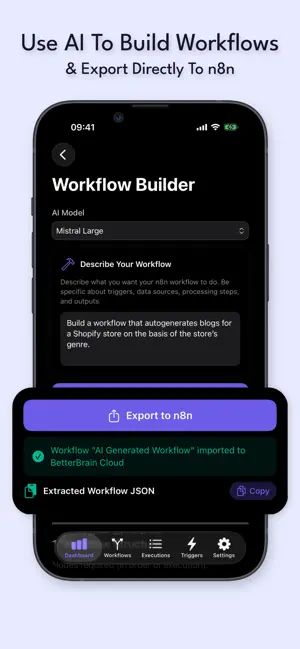
Nodey puts your entire n8n setup in your pocket. Monitor every workflow, get alerted the moment something fails, diagnose the error with AI, and even trigger workflows from the real world — without opening a laptop. Built by an n8n power user who was tired of being chained to a desk just to check whether an automation broke. MONITOR EVERYTHING (FREE) Real-time dashboard: total workflows, executions, errors, and success rate at a glance 7-day execution trends so you can spot problems before they snowball Connect multiple n8n instances — self-hosted or cloud — and switch between them instantly Background notifications when a workflow fails, gets stuck, or goes quiet TRIGGER FROM THE REAL WORLD (FREE) Location triggers: fire a workflow when you arrive at or leave any place. Drop a pin, set a radius, done. NFC triggers: pair a tag with any workflow — one tap runs it. Start your workday, a…
App details
What you can learn from Nodey | n8n Mobile Automation
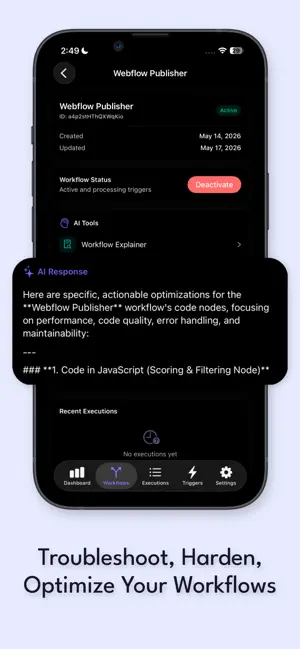
Every shipping app on the App Store has gone through the same decisions you're working through right now: which screenshot goes first, what caption sits over it, which device frame to show, what color the background should be. The 5 screenshots above are Nodey | n8n Mobile Automation's answers to those questions — they're public, they're real, and they made it through Apple's review.
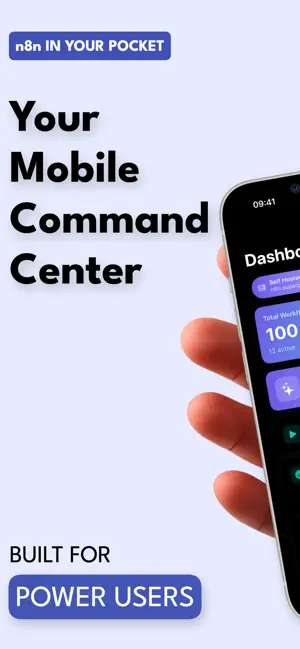
Notice the first screenshot in particular. It's the one users see in search results and on the product page, and it's where most apps spend their best caption and tightest design. Look at the proportion of background to phone, where the text sits, what one thing the image is trying to communicate.
Want to see how other Developer Tools apps approach the same problem? Browse more Developer Tools apps in the showcase.
Take what works into your own screenshots
Open LaunchShots and design your App Store & Google Play screenshots — pick a device frame, drop captions, ship in minutes. Free, in your browser.
Open the screenshot editor →