Screenshots


Icon palette
About this app
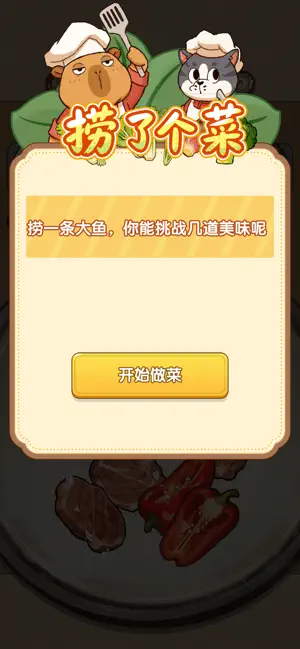
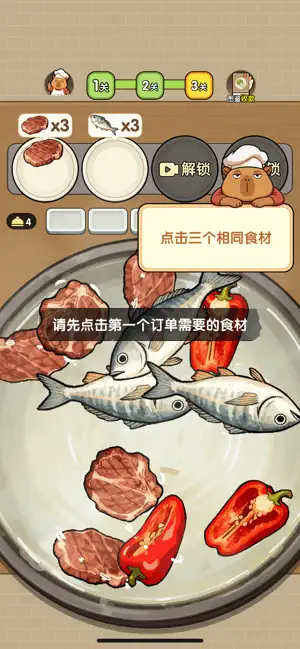
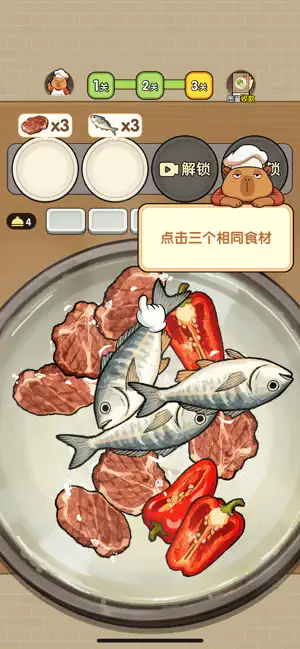
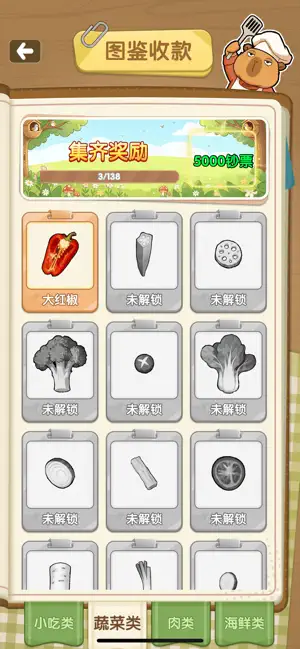
捞菜大集邮 – 治愈系捞菜休闲游戏,一捞就上瘾! 开袋即玩,一秒入锅打开 App 直接进入捞菜游戏!没有复杂教程,无需等待,立刻拿起捞勺,在热气腾腾的锅底中捞出属于你的美味食材。 超丰富食材,画风精美鲜虾、肥牛、香菇、莲藕、青菜……几十种精致拟真食材等你来捞。每一道菜品都经过细腻绘制,捞菜过程解压又治愈。 通关集食材卡牌,像集邮一样快乐每通过一个关卡,就能获得一张独一无二的食物收藏卡片!集齐整套“中华美食图鉴”,解锁成就徽章,满足你的收集欲。 点击厨师头像,开启烹饪新玩法咦?厨师大叔在朝你眨眼~点击他的头像,立刻解锁隐藏玩法:菜品烹饪模拟!从洗菜、切配到调味装盘,亲手制作一道完美料理,体验从捞菜到做菜的双重乐趣。 游戏特色 • 零门槛上手,老少皆宜 • 每日挑战 + 限时主题锅底 • 食物卡片可分享、可收藏 • 无强制付费,轻松解压 快来成为捞菜大师,把你的美食图鉴填满吧!
App details
What you can learn from 捞了个菜
Every shipping app on the App Store has gone through the same decisions you're working through right now: which screenshot goes first, what caption sits over it, which device frame to show, what color the background should be. The 6 screenshots above are 捞了个菜's answers to those questions — they're public, they're real, and they made it through Apple's review.
Notice the first screenshot in particular. It's the one users see in search results and on the product page, and it's where most apps spend their best caption and tightest design. Look at the proportion of background to phone, where the text sits, what one thing the image is trying to communicate.
Want to see how other Games apps approach the same problem? Browse more Games apps in the showcase.
Take what works into your own screenshots
Open LaunchShots and design your App Store & Google Play screenshots — pick a device frame, drop captions, ship in minutes. Free, in your browser.
Open the screenshot editor →