Screenshots
Icon palette
About this app
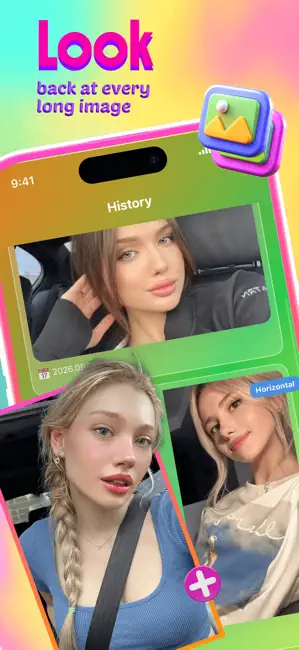
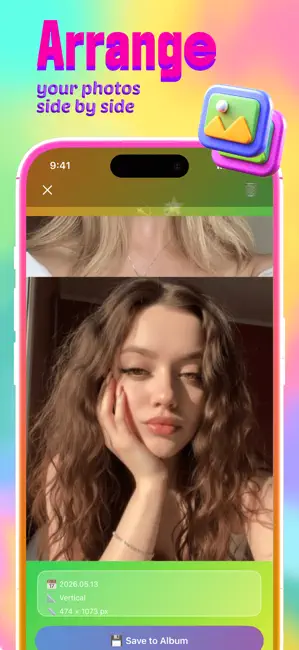
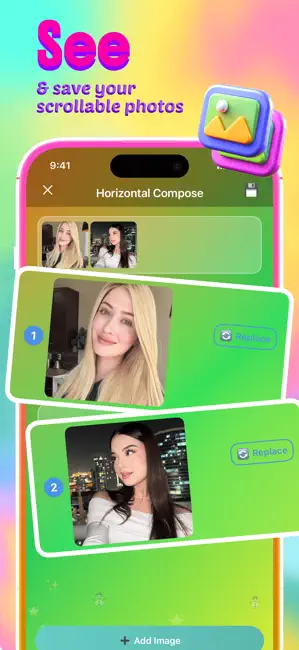
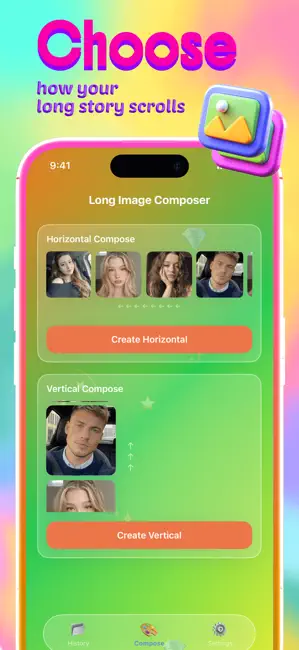
Screenshots, conversations, travel memories, design drafts — modern life happens in fragments, and Birel is built to connect those fragments into something seamless. Instead of leaving important moments scattered across separate images, Birel transforms multiple pictures into smooth long-form visuals that feel natural to scroll, share, and revisit. The app focuses on simplicity without sacrificing visual quality. Users can upload images in sequence and instantly generate clean long-image compositions perfect for storytelling, social sharing, tutorials, chat archives, moodboards, or aesthetic collections. The process feels lightweight and intuitive, allowing users to create polished stitched images within moments rather than navigating complicated editing workflows. Birel turns image stitching into a creative format of its own. It captures the feeling of continuity in a digital world whe…
App details
What you can learn from Birel - Join & Share
Every shipping app on the App Store has gone through the same decisions you're working through right now: which screenshot goes first, what caption sits over it, which device frame to show, what color the background should be. The 4 screenshots above are Birel - Join & Share's answers to those questions — they're public, they're real, and they made it through Apple's review.
Notice the first screenshot in particular. It's the one users see in search results and on the product page, and it's where most apps spend their best caption and tightest design. Look at the proportion of background to phone, where the text sits, what one thing the image is trying to communicate.
Want to see how other Utilities apps approach the same problem? Browse more Utilities apps in the showcase.
Take what works into your own screenshots
Open LaunchShots and design your App Store & Google Play screenshots — pick a device frame, drop captions, ship in minutes. Free, in your browser.
Open the screenshot editor →