Screenshots

Icon palette
About this app
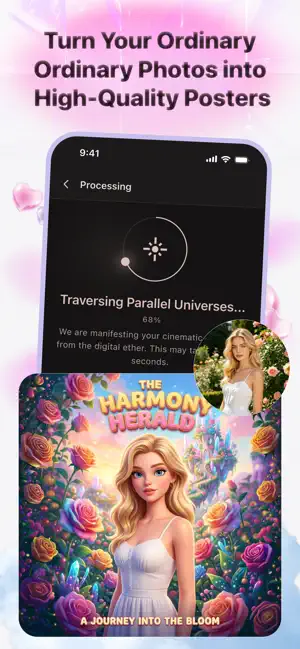
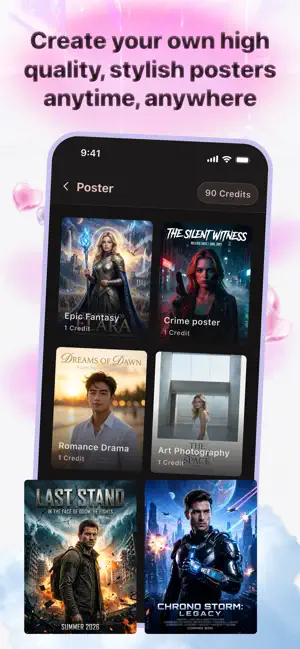
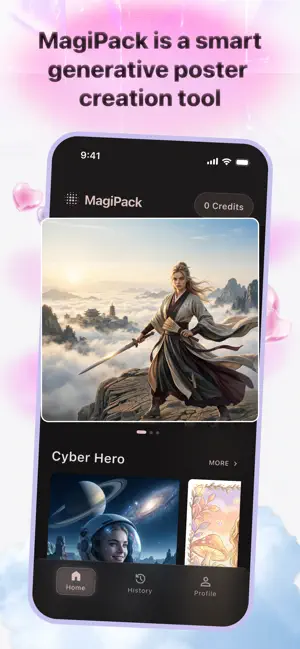
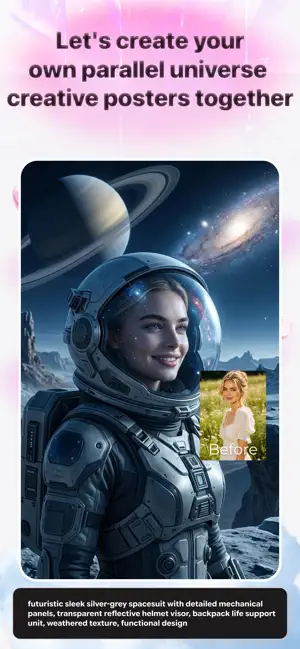
MagiPack: Your Ultimate AI Photo Transformer Turn your everyday photos into extraordinary masterpieces with MagiPack! Powered by advanced AI technology, MagiPack allows you to reimagine your pictures in a world of breathtaking styles. Whether you want to refresh your profile picture, create unique social media content, or just explore the limits of your imagination, MagiPack makes it effortless and fun. Why Choose MagiPack? Instant AI Magic: Just upload a photo, and watch our advanced AI completely recreate it in seconds. Ever-Evolving Styles: Discover a constantly updated library of artistic styles. From classic art and modern digital designs to futuristic aesthetics, there is always something new to explore. Fresh Content Daily: Our styles are dynamically updated directly from the cloud, meaning you'll always have access to the latest trends without needing constant app updates. Hig…
App details
What you can learn from MagiPack
Every shipping app on the App Store has gone through the same decisions you're working through right now: which screenshot goes first, what caption sits over it, which device frame to show, what color the background should be. The 5 screenshots above are MagiPack's answers to those questions — they're public, they're real, and they made it through Apple's review.
Notice the first screenshot in particular. It's the one users see in search results and on the product page, and it's where most apps spend their best caption and tightest design. Look at the proportion of background to phone, where the text sits, what one thing the image is trying to communicate.
Want to see how other Graphics & Design apps approach the same problem? Browse more Graphics & Design apps in the showcase.
Take what works into your own screenshots
Open LaunchShots and design your App Store & Google Play screenshots — pick a device frame, drop captions, ship in minutes. Free, in your browser.
Open the screenshot editor →