Screenshots
Icon palette
About this app
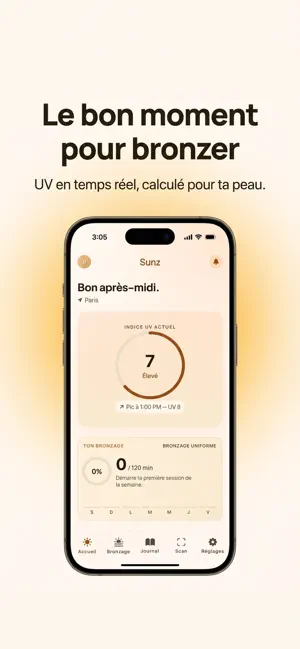
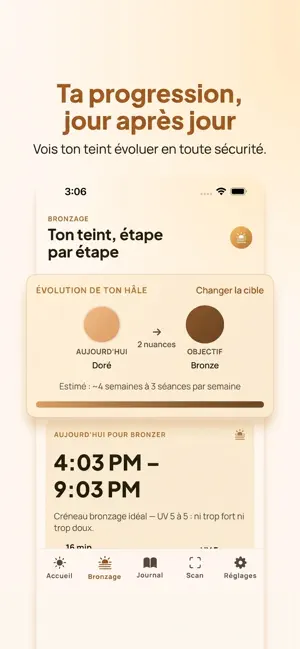
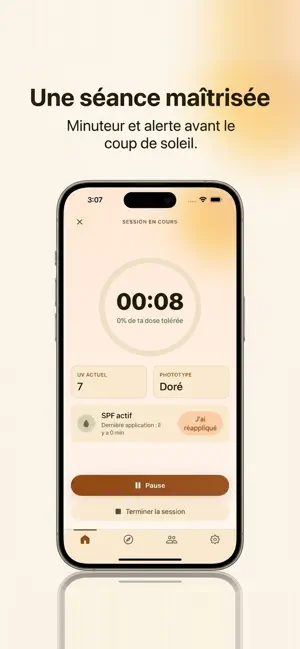
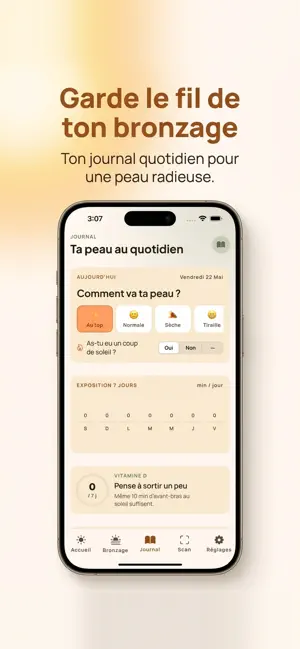
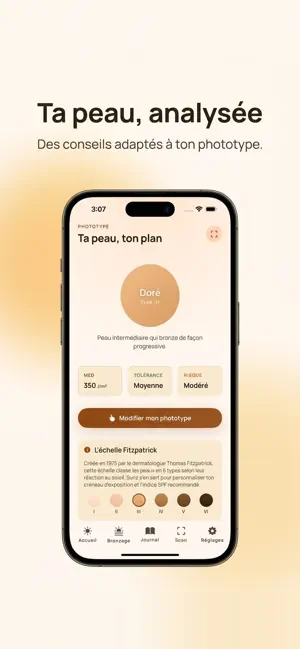
Sunz t'aide à mieux gérer ton exposition au soleil pour un bronzage progressif et serein. L'application analyse l'indice UV en temps réel, le croise avec ton type de peau, et te propose ton créneau d'exposition optimal — pour limiter les coups de soleil et adopter une approche raisonnée du bronzage. TON CRÉNEAU SOLEIL PERSONNALISÉ À chaque heure de la journée, Sunz calcule la fenêtre d'exposition adaptée à ta peau : ni trop tôt, ni trop tard, jamais aux heures à risque. Tu vois exactement quand sortir, combien de temps rester, et quand renforcer ta protection. SCAN INTELLIGENT DE TA PEAU Le scan d'onboarding analyse ton type de peau (échelle Fitzpatrick I à VI) directement sur ton appareil grâce à Apple Vision. Aucune photo ne quitte ton téléphone — l'analyse est 100% privée et instantanée. INDICE UV EN TEMPS RÉEL Données météo et UV fournies par Apple Weather. Prévisions horaires …
App details
What you can learn from Sunz - Bronzage
Every shipping app on the App Store has gone through the same decisions you're working through right now: which screenshot goes first, what caption sits over it, which device frame to show, what color the background should be. The 5 screenshots above are Sunz - Bronzage's answers to those questions — they're public, they're real, and they made it through Apple's review.
Notice the first screenshot in particular. It's the one users see in search results and on the product page, and it's where most apps spend their best caption and tightest design. Look at the proportion of background to phone, where the text sits, what one thing the image is trying to communicate.
Want to see how other Health & Fitness apps approach the same problem? Browse more Health & Fitness apps in the showcase.
Take what works into your own screenshots
Open LaunchShots and design your App Store & Google Play screenshots — pick a device frame, drop captions, ship in minutes. Free, in your browser.
Open the screenshot editor →