Screenshots




Icon palette
About this app
Dana Pinjam is an official digital lending platform operated by a regulated financial institution. We deliver secure, fast funding to tackle your unexpected and urgent financial demands. Our simplified application flow and flexible loan options let you submit requests easily and manage your finances with full peace of mind. 1. Borrowing Plan Overview Loan Amount: 1,000,000 – 8,600,000 Loan Duration: 150 days to 360 days Daily Interest Rate: 0.05% Annual Interest Rate: 18% All loan terms and repayment rules are fully disclosed with complete transparency 2. Fee Calculation Rules If you borrow 3,000,000 for 150 days, the estimated interest is 225,000, and the total repayment amounts to 3,225,000. This case is for your reference to fully understand loan details prior to application. 3. Loan advantages Authorized service from formal financial institution, reliable and compliant Maximum lo…
App details
What you can learn from Dana Pinjam _ Online Cash App
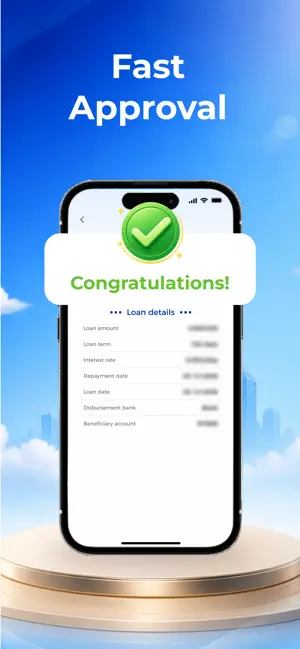
Every shipping app on the App Store has gone through the same decisions you're working through right now: which screenshot goes first, what caption sits over it, which device frame to show, what color the background should be. The 5 screenshots above are Dana Pinjam _ Online Cash App's answers to those questions — they're public, they're real, and they made it through Apple's review.
Notice the first screenshot in particular. It's the one users see in search results and on the product page, and it's where most apps spend their best caption and tightest design. Look at the proportion of background to phone, where the text sits, what one thing the image is trying to communicate.
Want to see how other Business apps approach the same problem? Browse more Business apps in the showcase.
Take what works into your own screenshots
Open LaunchShots and design your App Store & Google Play screenshots — pick a device frame, drop captions, ship in minutes. Free, in your browser.
Open the screenshot editor →