Screenshots
Icon palette
About this app
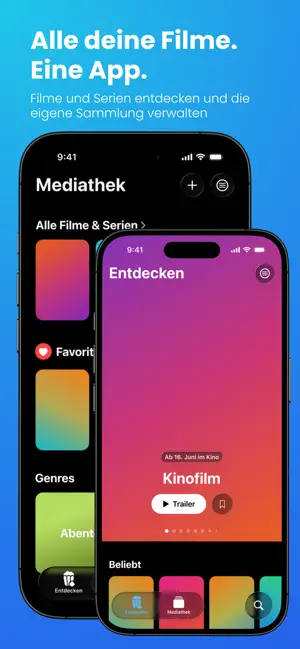
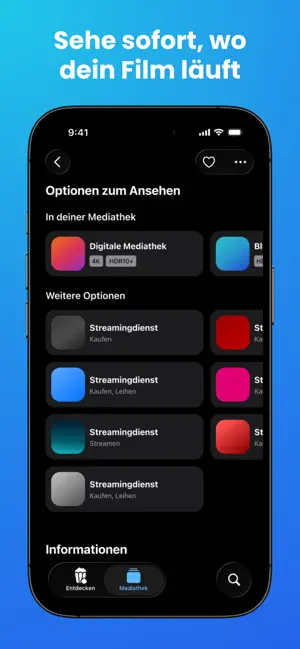
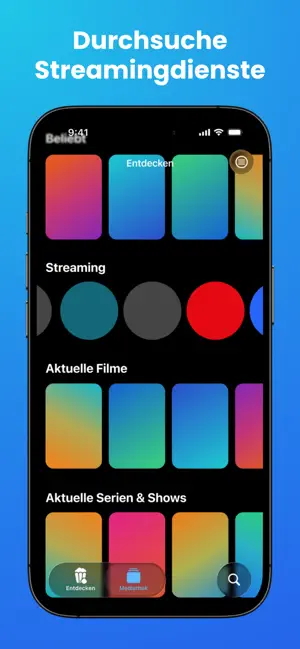
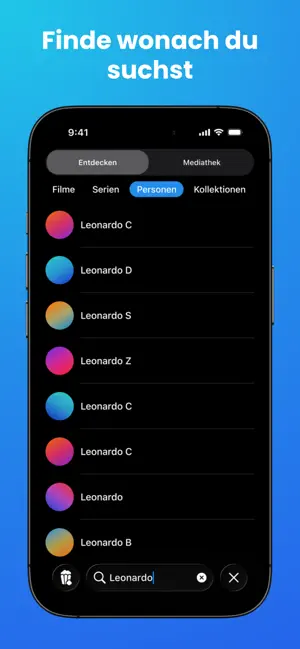
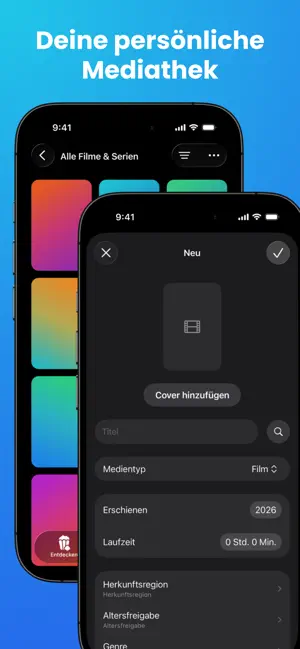
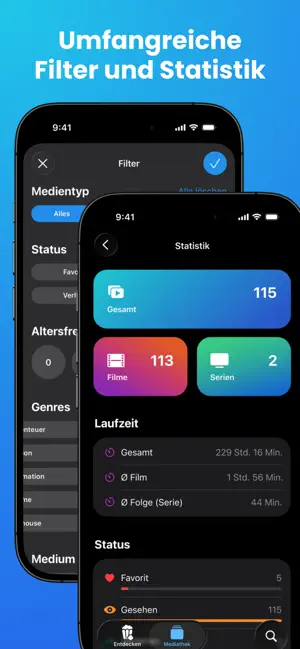
Movie Manager – Alle deine Filme. Eine App. Movie Manager ist die ideale App für alle Film- und Serienfans. Entdecke neue Inhalte, behalte den Überblick über deine persönliche Sammlung und verwalte deine Mediathek an einem zentralen Ort. Entdecken Im Bereich „Entdecken“ kannst du nach neuen Filmen und Serien suchen und dich inspirieren lassen. Durchstöbere aktuelle Inhalte, beliebte Titel und entdecke neue Filme und Serien. Zu jedem Eintrag werden umfangreiche Informationen wie Handlung, Erscheinungsdatum, Bewertungen sowie verfügbare Streaming- und Kaufoptionen angezeigt. Mediathek Mit der integrierten Mediathek verwaltest du deine persönliche Filmsammlung ganz einfach. Erfasse DVDs, Blu-rays und digitale Käufe an einem Ort und behalte jederzeit den Überblick über deine Inhalte. Für das Hinzufügen neuer Einträge können Informationen zu Filmen und Serien automatisch geladen werden, …
App details
What you can learn from Movie Manager
Every shipping app on the App Store has gone through the same decisions you're working through right now: which screenshot goes first, what caption sits over it, which device frame to show, what color the background should be. The 6 screenshots above are Movie Manager's answers to those questions — they're public, they're real, and they made it through Apple's review.
Notice the first screenshot in particular. It's the one users see in search results and on the product page, and it's where most apps spend their best caption and tightest design. Look at the proportion of background to phone, where the text sits, what one thing the image is trying to communicate.
Want to see how other Entertainment apps approach the same problem? Browse more Entertainment apps in the showcase.
Take what works into your own screenshots
Open LaunchShots and design your App Store & Google Play screenshots — pick a device frame, drop captions, ship in minutes. Free, in your browser.
Open the screenshot editor →