Screenshots



Icon palette
About this app
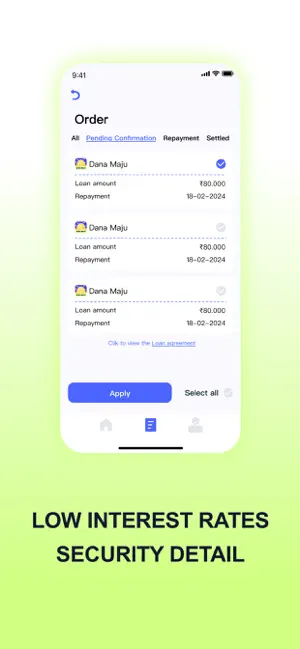
Do you need cash, Dana Maju can help! Dana Maju is designed to provide you with a fast and stress-relieved borrowing experience. Whether you need a small cash flow or a large loan, our app offers you instant approval, favourable interest rates and flexible repayment options. With just one tap, you can access the funds you need from your phone. We also employ strict security measures to ensure that your personal information is always protected! Example of how Dana Maju works: Loan amount: 50,000 Term: 12 months Annual Percentage Rate (APR): 18 Handling Fee (incl. GST): 1,750 + 315 GST Monthly EMI: 4,592 Total Interest Payable : 4,592 x 12 months - 50,000 Principal = 5,104 Amount paid: 50,000 - 2,065 = 47,935 Total amount due: 4,592 x 12 months = 55,104 Total Cost of Loan: Total Amount Payable + Fee + GST = 55,104+ 1,750+ 315= 57,169 Why choose Dana Maju? 1.No need for paperwork, coll…
App details
What you can learn from Dana Maju - Instant Loan App
Every shipping app on the App Store has gone through the same decisions you're working through right now: which screenshot goes first, what caption sits over it, which device frame to show, what color the background should be. The 4 screenshots above are Dana Maju - Instant Loan App's answers to those questions — they're public, they're real, and they made it through Apple's review.
Notice the first screenshot in particular. It's the one users see in search results and on the product page, and it's where most apps spend their best caption and tightest design. Look at the proportion of background to phone, where the text sits, what one thing the image is trying to communicate.
Want to see how other Business apps approach the same problem? Browse more Business apps in the showcase.
Take what works into your own screenshots
Open LaunchShots and design your App Store & Google Play screenshots — pick a device frame, drop captions, ship in minutes. Free, in your browser.
Open the screenshot editor →