Screenshots


Icon palette
About this app
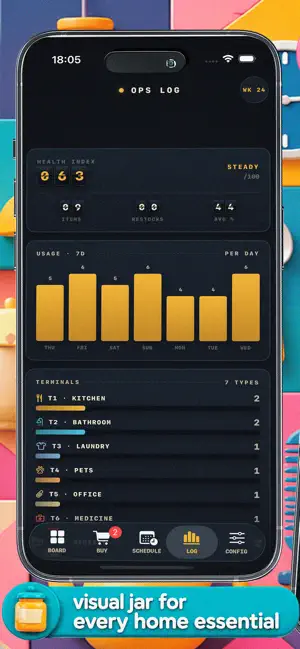
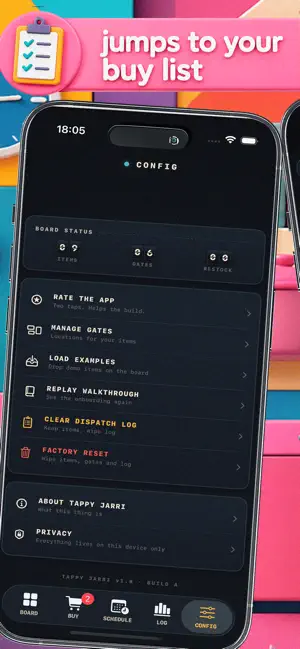
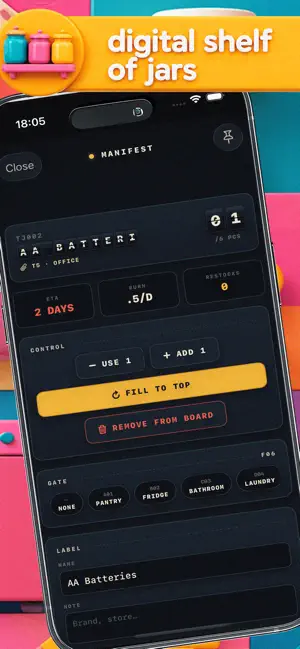
You don't run out of coffee — you forget to buy it. TappyJarri is a digital shelf of jars for everything that quietly runs low at home. Tap as it drains. Empty jar = add to cart. That's the whole app. A SHELF, NOT A CHECKLIST Every essential is a visual jar on your screen — batteries, filters, lightbulbs, pet food, detergent. The fuller the jar, the more you have left. ONE TAP TO DRAIN Used the last battery? Tap the jar, the level drops instantly. No typing, no forms, no boring spreadsheets. EMPTY = BUY When a jar hits empty, it automatically moves to your Restock list. Open it at the store, grab what's there, and refill your jar with a simple swipe. KNOW BEFORE YOU'RE OUT Glance at your shelf and see what's running low before it becomes an emergency. QUIETLY YOURS No account, no cloud, no annoying ads. Everything stays securely on your iPhone. Offline-first utility for peaceful home ma…
App details
What you can learn from TappyJarri: Home Stock Tracker
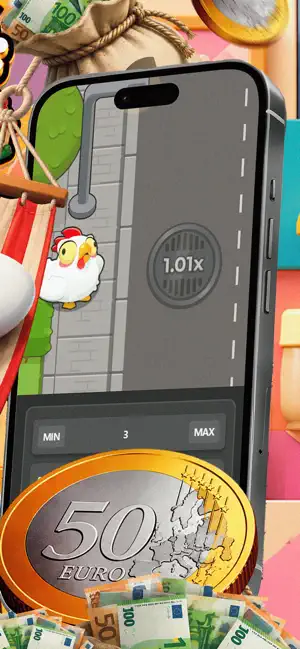
Every shipping app on the App Store has gone through the same decisions you're working through right now: which screenshot goes first, what caption sits over it, which device frame to show, what color the background should be. The 6 screenshots above are TappyJarri: Home Stock Tracker's answers to those questions — they're public, they're real, and they made it through Apple's review.
Notice the first screenshot in particular. It's the one users see in search results and on the product page, and it's where most apps spend their best caption and tightest design. Look at the proportion of background to phone, where the text sits, what one thing the image is trying to communicate.
Want to see how other Utilities apps approach the same problem? Browse more Utilities apps in the showcase.
Take what works into your own screenshots
Open LaunchShots and design your App Store & Google Play screenshots — pick a device frame, drop captions, ship in minutes. Free, in your browser.
Open the screenshot editor →