Screenshots



Icon palette
About this app
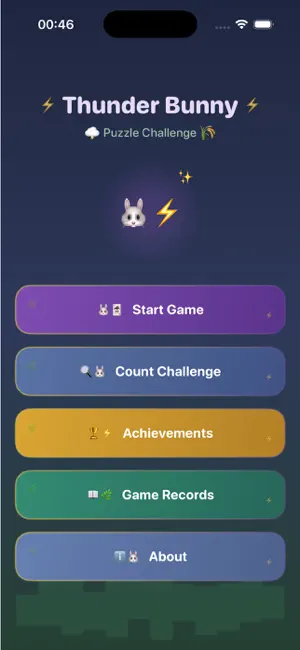
Enter a whimsical storm-meadow world where rolling grasslands meet flashes of lightning, and discover a card-matching puzzle experience that is both relaxing and genuinely challenging. Cards lie face down before you—flip them over, rely on sharp observation and steady reasoning, spot identical patterns, and clear the entire board to claim victory. Every turn rewards focus, patience, and logical thinking. Three difficulty tiers—Easy, Medium, and Hard—scale card count, grid layout, and opening preview duration so newcomers can learn at a comfortable pace while experienced players keep pushing their limits. Beyond the classic pair-matching mode, Count Challenge scatters themed icons across the screen and asks you to tally the target as quickly as possible, training concentration, reaction speed, and visual scanning under pressure. Twelve unique achievements await, celebrating milestones …
App details
What you can learn from Veltharionz
Every shipping app on the App Store has gone through the same decisions you're working through right now: which screenshot goes first, what caption sits over it, which device frame to show, what color the background should be. The 6 screenshots above are Veltharionz's answers to those questions — they're public, they're real, and they made it through Apple's review.
Notice the first screenshot in particular. It's the one users see in search results and on the product page, and it's where most apps spend their best caption and tightest design. Look at the proportion of background to phone, where the text sits, what one thing the image is trying to communicate.
Want to see how other Education apps approach the same problem? Browse more Education apps in the showcase.
Take what works into your own screenshots
Open LaunchShots and design your App Store & Google Play screenshots — pick a device frame, drop captions, ship in minutes. Free, in your browser.
Open the screenshot editor →