Screenshot style breakdown
Sampled from 4 of 疯狂找一找-百景觅异's App Store screenshots — background, accent and theme, measured by LaunchShots (not something Apple publishes).
#4C7CC4 bg
#658ECC
#8C2C2C accent
#FFFFFF text
Screenshots
Icon palette
About this app
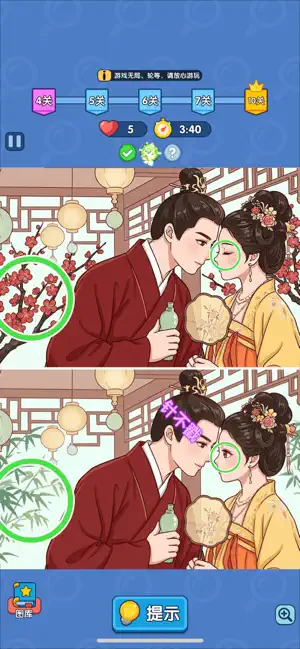
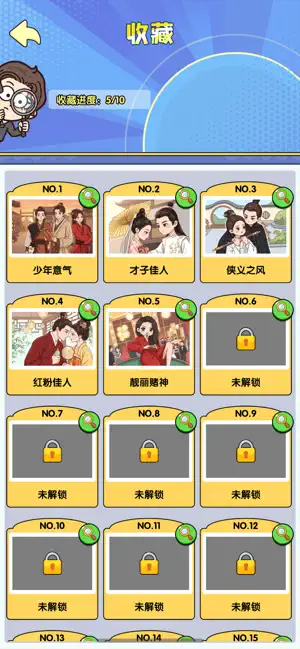
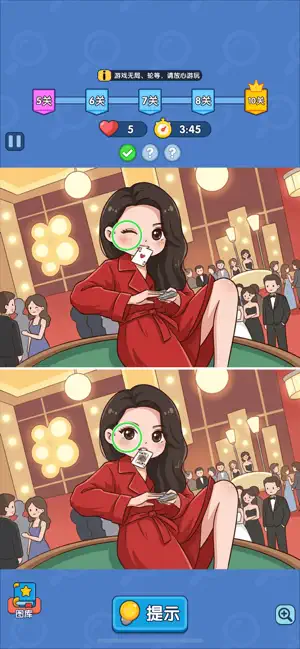
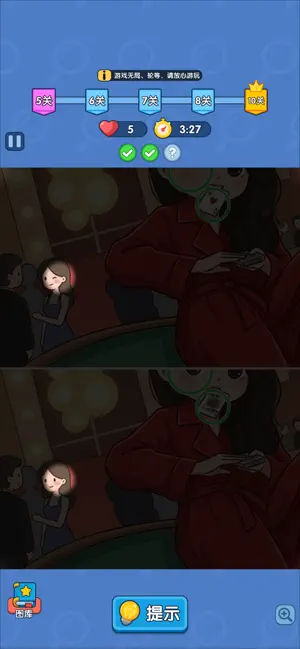
《疯狂找一找》国风找茬眼力游戏重磅来袭!海量古韵实景关卡尽数收录,少年策马意气、才子相逢佳人、江湖侠客行侠、倾城红粉梳妆等唯美古风场景一一呈现,数百特色关卡等你逐一探索。 游玩遇瓶颈无需发愁,内置贴心提示功能一键解锁线索,轻松突破卡关难题。连续精准找出两处差异还能触发专属连击特效,解锁「一眼看穿」等趣味播报,沉浸式体验畅快寻不同的乐趣。 于亭台楼阁、江湖街巷间细细搜寻,在层层关卡里锤炼超凡眼力,踏遍各式国风盛景,开启一场雅致又解压的眼力试炼之旅。
App details
What you can learn from 疯狂找一找-百景觅异
Every shipping app on the App Store has gone through the same decisions you're working through right now: which screenshot goes first, what caption sits over it, which device frame to show, what color the background should be. The 4 screenshots above are 疯狂找一找-百景觅异's answers to those questions — they're public, they're real, and they made it through Apple's review.
What the numbers say: 疯狂找一找-百景觅异 runs a mixed light-and-dark set where the background shifts from screenshot to screenshot (first shot #4C7CC4) — each image has to stand on its own, so the captions carry more of the story. The accent colour we picked up, #8C2C2C, is the one to reuse for badges, arrows and highlighted words if you borrow this look. Hit Use this style to open the editor with these exact colours and drop your own screenshot in.
Notice the first screenshot in particular. It's the one users see in search results and on the product page, and it's where most apps spend their best caption and tightest design. Look at the proportion of background to phone, where the text sits, what one thing the image is trying to communicate.
Want to see how other Games apps approach the same problem? Browse more Games apps in the showcase.
Take what works into your own screenshots
Open LaunchShots and design your App Store & Google Play screenshots — pick a device frame, drop captions, ship in minutes. Free, in your browser.
Open the screenshot editor →Apps with a similar look
Closest background + accent colours among the listings we've analysed — useful when you want to see the same palette handled by a different team.