Screenshot style breakdown
Sampled from 4 of Exnss: Cash Flow Bridge's App Store screenshots — background, accent and theme, measured by LaunchShots (not something Apple publishes).
#FCC404 bg
#DDAC03
#E49464 accent
#111111 text
Reading the caption text from the screenshots in your browser…
Screenshots
Icon palette
About this app
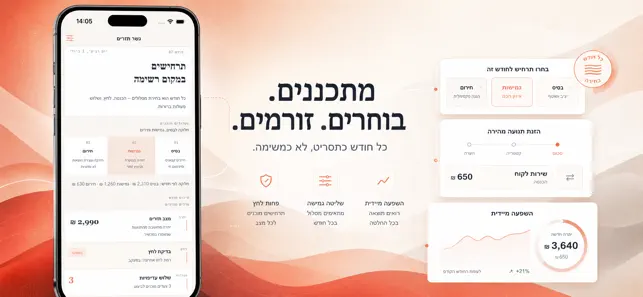
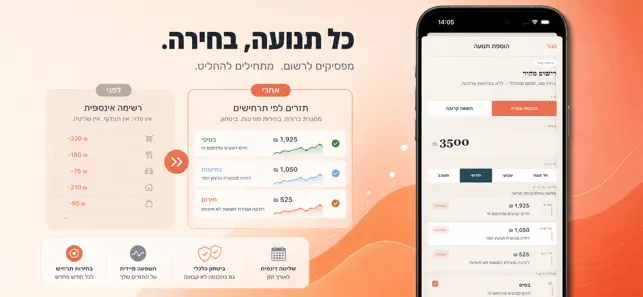
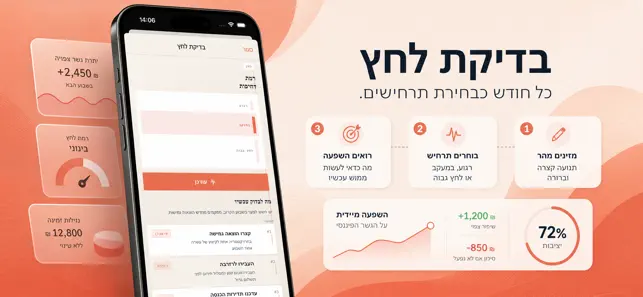
אם ההכנסה שלך משתנה ממועד למועד, קל לאבד שליטה בין החיוב הקבוע לבין היום שבו חסרים כמה שקלים. האפליקציה מיועדת לפרילאנסרים, זוגות צעירים ולכל משפחה שמנהל את החיסכון ידנית ומרגיש שחוסר הוודאות שוחק החלטות. כשההכנסה מתעכבת — פתח את הוספת הכנסה, הזן סכום ותדירות — קבל חלוקה מיידית לשלושה מסלולים: בסיס, גמישות וחירום. כשהמחשב מראה הוצאה קרובה — סמן רמת דחיפות והפעל בדיקת לחץ — תראה מה לחסוך עכשיו, מה אפשר לדחות, ומה לנתב לרזרבה. כשהעומס גדל — עבור למסך הפתרונות ולחץ על פעולת פעולה אחת — תקבל גם תחושת שליטה וגם רשימת צעדים קטנה להמשך היום. בניגוד ליומני הוצאות רגילים, גשר התזרים לא רק שומר נתונים אלא מציע תכנון מפורש שמחזיר שקט פיזי: מה לעשות עכשיו כדי להישאר בגבולות החודש בלי ויתורים לא ברורים. פתחו היום, הזינו אירוע אחד בלבד והכירו תוך דקה איך אותו אירוע משנה את תמונת המשק, במקום להמתין לדוח שבועי חסר משמעות.
App details
What you can learn from Exnss: Cash Flow Bridge
Every shipping app on the App Store has gone through the same decisions you're working through right now: which screenshot goes first, what caption sits over it, which device frame to show, what color the background should be. The 4 screenshots above are Exnss: Cash Flow Bridge's answers to those questions — they're public, they're real, and they made it through Apple's review.
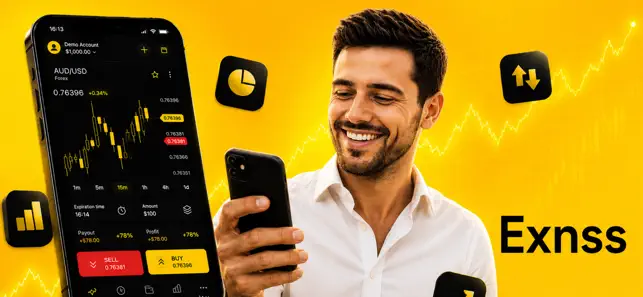
What the numbers say: Exnss: Cash Flow Bridge runs a light set where the background shifts from screenshot to screenshot (first shot #FCC404) — each image has to stand on its own, so the captions carry more of the story. The accent colour we picked up, #E49464, is the one to reuse for badges, arrows and highlighted words if you borrow this look. Hit Use this style to open the editor with these exact colours and drop your own screenshot in.
Notice the first screenshot in particular. It's the one users see in search results and on the product page, and it's where most apps spend their best caption and tightest design. Look at the proportion of background to phone, where the text sits, what one thing the image is trying to communicate.
Want to see how other Finance apps approach the same problem? Browse more Finance apps in the showcase.
Take what works into your own screenshots
Open LaunchShots and design your App Store & Google Play screenshots — pick a device frame, drop captions, ship in minutes. Free, in your browser.
Open the screenshot editor →Apps with a similar look
Closest background + accent colours among the listings we've analysed — useful when you want to see the same palette handled by a different team.