Chart position — tracked daily by LaunchShots
Screenshot style breakdown
Sampled from 5 of Memora X 古文単語・常識's App Store screenshots — background, accent and theme, measured by LaunchShots (not something Apple publishes).
#FCFCF4 bg
#DDDDD6
#AC7C54 accent
#111111 text
Reading the caption text from the screenshots in your browser…
Screenshots
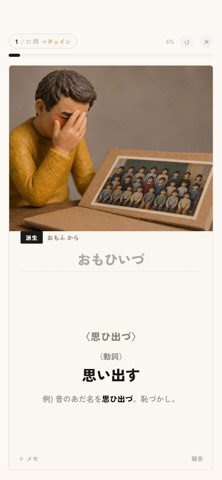

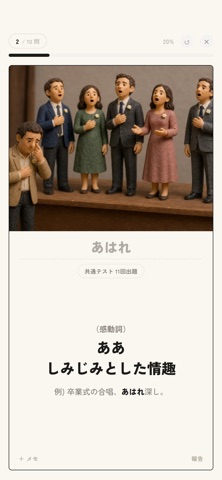
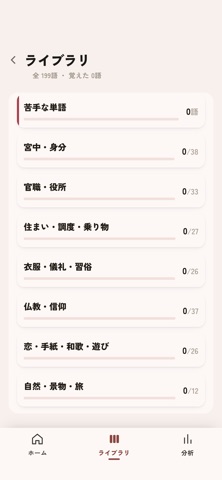
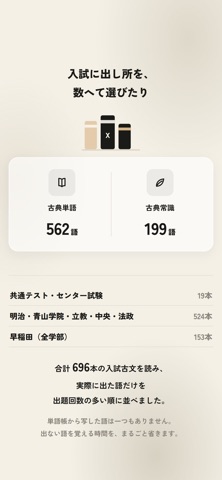
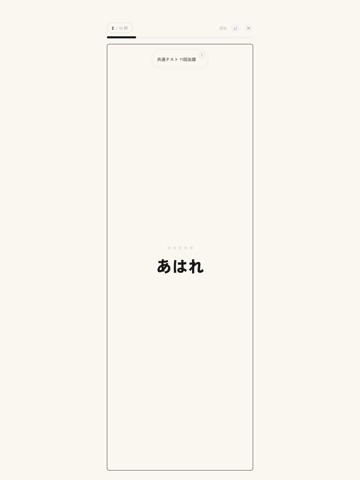
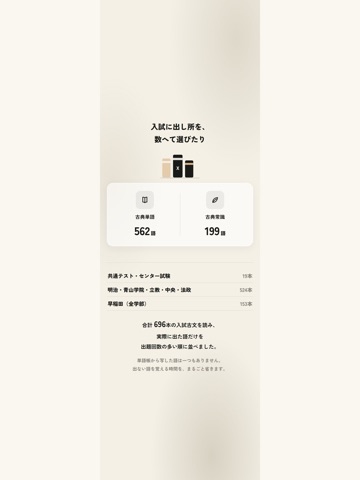
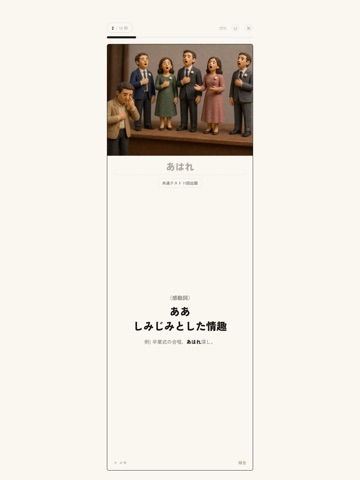
iPad screenshots




Icon palette
About this app
Memora Xは、大学受験の古文単語・古典常識を学ぶアプリです。 ■ 3つの単語帳 古典単語、難関私大、古典常識を収録。単語の意味、品詞、例文や画像を使い、言葉が使われる場面と一緒に学習できます。見出しは歴史的仮名遣いで表示し、古典常識の漢字には読み仮名を添えています。 ■ スワイプで答え合わせ 答えを思い浮かべ、自信に合わせてスワイプ。意味を確認した後の答え合わせもスワイプで進みます。自動出題、スキミング、苦手な単語の学習に対応し、ライブラリから範囲を選ぶこともできます。自分の単語の追加、学習記録、カレンダー、努力ダイヤで日々の取り組みを管理できます。 ■ 月額300円・広告なし 古典単語・難関私大・古典常識の全3冊を学習できる、1か月ごとの自動更新プランです。日本では月額300円です。実際の価格と購入条件は購入画面で確認できます。 月額プラン(App内課金)について ・購入時にApple Accountへ請求され、解約するまで毎月自動更新されます ・更新を止める場合は、期間終了の24時間前までにAppleのサブスクリプション管理か…
App details
What you can learn from Memora X 古文単語・常識
Every shipping app on the App Store has gone through the same decisions you're working through right now: which screenshot goes first, what caption sits over it, which device frame to show, what color the background should be. The 13 screenshots above are Memora X 古文単語・常識's answers to those questions — they're public, they're real, and they made it through Apple's review.
What the numbers say: Memora X 古文単語・常識 runs a light set with one background colour (#FCFCF4) carried across every screenshot — the listing reads as a single poster when the shots sit side by side in search results. The accent colour we picked up, #AC7C54, is the one to reuse for badges, arrows and highlighted words if you borrow this look. Hit Use this style to open the editor with these exact colours and drop your own screenshot in.
Notice the first screenshot in particular. It's the one users see in search results and on the product page, and it's where most apps spend their best caption and tightest design. Look at the proportion of background to phone, where the text sits, what one thing the image is trying to communicate.
Want to see how other Education apps approach the same problem? Browse more Education apps in the showcase.
Take what works into your own screenshots
Open LaunchShots and design your App Store & Google Play screenshots — pick a device frame, drop captions, ship in minutes. Free, in your browser.
Open the screenshot editor →Apps with a similar look
Closest background + accent colours among the listings we've analysed — useful when you want to see the same palette handled by a different team.