Chart position — tracked daily by LaunchShots
Screenshot changes — detected by LaunchShots
Screenshot style breakdown
Sampled from 5 of みずほ銀行アプリ's App Store screenshots — background, accent and theme, measured by LaunchShots (not something Apple publishes).
#F4F4FC bg
#D6D6DD
#040464 accent
#111111 text
Reading the caption text from the screenshots in your browser…
Screenshots
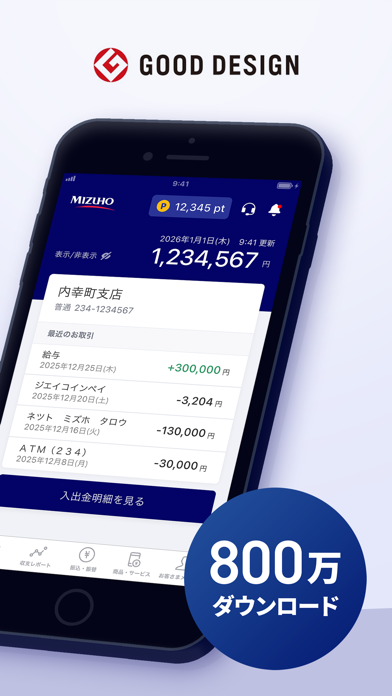
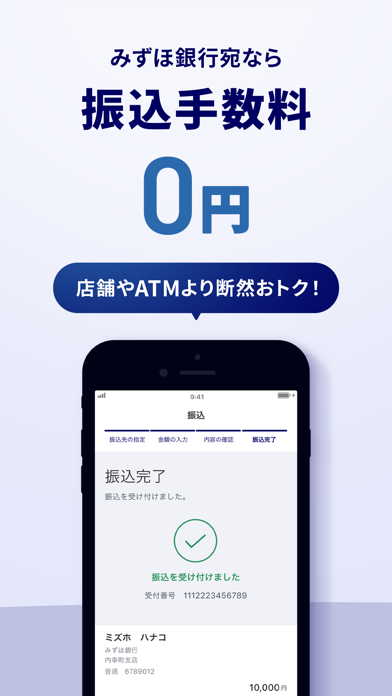
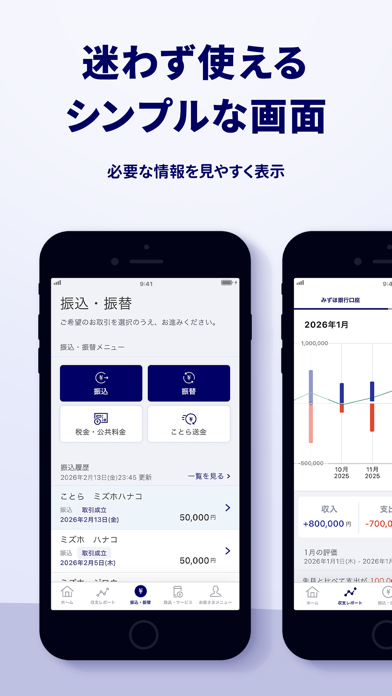
Icon palette
About this app
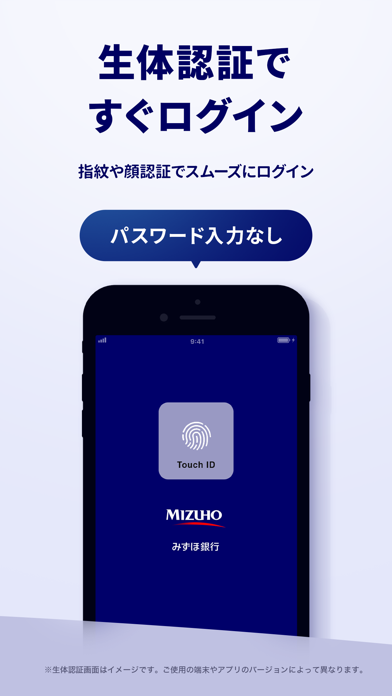
銀行やATMに行かなくても。いつでもどこでも、手元でカンタンに。 〈お振込〉〈残高照会〉〈公共料金・税金のお支払い〉 〈毎月の収支グラフ〉〈資産運用〉 詳しくはこちら https://www.mizuhobank.co.jp/direct/app/index.html 目次 ■①4つのポイント ■②ご利用の流れ ■③ご留意事項 ■①みずほ銀行アプリ4つのポイント 1)便利で安心・安全な認証方法。 アプリ起動時の認証は、スムーズで安心の生体認証を採用。お振込などのお取引時も、 ログインごとに変わるパスワードによる認証なので安全です。 2)お取引履歴をお手元で確認できます。 入金・お引き出しやお振込などのお取引履歴を、いつでもどこでもお手元で確認可能に。 紙の通帳のように記帳する必要がなくスムーズです。 3)毎月の収支もグラフで分かりやすく。 入金と出金のバランスが月ごとに一目で分かるので、お金の管理も簡単に。 グラフで分かりやすく、すぐにご確認いただけます。 4)毎月のお振込もお手元でカンタンに。 家賃や仕送りなどのお振込も、いつでもどこでも手元でカンタンに。各…
App details
What you can learn from みずほ銀行アプリ
Every shipping app on the App Store has gone through the same decisions you're working through right now: which screenshot goes first, what caption sits over it, which device frame to show, what color the background should be. The 5 screenshots above are みずほ銀行アプリ's answers to those questions — they're public, they're real, and they made it through Apple's review.
What the numbers say: みずほ銀行アプリ runs a light set with one background colour (#F4F4FC) carried across every screenshot — the listing reads as a single poster when the shots sit side by side in search results. The accent colour we picked up, #040464, is the one to reuse for badges, arrows and highlighted words if you borrow this look. Hit Use this style to open the editor with these exact colours and drop your own screenshot in.
Notice the first screenshot in particular. It's the one users see in search results and on the product page, and it's where most apps spend their best caption and tightest design. Look at the proportion of background to phone, where the text sits, what one thing the image is trying to communicate.
Want to see how other Finance apps approach the same problem? Browse more Finance apps in the showcase.
Take what works into your own screenshots
Open LaunchShots and design your App Store & Google Play screenshots — pick a device frame, drop captions, ship in minutes. Free, in your browser.
Open the screenshot editor →Apps with a similar look
Closest background + accent colours among the listings we've analysed — useful when you want to see the same palette handled by a different team.